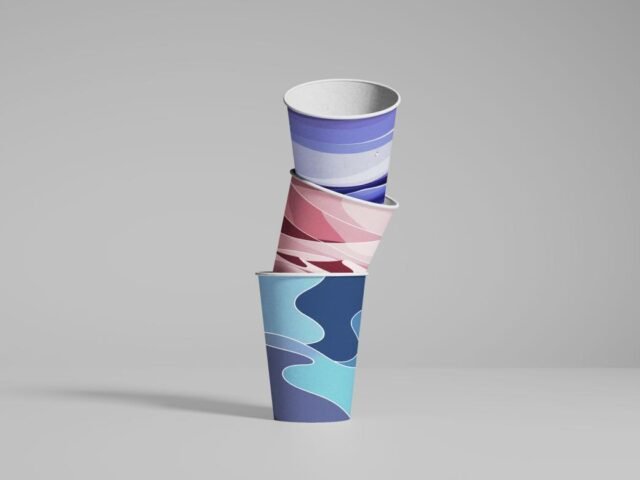
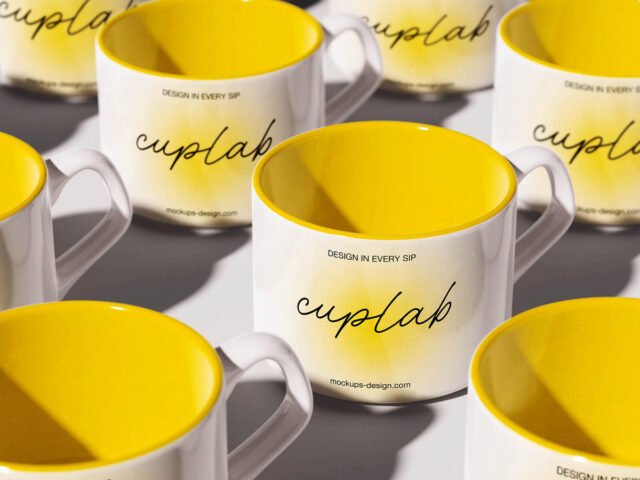
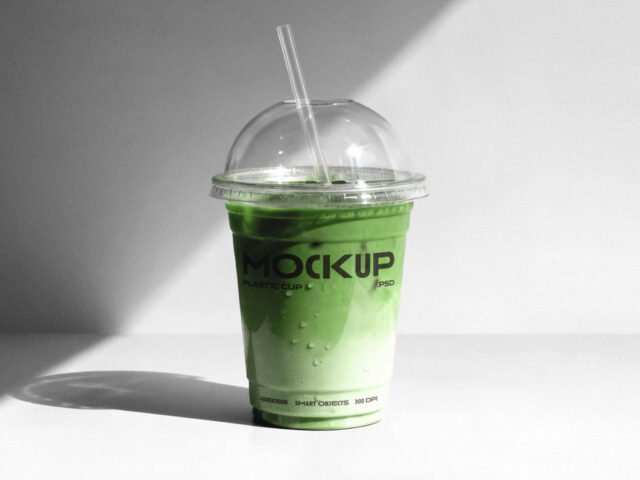
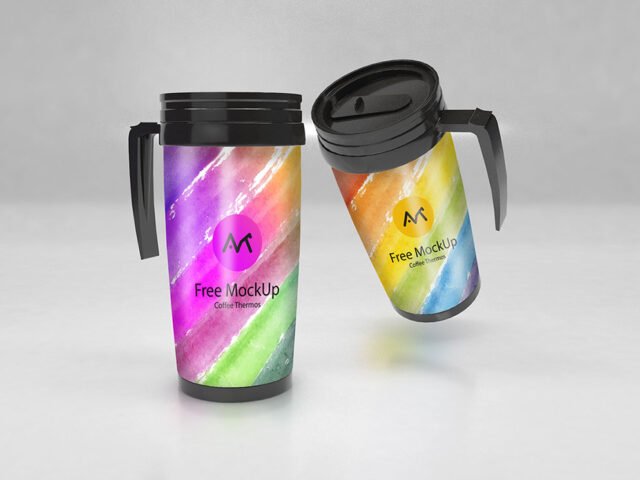
Coffee and Tea Cup Mockup

What's inside
- Applications Photoshop
- File Types PSD
- License Free (see author's terms)
- Author Pixpine
Show a takeaway cup print the way it will actually look: on a coffee tea cup mockup.
Food packaging designers and cafés tend to get the most out of files like this. Quick tip: try your design on both a light and dark cup colour before choosing one for the final render.
Cafés and coffee brands use renders like this for menus, social posts and supplier pitches. Pair it with a coffee bag or menu mockup for a complete café presentation.
Use it for
- A takeaway cup print
- A coffee cup logo
- A yogurt or dessert cup label
Pixpine created this one and hosts the download on their own site, so you always get the latest version straight from the source.
What you can edit in this Coffee and Tea Cup Mockup
Everything below is on its own layer:
- Logo or pattern, placed through the smart object
- Highlights on the curve
- Cup, lid or sleeve colour
- Background colour
Editing the Coffee and Tea Cup Mockup, step by step
- Centre your design on the side that faces the viewer.
- In the Layers panel, find the layer with the small smart object icon and double-click it.
- Drop your artwork in, fit it to the canvas, save and close. The mockup updates by itself.
- Export with File › Export › Export As: JPG for sharing, PNG for the web.
Another tip: cups are curved, so keep the logo compact and centred on the visible side.
Where the Coffee and Tea Cup Mockup works best
- Use it as the cover image for a yogurt or dessert cup label in your portfolio.
- Present a takeaway cup print in a client proposal or brand guide.
- Show a coffee cup logo to a client before it goes to print or production.
Quick notes on this mockup
- Made by Pixpine. The download size and format are listed on their page.
- Built for Adobe Photoshop. A recent CC version handles the smart objects best.
- Check the smart object size before you design, so your artwork fits without stretching.
- The preview shows the angle, background and lighting you’ll get.
Scroll down for similar cup mockups from other designers.
Questions about this mockup
What licence does it come with?
That depends on the author's terms. The download page lists what is allowed; when in doubt, ask the author directly.
How do I put my artwork on the cup?
Find the smart object layer (it has a small icon on its thumbnail), double-click it, place your design, then save and close that tab.
Do I need Photoshop?
Yes. This is a PSD mockup built with smart objects, so you edit it in Adobe Photoshop. Any recent CC version works.
Will my logo follow the curve?
Curved-surface mockups use a warp or displacement so the print bends with the cup. Keep key text in the middle, where the curve distorts it least.