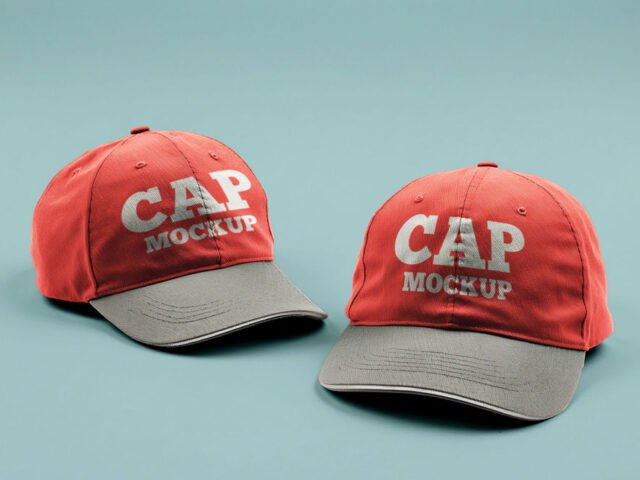
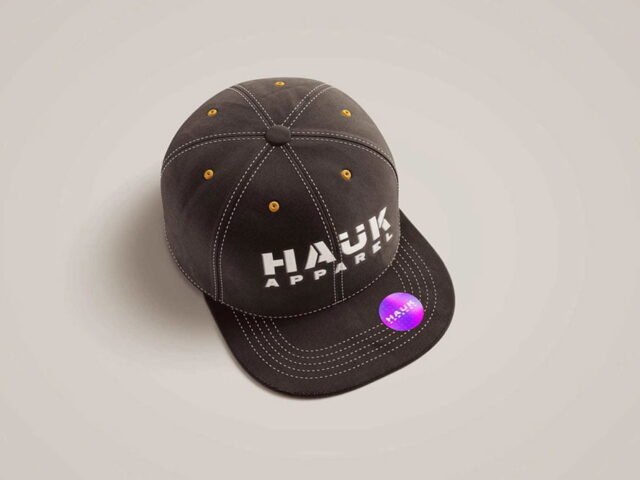
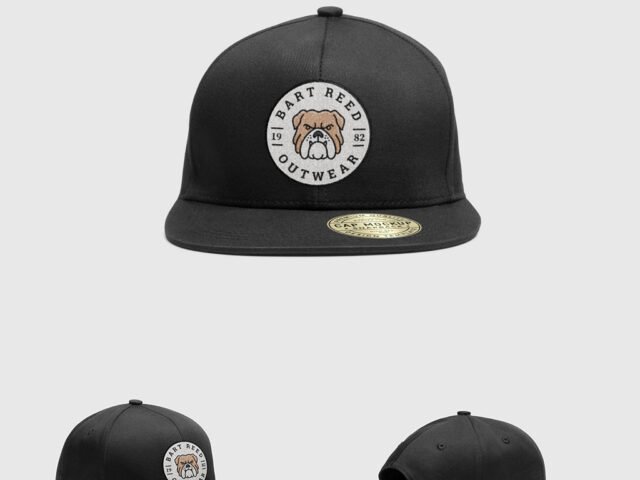
Dad Hat Mockup
What's inside
- Applications Photoshop
- File Types PSD
- License Free (see author's terms)
- Author Zippypixels
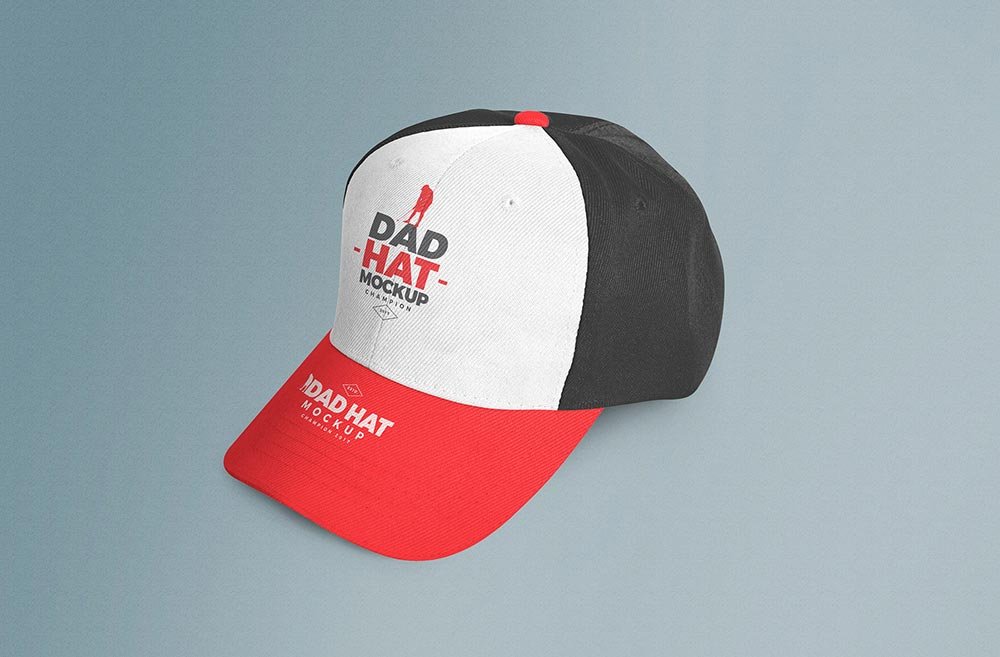
Show a side mark the way it will actually look: on a dad hat mockup.
Sports teams and merch shops tend to get the most out of files like this. A small tip: caps show logos small and curved; a simplified version of the mark reads much better than the full logo.
Print-on-demand shops use images like this for listings, so the realism of the folds matters more than people think. Add a hoodie or sweatshirt shot next to it and you have a basic collection page.
Works well for
- A side mark
- An embroidered logo
- A small patch design
The file is made by Zippypixels. The download button takes you to their page, where you get the original file and the licence details.
Dad Hat Mockup: editable parts
Open it in Photoshop and you can change:
- Print design, placed through the smart object
- Shadows and highlights
- Folds and wrinkles that wrap your print
- Background colour
Editing the Dad Hat Mockup, step by step
- Prepare the graphic flat, without shadows or fake texture. The mockup adds those.
- Open the file in Photoshop and double-click the smart object thumbnail in the Layers panel.
- Paste your design, resize it to fill the area, then save (Ctrl/Cmd + S) and close that tab.
- Change the fabric colour with the colour fill layer.
- Export with File › Export › Export As: JPG for sharing, PNG for the web.
One more thing: if the print looks too sharp, a very slight blur (0.3 px) makes it sit into the fabric.
Ways to use this Dad Hat Mockup
- Present a small patch design in a client proposal or brand guide.
- Show an embroidered logo to a client before it goes to print or production.
- Show a side mark on your online shop or product page.
Good to know
- Made by Zippypixels. The download size and format are listed on their page.
- Check the smart object size before you design, so your artwork fits without stretching.
- Built for Adobe Photoshop. A recent CC version handles the smart objects best.
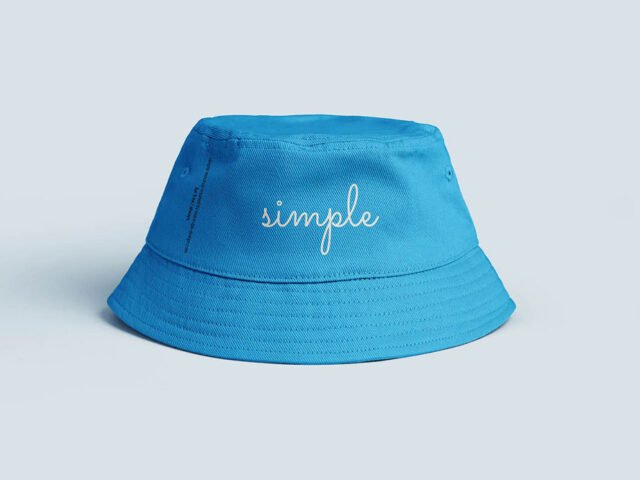
Scroll down for similar cap mockups from other designers.
Questions about this mockup
Is it free for commercial use?
It's free to download, but the licence belongs to Zippypixels. Check their page: it states whether commercial use is allowed and if attribution is needed.
How do I put my artwork on the cap?
Find the smart object layer (it has a small icon on its thumbnail), double-click it, place your design, then save and close that tab.
Do I need Photoshop?
Yes. This is a PSD mockup built with smart objects, so you edit it in Adobe Photoshop. Any recent CC version works.
Can I change the fabric colour?
Almost every apparel mockup has a colour fill or adjustment layer for the garment. Double-click its thumbnail and pick your colour.