Drawstring Pouch Mockup

What's inside
- Applications Photoshop
- File Types PSD
- License Free (see author's terms)
- Author Dribbble
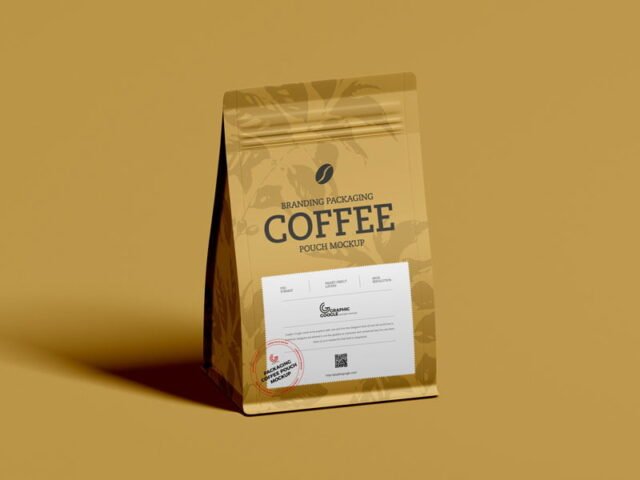
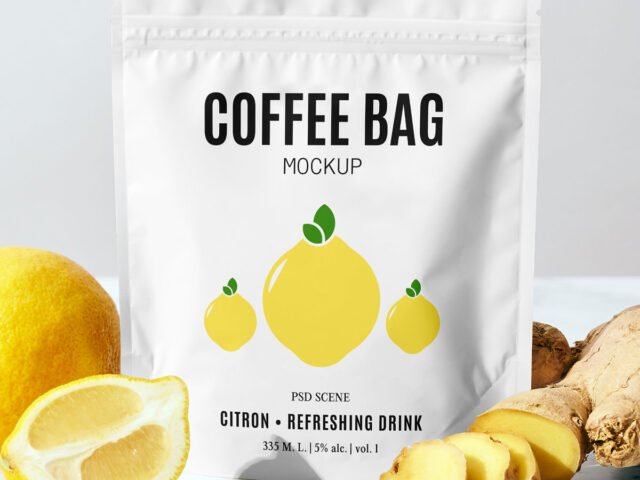
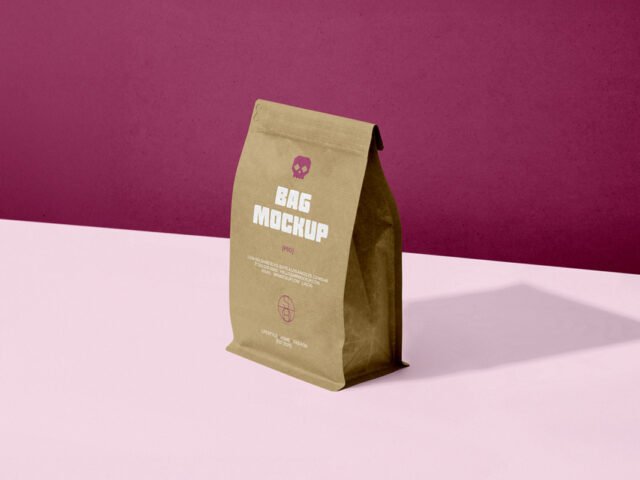
Need to show a coffee bag label to a client? This drawstring pouch mockup does the job in a few minutes.
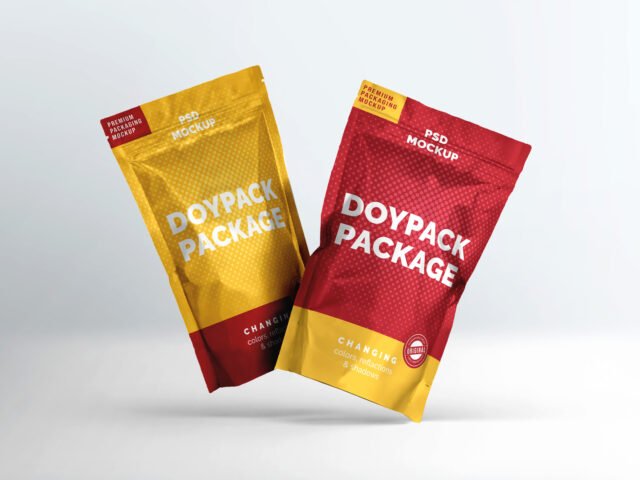
Good pick for coffee roasters, packaging designers or anyone putting together a portfolio. Quick tip: glossy packaging picks up highlights over your art; reduce the highlight layer if your logo gets washed out.
It’s also handy for crowdfunding pages and pitch decks, when the product exists but the packaging hasn’t been printed yet. Show it with a shipping box or bag from the same range to present the whole unboxing.
Credit goes to a designer on Dribbble. We link to their download page rather than re-uploading the file, so check their terms there before commercial use.
What’s inside the Drawstring Pouch Mockup PSD
The PSD is layered, so you can change:
- Label or box artwork, placed through the smart object
- Gloss and highlight layers
- Base colour of the pack
- Background colour
How to use the Drawstring Pouch Mockup
- Build the label or box art flat, panel by panel.
- Open the PSD in Photoshop and find the smart object layer, usually named “Your Design” or “Place Here”.
- Paste your design, resize it to fill the area, then save (Ctrl/Cmd + S) and close that tab.
- Turn the highlight layer down if it washes out your logo.
- Save a JPG for clients and social media, and keep the PSD for later changes.
One more thing: build the label or dieline flat first, then place it; bending text inside the mockup is harder to fix later.
Where the Drawstring Pouch Mockup works best
- Share a snack pouch on Instagram, Behance or Dribbble with a real-looking preview.
- Show a pet food design on your online shop or product page.
- Make two or three colour versions of a coffee bag label and let the client pick.
Good to know
- Made by a designer on Dribbble. The download size and format are listed on their page.
- Built for Adobe Photoshop. A recent CC version handles the smart objects best.
- Check the licence on the author’s page. Personal and commercial terms differ from file to file.
Scroll down for similar pouch mockups from other designers.
Questions about this mockup
What licence does it come with?
It's free to download, but the licence belongs to a designer on Dribbble. Check their page: it states whether commercial use is allowed and if attribution is needed.
How do I add my design?
Open the file in Photoshop, double-click the smart object thumbnail, paste or place your artwork in the new tab, save it (Ctrl/Cmd + S) and close. The main file updates on its own.
Which Photoshop version do I need?
A recent Photoshop CC version is best. Older versions can open the file but sometimes have trouble with smart objects and effects.
Can I change the packaging colour?
Usually yes. There is normally a colour layer under the design smart object, so you can change the base colour without touching your artwork.