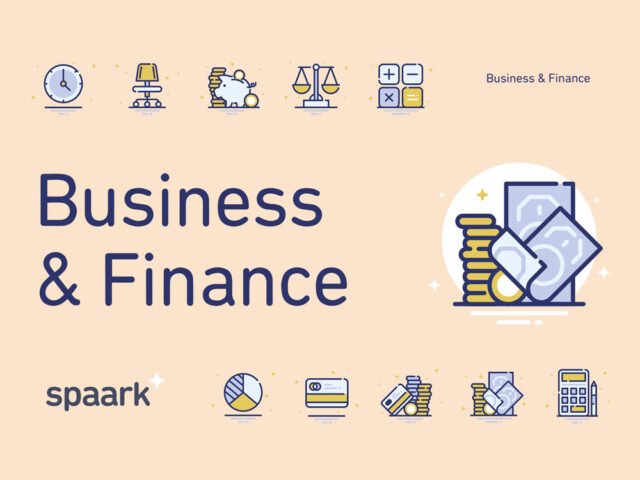
E-Commerce & Navigation Vector Icons Set

What's inside
- Applications Illustrator
- File Types Vector icons
- License Free (see author's terms)
- Author Pixelbuddha
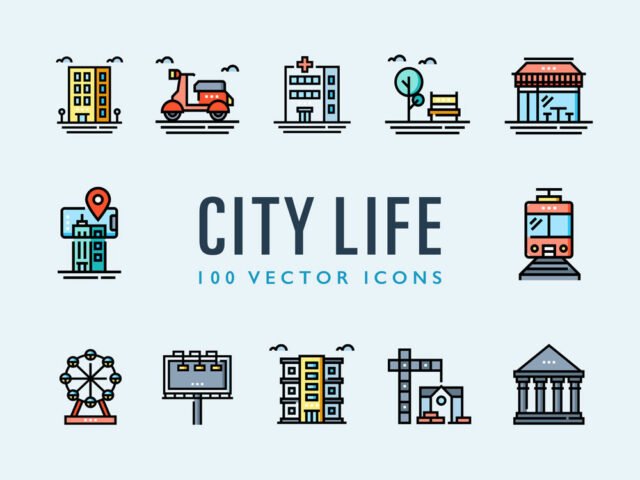
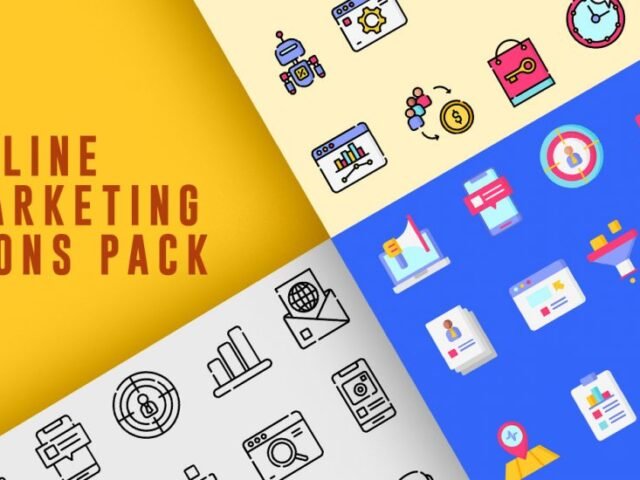
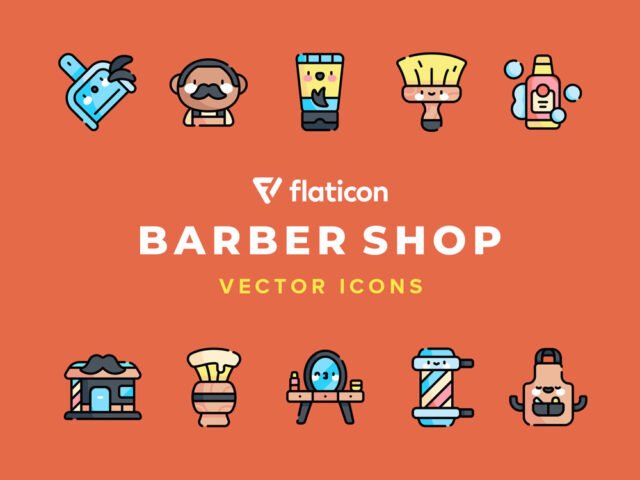
E-Commerce & Navigation Vector Icons Set is a free icon set for infographics and presentations. Having several angles in one download saves you hunting for a matching second shot.
UI designers and developers tend to get the most out of files like this. Tip: keep one icon set per project; mixing line weights from different sets is noticeable straight away.
It’s worth keeping a few good icons in your library for quick jobs where you don’t have time to make one from scratch.
Pixelbuddha created this one and hosts the download on their own site, so you always get the latest version straight from the source.
Getting started with the E-Commerce & Navigation Vector Icons Set
- Download the set from the author’s page and unzip it.
- Open the SVG or AI file in Illustrator, or place it in Photoshop.
- Change the colour and stroke to fit your design.
- Export the icons you need as SVG or PNG.
Worth remembering: read the author’s notes on the download page. Asset packs often include install steps or usage limits.
Quick notes on this mockup
- Made by Pixelbuddha. File size and format are listed on their page.
- Some free packs ask for credit when used publicly.
- Check the licence on the author’s page, especially for client work.
More free icons are listed below, each linking to the original author.
Questions about this mockup
What licence does it come with?
It's free to download, but the licence belongs to Pixelbuddha. Check their page: it states whether commercial use is allowed and if attribution is needed.
Can I change the icon colour and size?
Vector icons (AI, SVG, EPS) scale and recolour freely. PNG versions are fixed-size, so use the vector files when you can.