CS Durant Font
Characters
About CS Durant
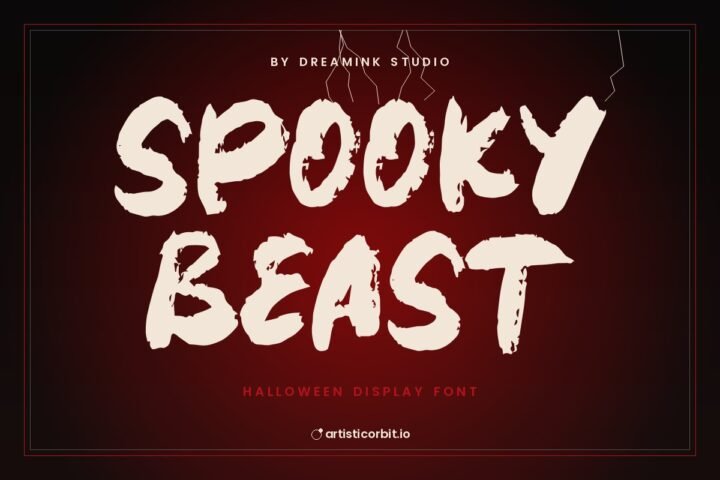
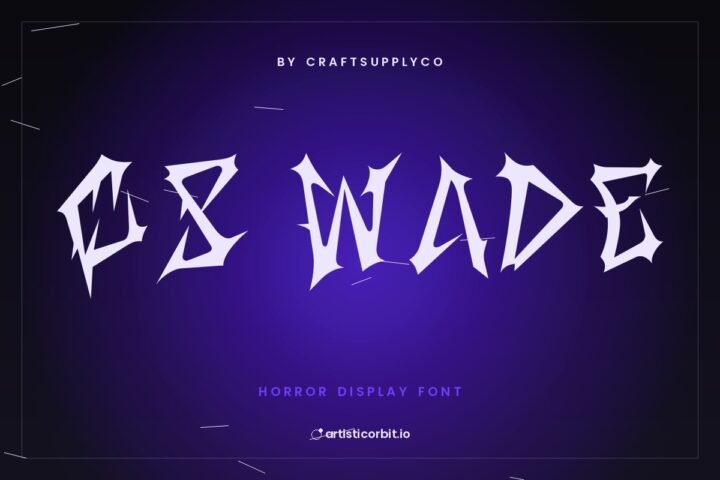
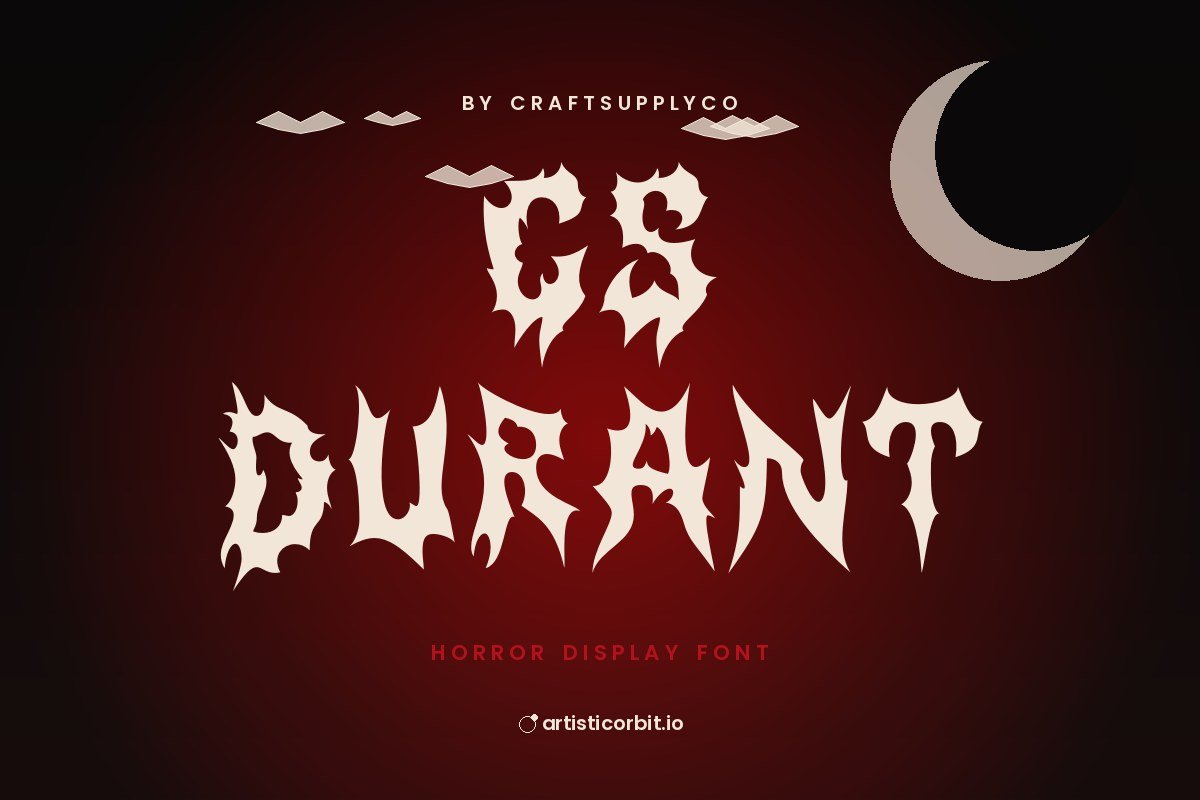
Meet CS Durant, a display typeface by craftsupplyco. It has a creepy, horror feel.
Try it on planners and paper crafts and website headings; it also holds up on wedding invitations. Pair it with Inter for smaller text. Display fonts are made for big sizes. Test your headline at the size it will actually be used.
You get one font file in the download (CSDurant-Regular_demo.otf), covering uppercase and lowercase.
This free version is for personal use. If you plan to earn money with it (client work, merch, packaging), get the commercial licence from craftsupplyco.
How to install CS Durant
- Download the zip and unzip it.
- On Windows, double-click the font file and press Install.
- On a Mac, open the file and press Install Font.
- Close and reopen your design app, then look for the font in the list.
Questions about this font
Can I use CS Durant for commercial projects?
Not with the free download. It's personal use only; for anything that earns money, buy a commercial licence from craftsupplyco.
Who designed CS Durant?
CS Durant was made by craftsupplyco.
How do I install CS Durant?
Unzip the file. On Windows right-click the .otf or .ttf file and choose Install; on a Mac double-click it and click Install Font.
What font goes well with CS Durant?
Try Inter for body text. A calm partner lets CS Durant do the talking in headlines.
What counts as personal use?
Projects you don't earn money from: school work, your own invitations, practice designs or a personal social post.