Pillar Font
Characters
About Pillar
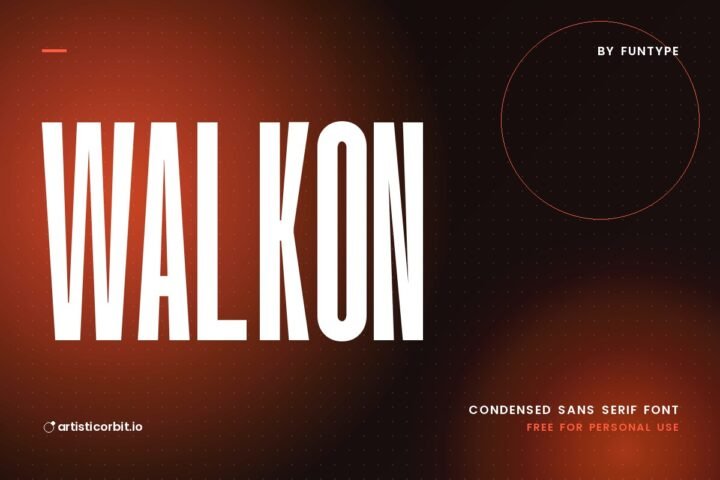
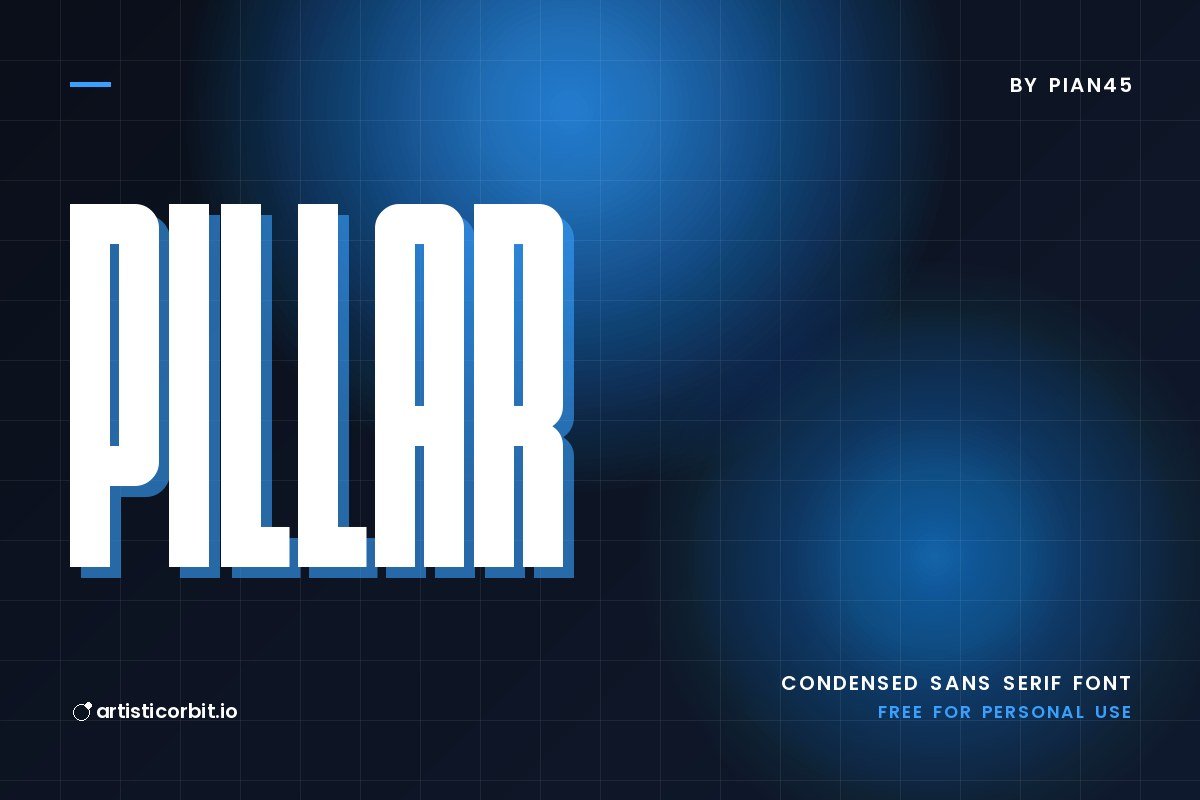
Pillar by Pian45 is a sans serif font with a tall, condensed build. Its full name says it well: condensed sans serif.
Good places to use it: real estate branding, magazine layouts or T-shirt prints. For body text next to it, a quiet font such as Lora keeps the layout easy to read. Sans serif fonts stay readable on screens, which makes them a safe choice for websites and apps.
You get 2 font files in the download (Pillar.otf, Pillar.ttf), covering uppercase, lowercase and numbers.
Licence: Personal Use Only. The free download is for personal projects only. For logos, client work, products or ads, buy a commercial licence from Pian45.
Using Pillar on your computer
- Unzip the downloaded file.
- On Windows, double-click the font file and press Install.
- Mac: double-click the file and click Install Font in Font Book.
- Restart Photoshop, Illustrator or Canva desktop so the font shows up.
Questions about this font
Can I use Pillar for commercial projects?
Not with the free download. It's personal use only; for anything that earns money, buy a commercial licence from Pian45.
Who designed Pillar?
Pillar was made by Pian45.
How do I install Pillar?
Unzip the file. On Windows right-click the .otf or .ttf file and choose Install; on a Mac double-click it and click Install Font.
What font goes well with Pillar?
Try Lora for body text. A calm partner lets Pillar do the talking in headlines.
What counts as personal use?
Projects you don't earn money from: school work, your own invitations, practice designs or a personal social post.