Venadria Signature Font
Characters
About Venadria Signature
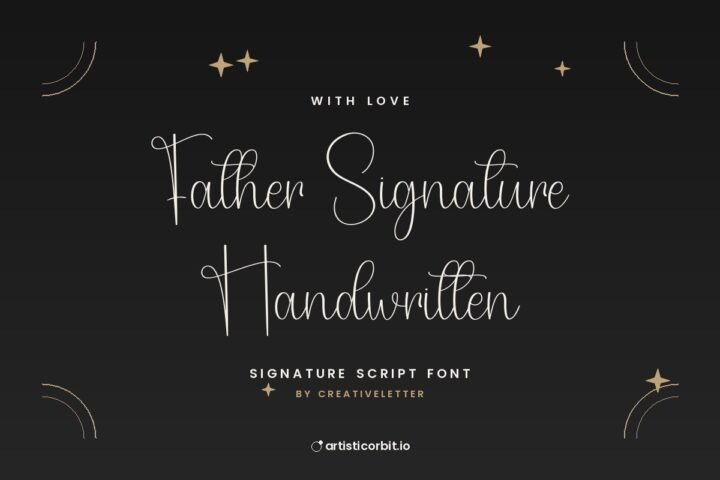
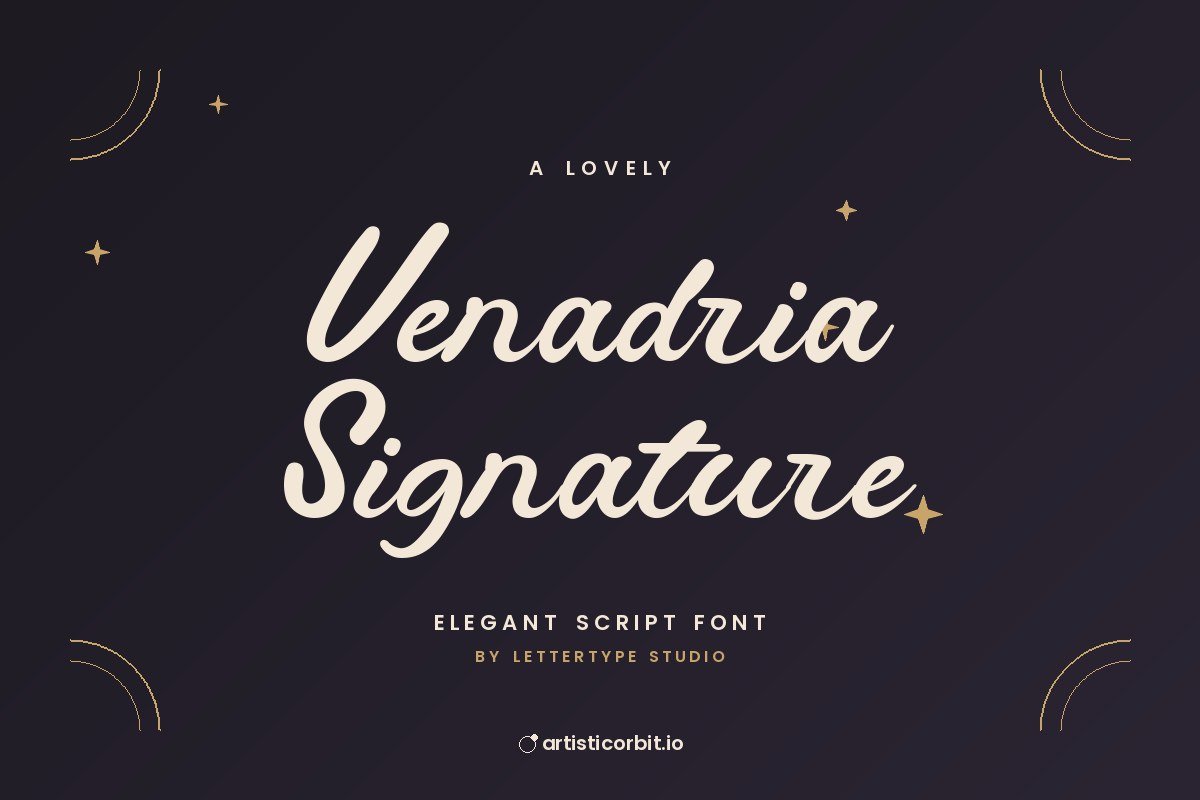
Venadria Signature is a script font by Lettertype Studio, released in 2026. It has a signature-style flow.
Try it on video titles and logos; it also holds up on business cards. For body text next to it, a quiet font such as Lato keeps the layout easy to read. Give a script headline room to breathe: generous margins make the swashes look intentional.
The zip contains one font file (Venadria-Signature-Demo.ttf), covering uppercase, lowercase and numbers. It’s a demo, which usually means a limited character set; the full version has everything.
Licence: Demo / Trial. The free download is for personal projects only. For logos, client work, products or ads, buy a commercial licence from Lettertype Studio. The link below goes to the designer’s shop.
Installing the font
- Unzip the downloaded file.
- On Windows, double-click the font file and press Install.
- Mac: double-click the file and click Install Font in Font Book.
- Restart Photoshop, Illustrator or Canva desktop so the font shows up.
Questions about this font
Can I use Venadria Signature for commercial projects?
Not with the free download. It's demo / trial; for anything that earns money, buy a commercial licence from Lettertype Studio.
Who designed Venadria Signature?
Venadria Signature was made by Lettertype Studio. Their website is linked in the download box.
How do I install Venadria Signature?
Unzip the file. On Windows right-click the .otf or .ttf file and choose Install; on a Mac double-click it and click Install Font.
Does it have alternate letters or swashes?
Many script fonts keep alternates in the Glyphs panel (Photoshop and Illustrator: Window › Glyphs). Free and demo versions may include fewer than the full font.
What counts as personal use?
Projects you don't earn money from: school work, your own invitations, practice designs or a personal social post.