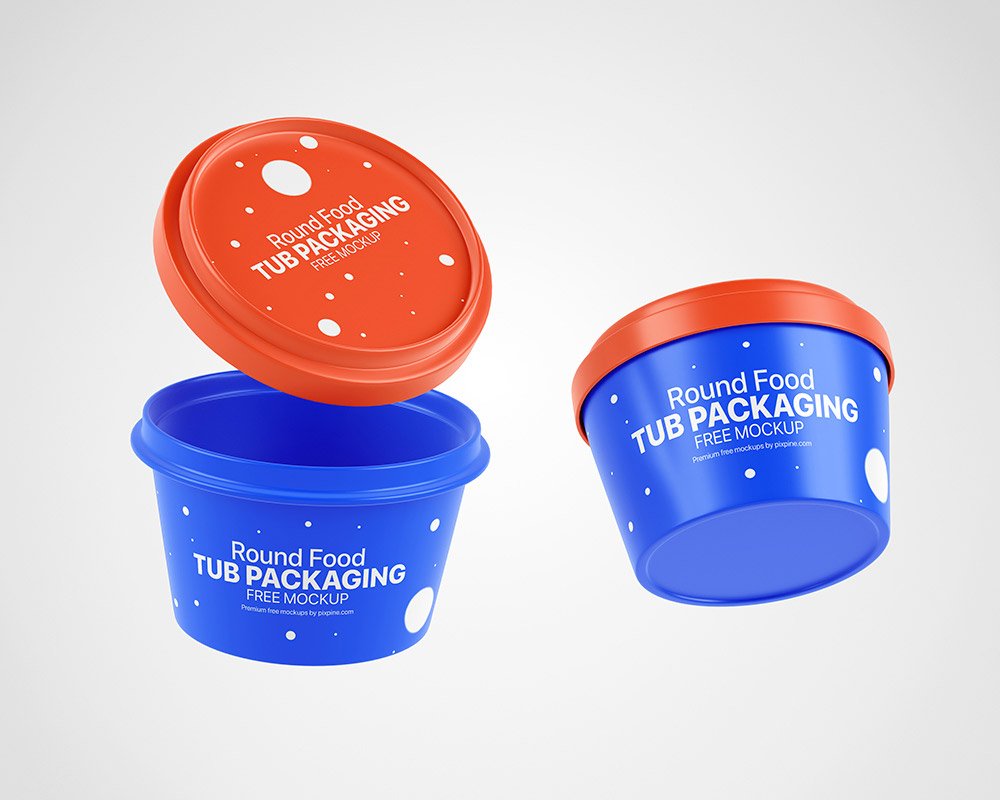
Food Round Tub Packaging Mockup
What's inside
- Applications Photoshop
- File Types PSD
- License Free (see author's terms)
- Author Pixpine
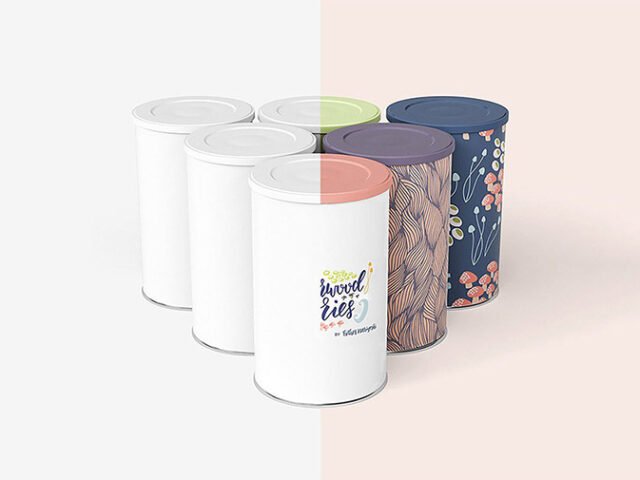
Full packaging artwork looks better on a food round tub packaging mockup than on a white artboard, and this mockup is set up for exactly that.
Good pick for food and health brands, product startups or anyone putting together a portfolio. A small tip: check barcodes, weights and small legal text at 100% zoom. Packaging clients always look for those.
A realistic render saves a round of physical samples, which for packaging can take weeks.
Credit goes to Pixpine. We link to their download page rather than re-uploading the file, so check their terms there before commercial use.
What you can edit in this Food Round Tub Packaging Mockup
Everything below is on its own layer:
- Label or box artwork, placed through the smart object
- Gloss and highlight layers
- Base colour of the pack
How to use the Food Round Tub Packaging Mockup
- Build the label or box art flat, panel by panel.
- Open the PSD in Photoshop and find the smart object layer, usually named “Your Design” or “Place Here”.
- Drop your artwork in, fit it to the canvas, save and close. The mockup updates by itself.
- Change the base colour of the pack.
- Export a full-size image for your portfolio and a smaller one for social media.
One more thing: glossy packaging picks up highlights over your art; reduce the highlight layer if your logo gets washed out.
Ways to use this Food Round Tub Packaging Mockup
- Share a product label on Instagram, Behance or Dribbble with a real-looking preview.
- Present a food container design in a client proposal or brand guide.
- Make two or three colour versions of full packaging artwork and let the client pick.
Quick notes on this mockup
- Made by Pixpine. The download size and format are listed on their page.
- Check the smart object size before you design, so your artwork fits without stretching.
- Built for Adobe Photoshop. A recent CC version handles the smart objects best.
- Check the licence on the author’s page. Personal and commercial terms differ from file to file.
Scroll down for similar packaging mockups from other designers.
Questions about this mockup
Can I use this package mockup for client work?
It's free to download, but the licence belongs to Pixpine. Check their page: it states whether commercial use is allowed and if attribution is needed.
How do I add my design?
Open the file in Photoshop, double-click the smart object thumbnail, paste or place your artwork in the new tab, save it (Ctrl/Cmd + S) and close. The main file updates on its own.
Which Photoshop version do I need?
A recent Photoshop CC version is best. Older versions can open the file but sometimes have trouble with smart objects and effects.
Can I change the packaging colour?
Usually yes. There is normally a colour layer under the design smart object, so you can change the base colour without touching your artwork.