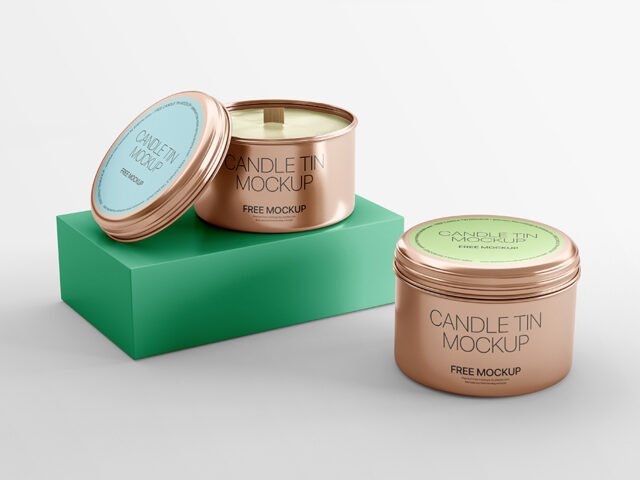
Front Box Candle Mockup PSD

What's inside
- Applications Photoshop
- File Types PSD
- License Free (see author's terms)
- Author Creatoom
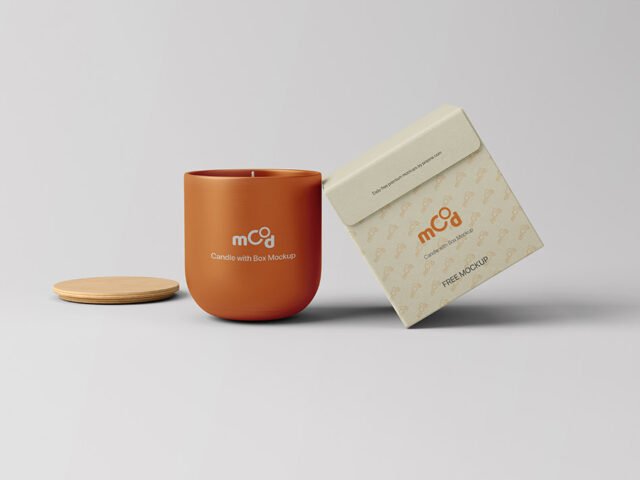
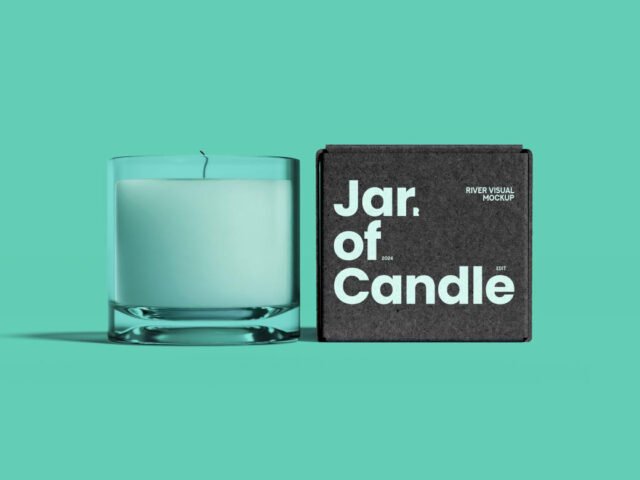
Show a scent range the way it will actually look: on a front box candle mockup.
Home fragrance brands and Etsy sellers tend to get the most out of files like this. One thing worth knowing: labels on curved surfaces compress at the sides, so keep key text in the middle third.
It’s also a good way to compare a few label directions side by side without printing anything.
This is a free file from Creatoom. When you click download you’ll land on their page to grab it.
Editable options in the Front Box Candle Mockup PSD
Everything below is on its own layer:
- Label artwork, placed through the smart object
- Container colour
- Shadows
How to edit this Front Box Candle Mockup in Photoshop
- Export the label at the size of the smart object.
- Open the PSD in Photoshop and find the smart object layer, usually named “Your Design” or “Place Here”.
- Drop your artwork in, fit it to the canvas, save and close. The mockup updates by itself.
- Change the container colour.
- Export with File › Export › Export As: JPG for sharing, PNG for the web.
Worth remembering: transparent or glass items show the background through. Test your label on the actual background colour you’ll use.
Best uses for this Front Box Candle Mockup
- Show a candle jar label to a client before it goes to print or production.
- Use it as the cover image for a gift candle box in your portfolio.
- Show a scent range on your online shop or product page.
Good to know
- Made by Creatoom. The download size and format are listed on their page.
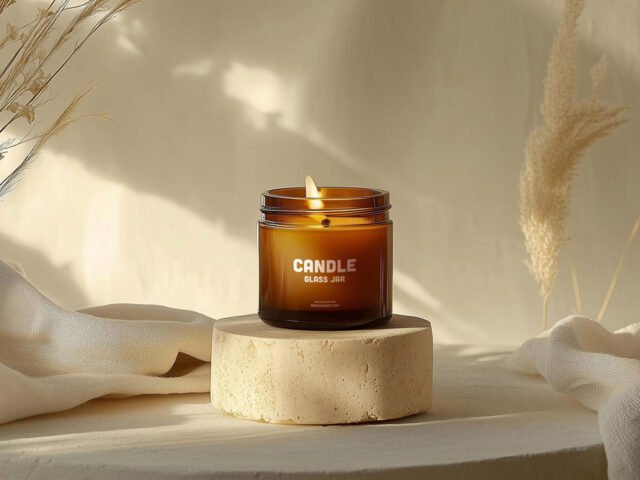
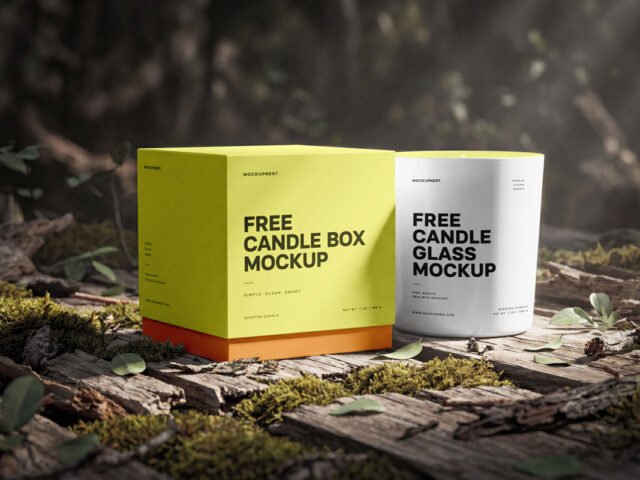
- The preview shows the angle, background and lighting you’ll get.
- Built for Adobe Photoshop. A recent CC version handles the smart objects best.
Need a different angle? The candle mockups category has plenty more free PSD files.
Questions about this mockup
What licence does it come with?
That depends on the author's terms. The download page lists what is allowed; when in doubt, ask the author directly.
How do I put my artwork on the candle?
Find the smart object layer (it has a small icon on its thumbnail), double-click it, place your design, then save and close that tab.
Which Photoshop version do I need?
A recent Photoshop CC version is best. Older versions can open the file but sometimes have trouble with smart objects and effects.
Will the label bend with the shape?
Good curved-product mockups use a warp so the label wraps around. The preview shows it: if the edges of the label curve away, it does.