Glass Beer Bottle Mockup
What's inside
- Applications Photoshop
- File Types PSD
- License Free (see author's terms)
- Author Mockupful
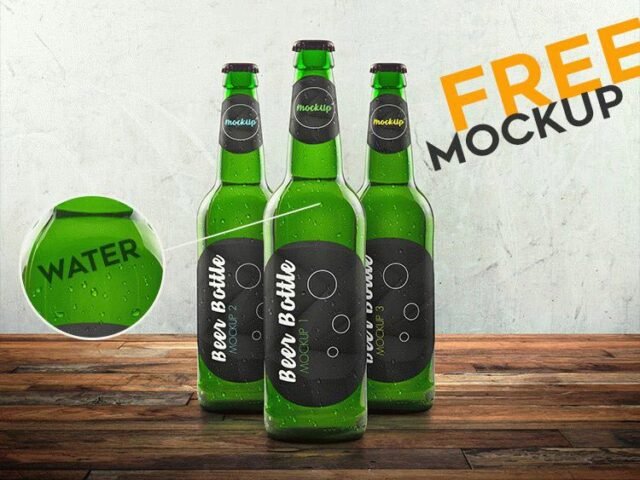
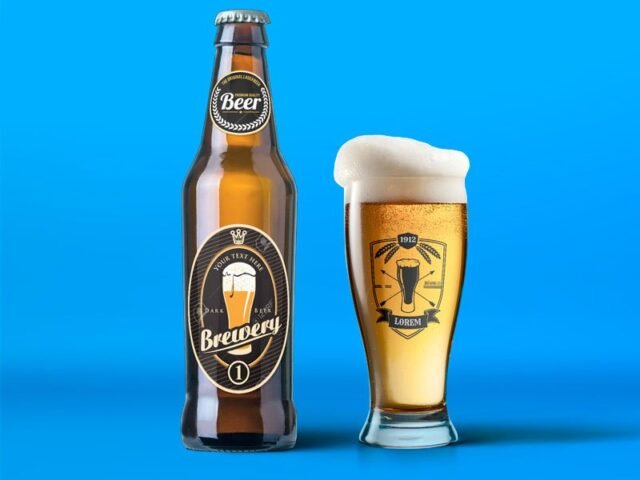
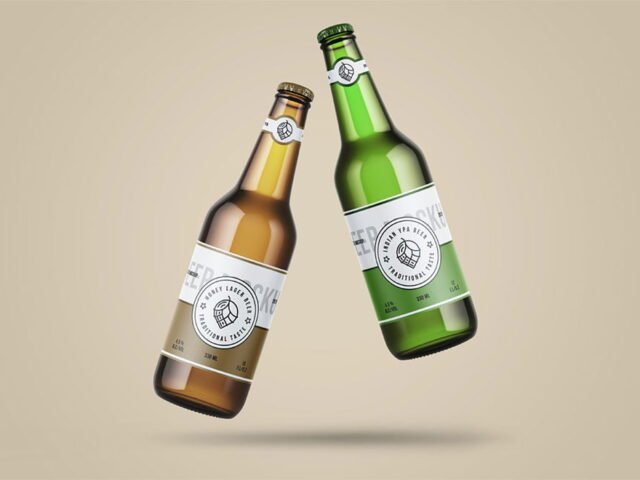
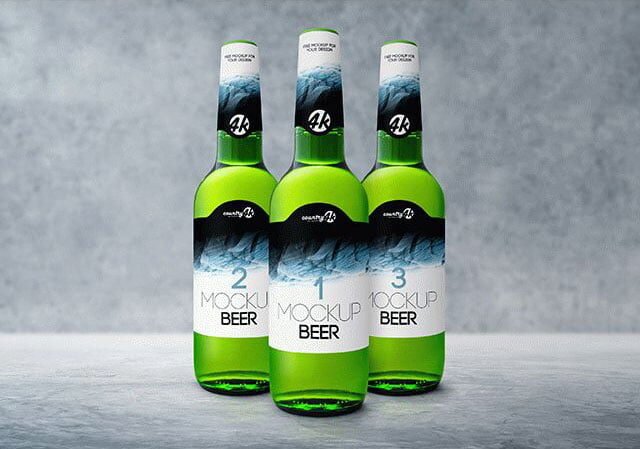
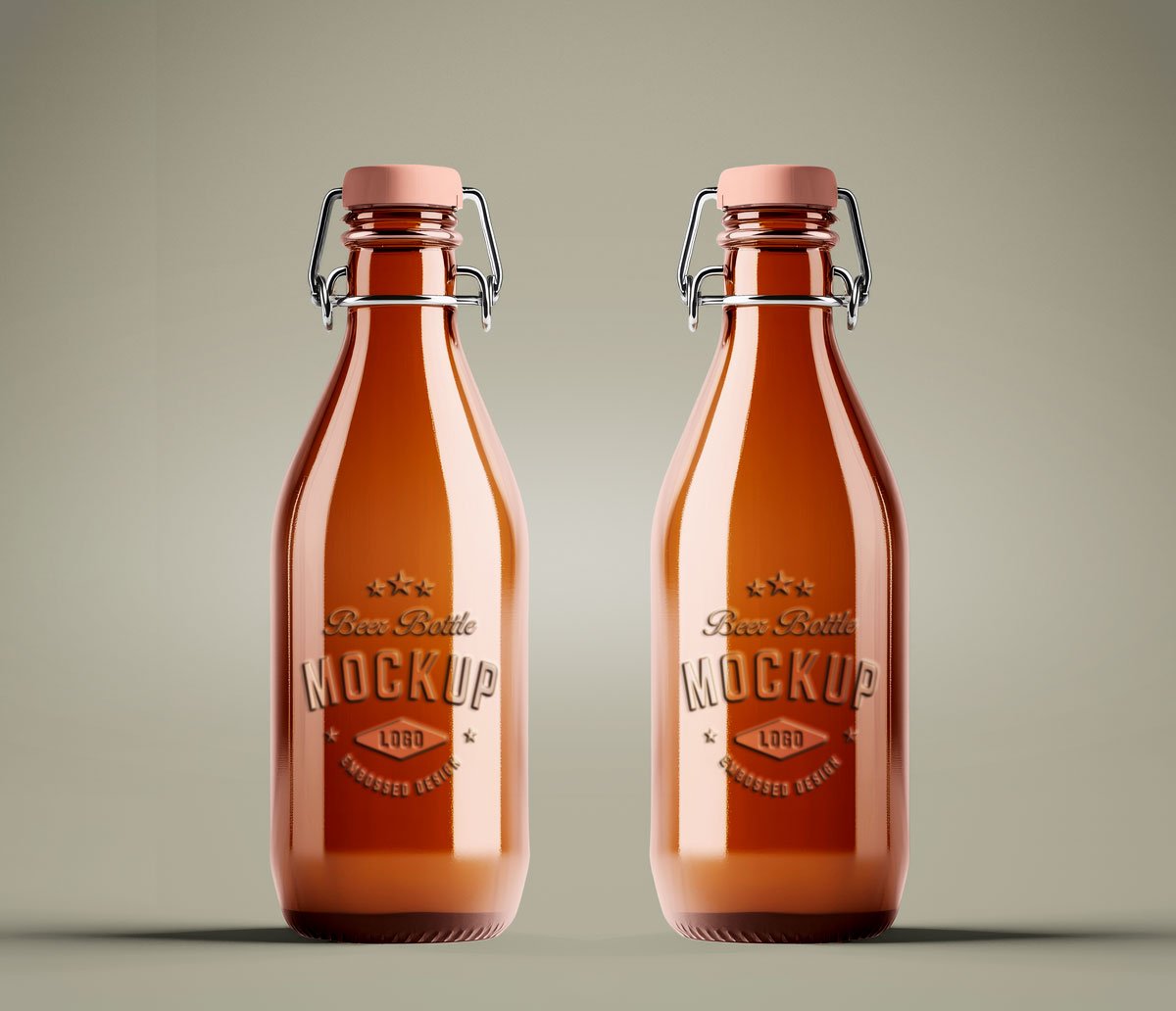
This glass beer bottle mockup is a quick way to show a beer label without a photo shoot. The glass finish gives the preview a tactile look that flat artwork doesn’t have.
It’s a handy file for bars and breweries. Quick tip: leave a little breathing room around the label edge so the highlight strip does not cut through your logo.
Labels behave differently once they wrap around a shape, and this is where you find out if yours still reads.
Use it for
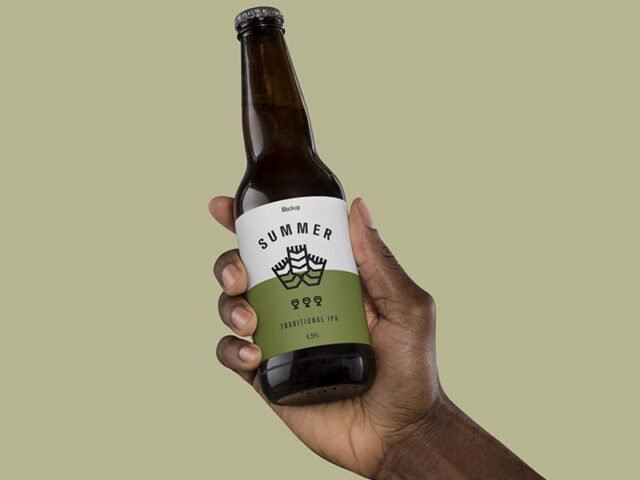
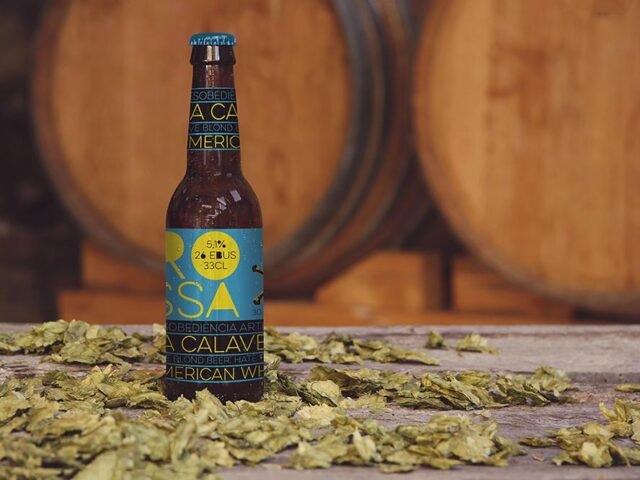
- A beer label
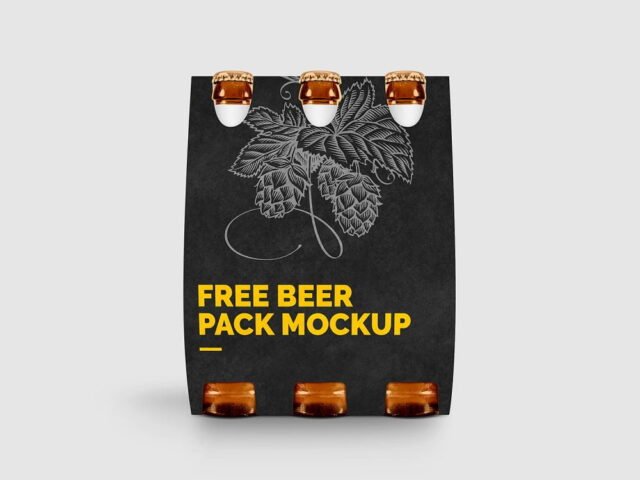
- A six-pack carrier
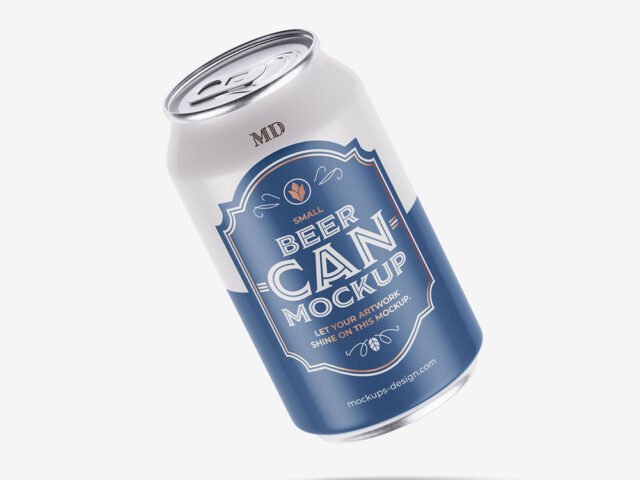
- A craft beer can
This is a free file from Mockupful. When you click download you’ll land on their page to grab it.
Editable options in the Glass Beer Bottle Mockup PSD
Open it in Photoshop and you can change:
- Label artwork, placed through the smart object
- Background colour
- Container colour
How to edit this Glass Beer Bottle Mockup in Photoshop
- Export the label at the size of the smart object.
- In the Layers panel, find the layer with the small smart object icon and double-click it.
- Paste your design, resize it to fill the area, then save (Ctrl/Cmd + S) and close that tab.
- Change the container colour.
- Export a full-size image for your portfolio and a smaller one for social media.
Labels on curved surfaces compress at the sides, so keep key text in the middle third.
Ways to use this Glass Beer Bottle Mockup
- Show a craft beer can to a client before it goes to print or production.
- Present a six-pack carrier in a client proposal or brand guide.
- Share a beer label on Instagram, Behance or Dribbble with a real-looking preview.
Good to know
- Made by Mockupful. The download size and format are listed on their page.
- Check the licence on the author’s page. Personal and commercial terms differ from file to file.
- The preview shows the angle, background and lighting you’ll get.
- Built for Adobe Photoshop. A recent CC version handles the smart objects best.
Browse more free beer mockups on Artistic Orbit, with new files added every day.
Questions about this mockup
Can I use this beer packaging mockup for client work?
It's free to download, but the licence belongs to Mockupful. Check their page: it states whether commercial use is allowed and if attribution is needed.
How do I add my design?
Open the file in Photoshop, double-click the smart object thumbnail, paste or place your artwork in the new tab, save it (Ctrl/Cmd + S) and close. The main file updates on its own.
Do I need Photoshop?
Yes. This is a PSD mockup built with smart objects, so you edit it in Adobe Photoshop. Any recent CC version works.
Will the label bend with the shape?
Good curved-product mockups use a warp so the label wraps around. The preview shows it: if the edges of the label curve away, it does.