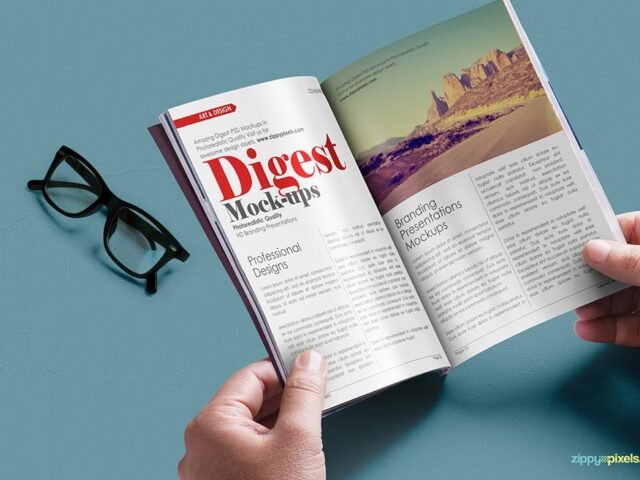
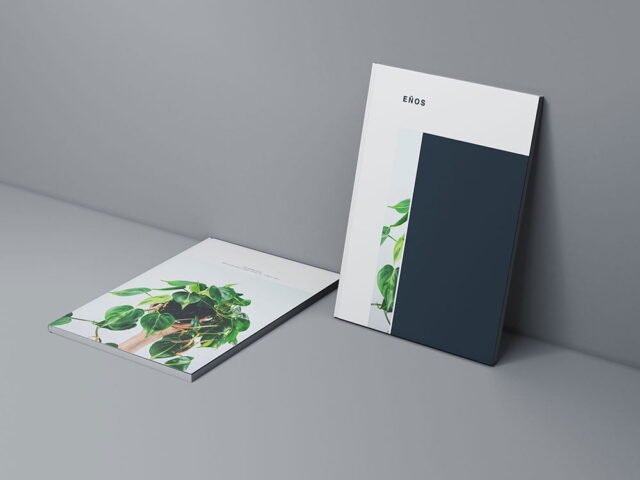
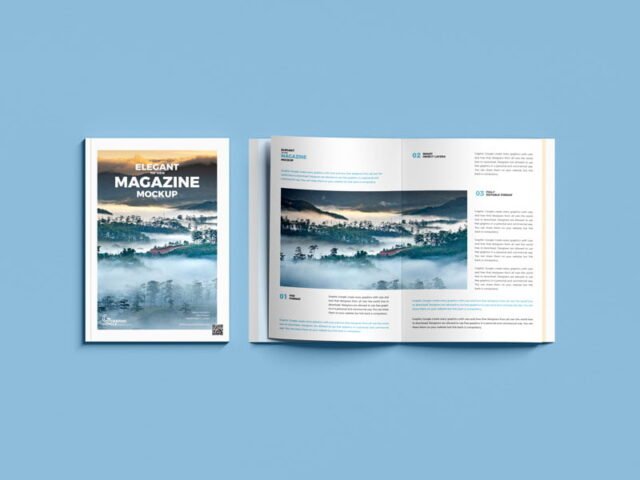
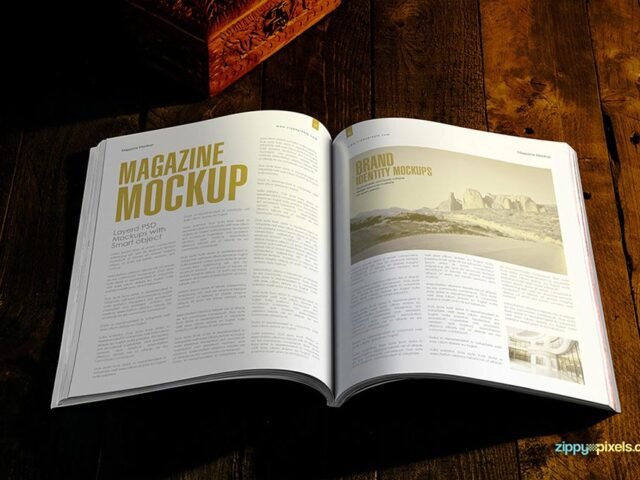
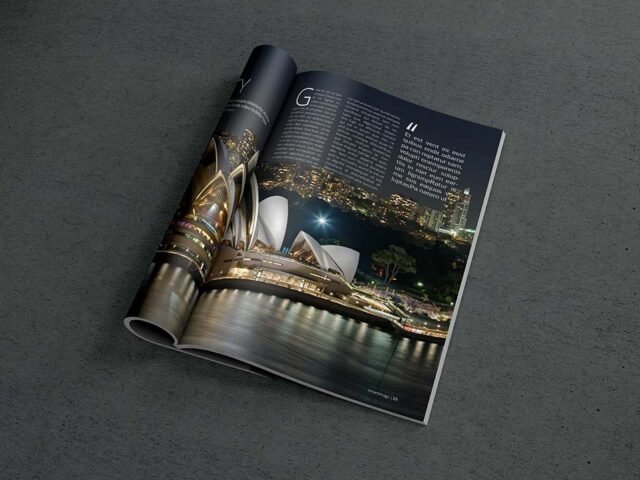
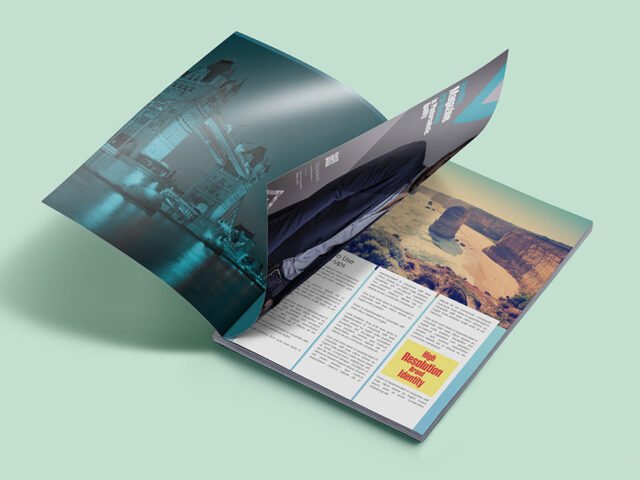
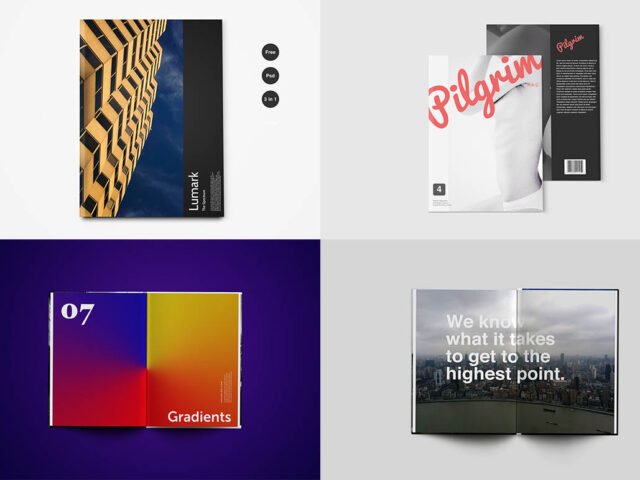
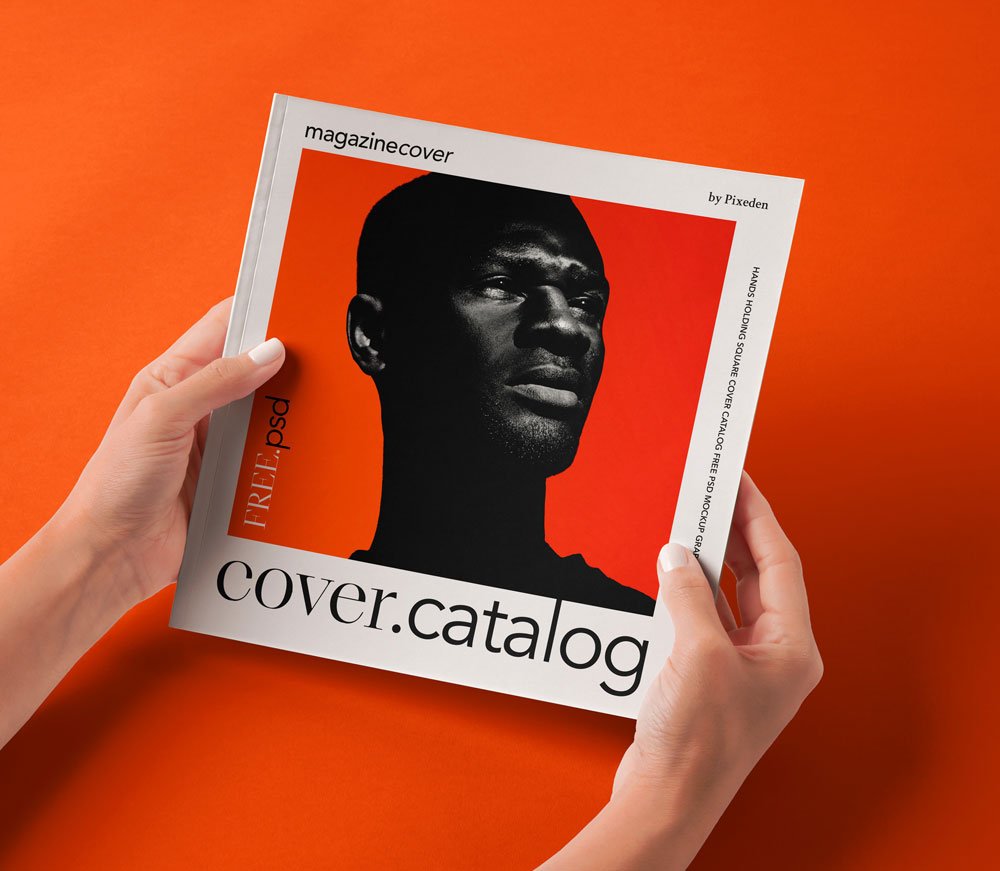
Hands Holding Cover Magazine Mockup
What's inside
- Applications Photoshop
- File Types PSD
- License Free (see author's terms)
- Author Pixeden
Presenting a company newsletter? Put it on this hands holding cover magazine mockup and the client sees the real thing, not a flat file.
Good pick for editorial designers, publishers or anyone putting together a portfolio. Tip: export your artwork at the size the smart object asks for; scaling a small file up is the usual reason print mockups look soft.
Print jobs are expensive to redo, so a realistic preview before the order goes out is cheap insurance. If you’re building a full identity, pair it with an envelope or letterhead mockup for a matching set.
Works well for
- A company newsletter
- A magazine cover
- An editorial spread
Pixeden created this one and hosts the download on their own site, so you always get the latest version straight from the source.
Hands Holding Cover Magazine Mockup: editable parts
The PSD is layered, so you can change:
- Your design, placed through the smart object
- Paper texture you can turn up or down
- Shadows and highlights on their own layers
- Front and back artwork, where both sides are shown
Editing the Hands Holding Cover Magazine Mockup, step by step
- Get your artwork ready at print size, with 3 mm of bleed if it runs to the edge.
- In the Layers panel, find the layer with the small smart object icon and double-click it.
- Place your design, hide the sample artwork, save, and go back to the main file.
- Turn the texture layer up or down to match the paper you’ll print on.
- Export with File › Export › Export As: JPG for sharing, PNG for the web.
If the paper has texture, drop the opacity of your art by a few percent so the grain shows through.
Where the Hands Holding Cover Magazine Mockup works best
- Make two or three colour versions of a magazine cover and let the client pick.
- Use it as the cover image for a company newsletter in your portfolio.
- Share an editorial spread on Instagram, Behance or Dribbble with a real-looking preview.
Quick notes on this mockup
- Made by Pixeden. The download size and format are listed on their page.
- Check the licence on the author’s page. Personal and commercial terms differ from file to file.
- Some free mockups ask for credit when you post them. A short line in your caption is enough.
Scroll down for similar magazine mockups from other designers.
Questions about this mockup
Can I use this magazine mockup for client work?
It's free to download, but the licence belongs to Pixeden. Check their page: it states whether commercial use is allowed and if attribution is needed.
How do I put my artwork on the magazine?
Find the smart object layer (it has a small icon on its thumbnail), double-click it, place your design, then save and close that tab.
Do I need Photoshop?
Yes. This is a PSD mockup built with smart objects, so you edit it in Adobe Photoshop. Any recent CC version works.
Can I show both sides?
It depends on the file. Many print mockups include a front and a back smart object; the preview usually shows whether both sides are visible.