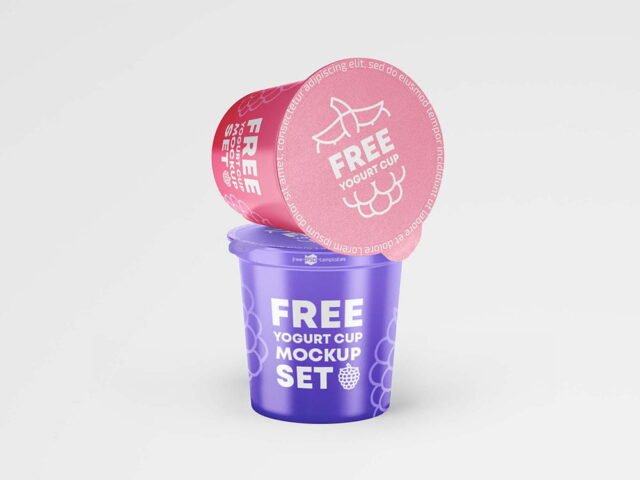
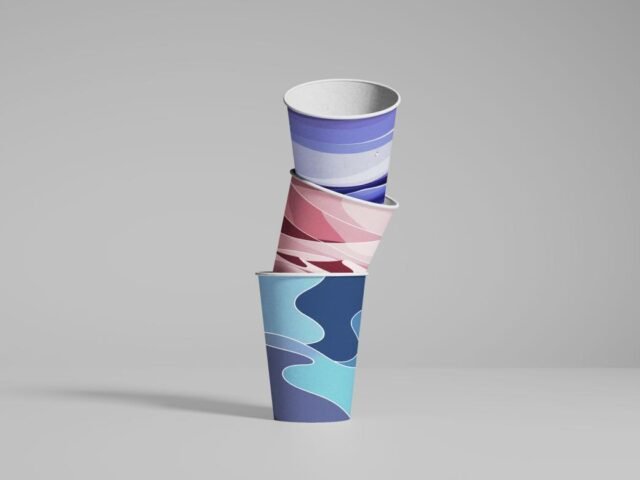
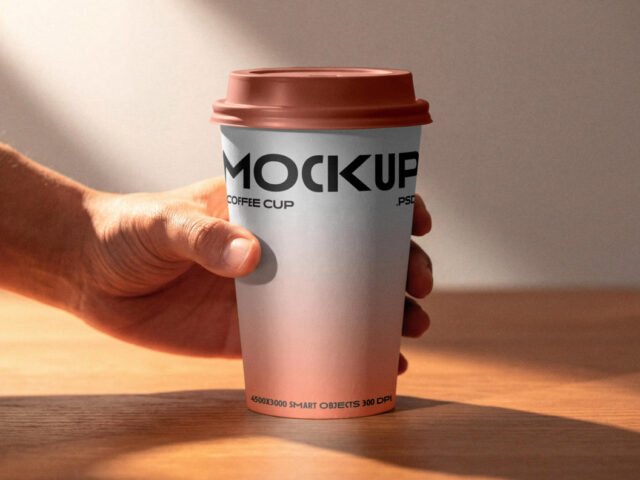
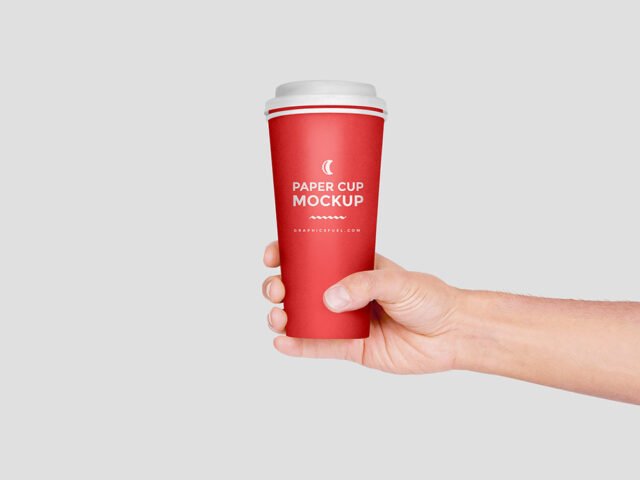
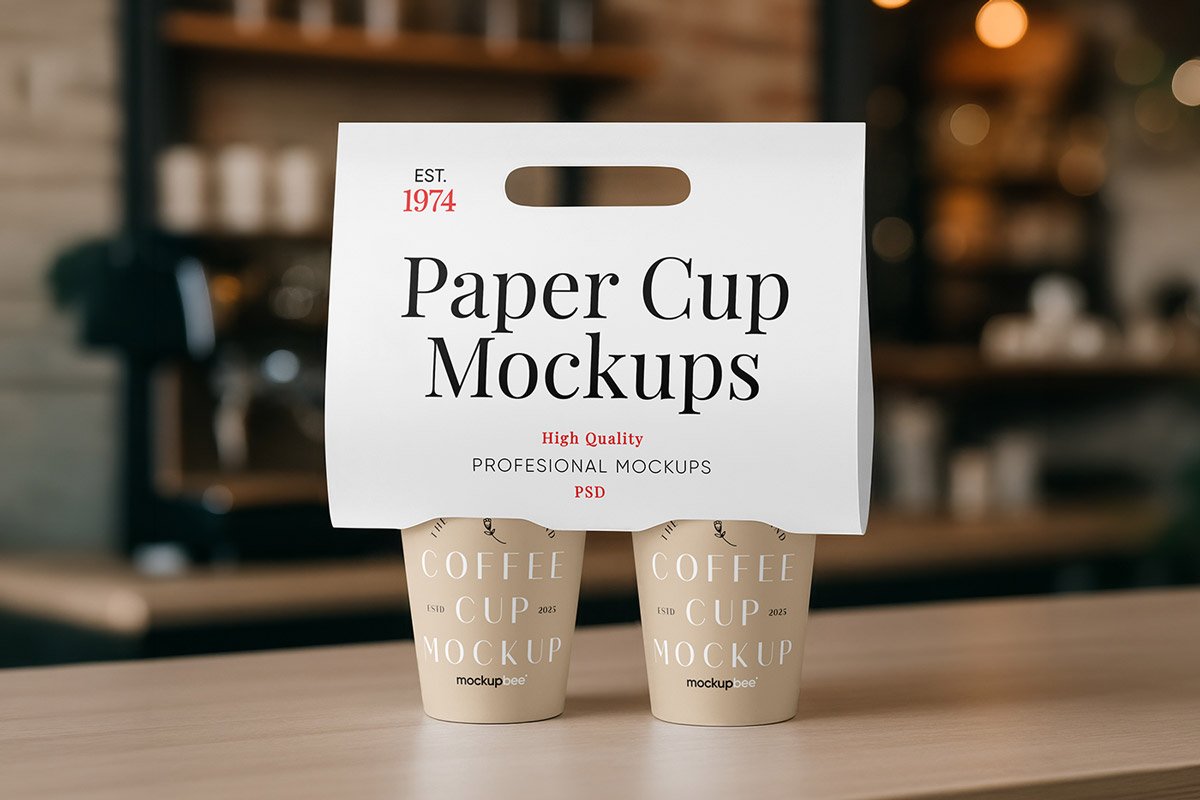
Holder Cup Mockup
What's inside
- Applications Photoshop
- File Types PSD
- License Free (see author's terms)
- Author Mockupbee
If you’re presenting a coffee cup logo, this holder cup mockup makes the idea feel real before anything is produced.
Good pick for coffee brands, food packaging designers or anyone putting together a portfolio. If the file lets you change the lid or sleeve colour, match it to your brand; it pulls the image together.
It’s the quickest way to check whether a logo still works when it’s small and curved.
Use it for
- A coffee cup logo
- A yogurt or dessert cup label
- A takeaway cup print
The file is made by Mockupbee. The download button takes you to their page, where you get the original file and the licence details.
Holder Cup Mockup: editable parts
Open it in Photoshop and you can change:
- Logo or pattern, placed through the smart object
- Background colour
- Cup, lid or sleeve colour
- Highlights on the curve
How to edit this Holder Cup Mockup in Photoshop
- Keep the design compact. A mark that fits a business card usually fits a cup.
- Open the file in Photoshop and double-click the smart object thumbnail in the Layers panel.
- Paste your design, resize it to fill the area, then save (Ctrl/Cmd + S) and close that tab.
- Nudge the logo to the centre of the curve.
- Export with File › Export › Export As: JPG for sharing, PNG for the web.
A logo that works on a business card usually works on a cup. Long slogans rarely do.
Best uses for this Holder Cup Mockup
- Use it as the cover image for a coffee cup logo in your portfolio.
- Show a takeaway cup print on your online shop or product page.
- Present a yogurt or dessert cup label in a client proposal or brand guide.
Quick notes on this mockup
- Made by Mockupbee. The download size and format are listed on their page.
- The preview shows the angle, background and lighting you’ll get.
- Check the licence on the author’s page. Personal and commercial terms differ from file to file.
- Built for Adobe Photoshop. A recent CC version handles the smart objects best.
Browse more free cup mockups on Artistic Orbit, with new files added every day.
Questions about this mockup
Can I use this cup mockup for client work?
It's free to download, but the licence belongs to Mockupbee. Check their page: it states whether commercial use is allowed and if attribution is needed.
How do I add my design?
Open the file in Photoshop, double-click the smart object thumbnail, paste or place your artwork in the new tab, save it (Ctrl/Cmd + S) and close. The main file updates on its own.
Which Photoshop version do I need?
A recent Photoshop CC version is best. Older versions can open the file but sometimes have trouble with smart objects and effects.
Can I change the cup colour?
Most cup and mug mockups keep the body colour on its own layer, so you can change it without touching your design.