Holidays Vector Icons
What's inside
- Applications Illustrator
- File Types Vector icons
- License Free (see author's terms)
- Author Pixelbuddha
Add Holidays Vector Icons to your toolkit if you work on websites or apps a lot.
Good pick for presentation makers, UI designers or anyone putting together a portfolio. Tip: keep one icon set per project; mixing line weights from different sets is noticeable straight away.
It’s worth keeping a few good icons in your library for quick jobs where you don’t have time to make one from scratch.
Works well for
- Websites
- Apps
- Presentations
This is a free file from Pixelbuddha. When you click download you’ll land on their page to grab it.
How to use it
- Download the set from the author’s page and unzip it.
- Open the SVG or AI file in Illustrator, or place it in Photoshop.
- Change the colour and stroke to fit your design.
- Export the icons you need as SVG or PNG.
Try the pack on a real project before adding it to your library; it’s the quickest way to see if the style fits.
Good to know
- Made by Pixelbuddha. File size and format are listed on their page.
- Some free packs ask for credit when used publicly.
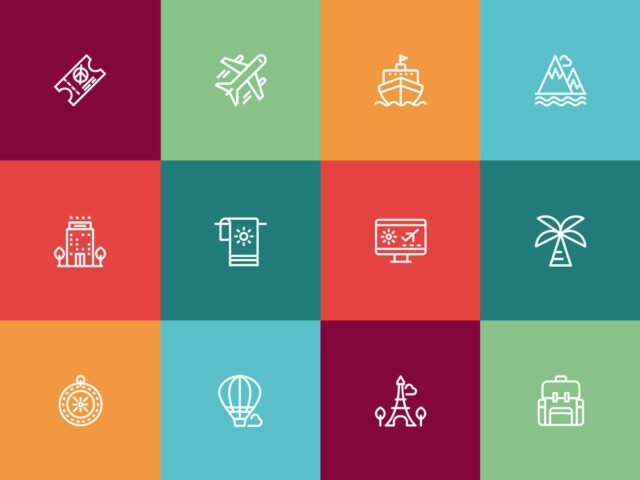
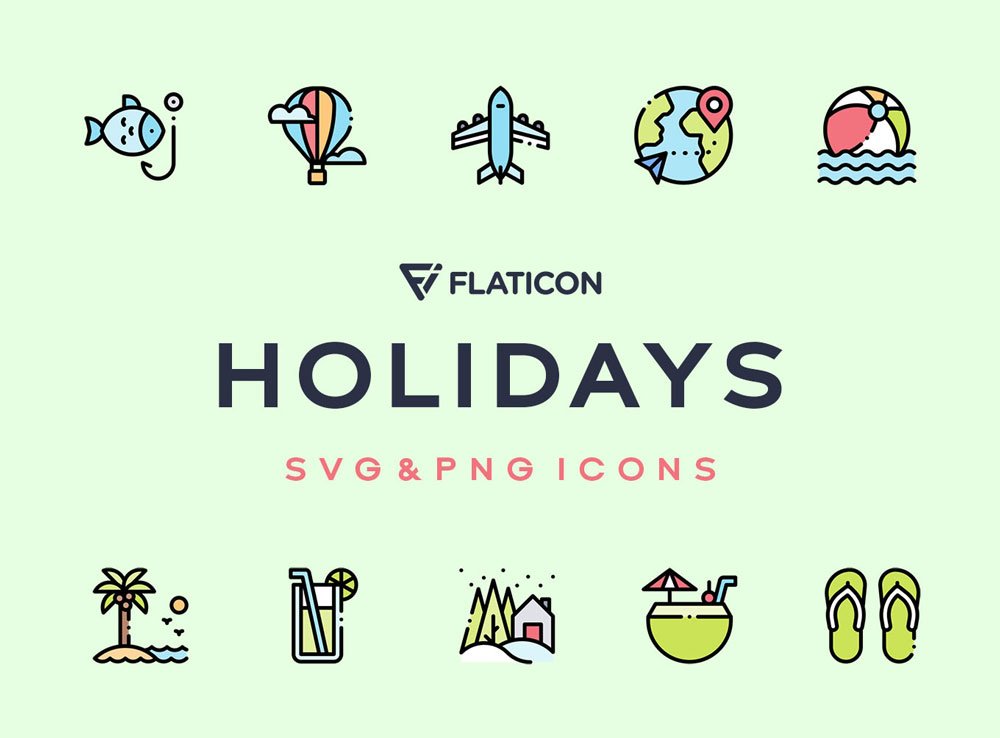
- The preview shows exactly what’s included.
More free icons are listed below, each linking to the original author.
Questions about this mockup
Is it free for commercial use?
Pixelbuddha sets the licence, and it can differ from file to file. Many free files allow personal and commercial use, but some are personal-only or ask for credit. Read the terms on the download page before a paid project.
Can I change the icon colour and size?
Vector icons (AI, SVG, EPS) scale and recolour freely. PNG versions are fixed-size, so use the vector files when you can.