iMac PSD Mockup

What's inside
- Applications Photoshop
- File Types PSD
- License Free (see author's terms)
- Author Dribbble
A video thumbnail looks better on an iMac mockup than on a white artboard, and this mockup is set up for exactly that.
Agencies and product marketers tend to get the most out of files like this. Tip: make your screen design at the exact pixel size of the smart object, otherwise text on the screen turns blurry.
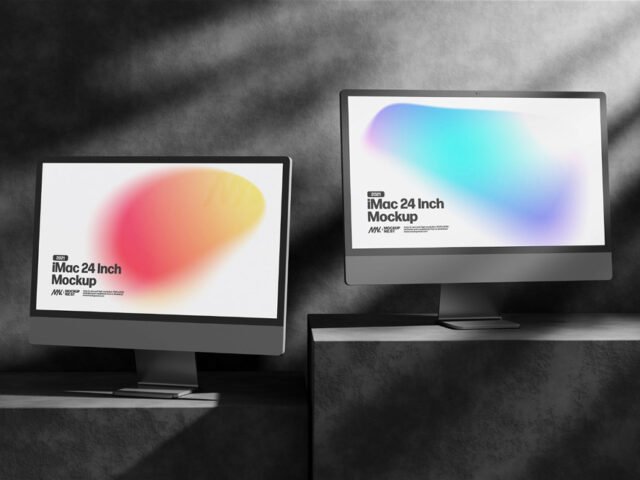
It’s also a quick way to make case study images look consistent: same device, same angle, different screens. Pair it with a second device from the same angle to show a responsive layout.
Use it for
- A video thumbnail
- A design system page
- A desktop website
This is a free file from a designer on Dribbble. When you click download you’ll land on their page to grab it.
What’s inside the iMac Mockup PSD
The PSD is layered, so you can change:
- Screen design, placed through the smart object
- Screen glare and reflection layers
- Background colour
- Shadow under the device
Editing the iMac Mockup, step by step
- Take a clean screenshot of the app or website you want to show.
- Open the file in Photoshop and double-click the smart object thumbnail in the Layers panel.
- Paste your design, resize it to fill the area, then save (Ctrl/Cmd + S) and close that tab.
- Change the background colour to fit your brand.
- Export a full-size image for your portfolio and a smaller one for social media.
One more thing: screenshots with a white background can blend into the bezel; a thin shadow or darker UI reads better.
Best uses for this iMac Mockup
- Make two or three colour versions of a wide dashboard and let the client pick.
- Share a desktop website on Instagram, Behance or Dribbble with a real-looking preview.
- Use it as the cover image for a design system page in your portfolio.
Before you download
- Made by a designer on Dribbble. The download size and format are listed on their page.
- Some free mockups ask for credit when you post them. A short line in your caption is enough.
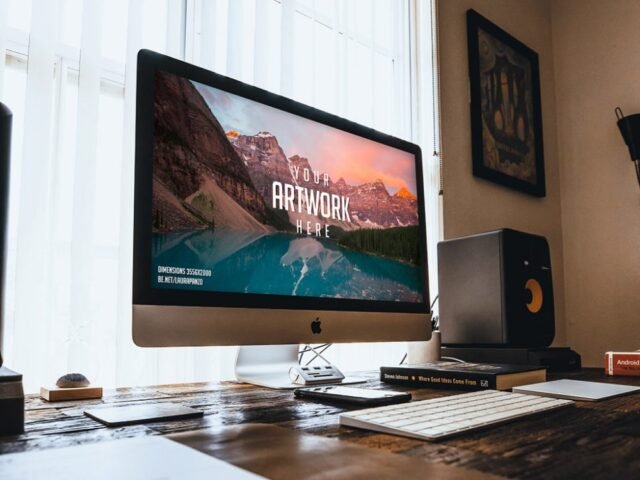
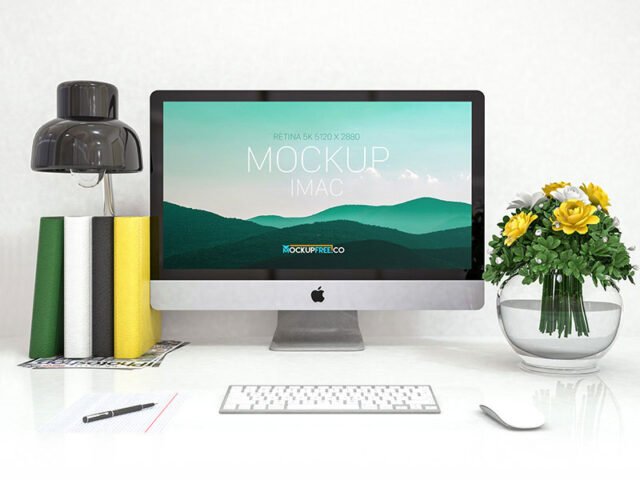
- The preview shows the angle, background and lighting you’ll get.
Scroll down for similar imac mockups from other designers.
Questions about this mockup
Can I use this iMac mockup for client work?
That depends on the author's terms. The download page lists what is allowed; when in doubt, ask the author directly.
How do I put my artwork on the iMac?
Find the smart object layer (it has a small icon on its thumbnail), double-click it, place your design, then save and close that tab.
Do I need Photoshop?
Yes. This is a PSD mockup built with smart objects, so you edit it in Adobe Photoshop. Any recent CC version works.
Can I remove the screen reflection?
Usually yes. Reflections and glare are normally a separate layer that you can hide or lower in opacity.
Why does the download open another website?
We list free files from designers around the web and link to the original page, so a designer on Dribbble gets the visit and you get the file exactly as they published it.