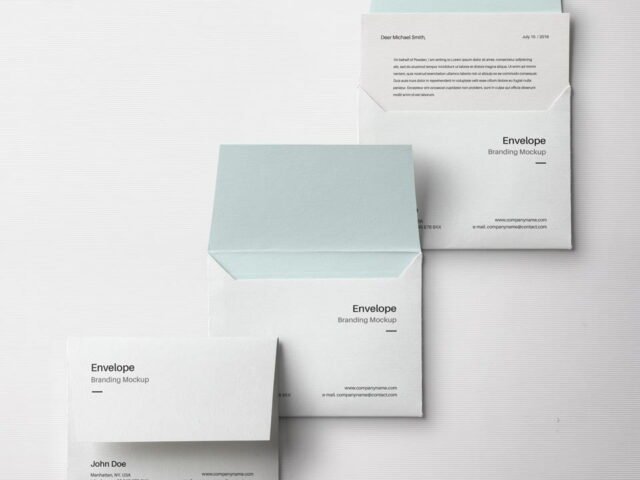
Isometric Envelope Mockup
What's inside
- Applications Photoshop
- File Types PSD
- License Free (see author's terms)
- Author Zippypixels
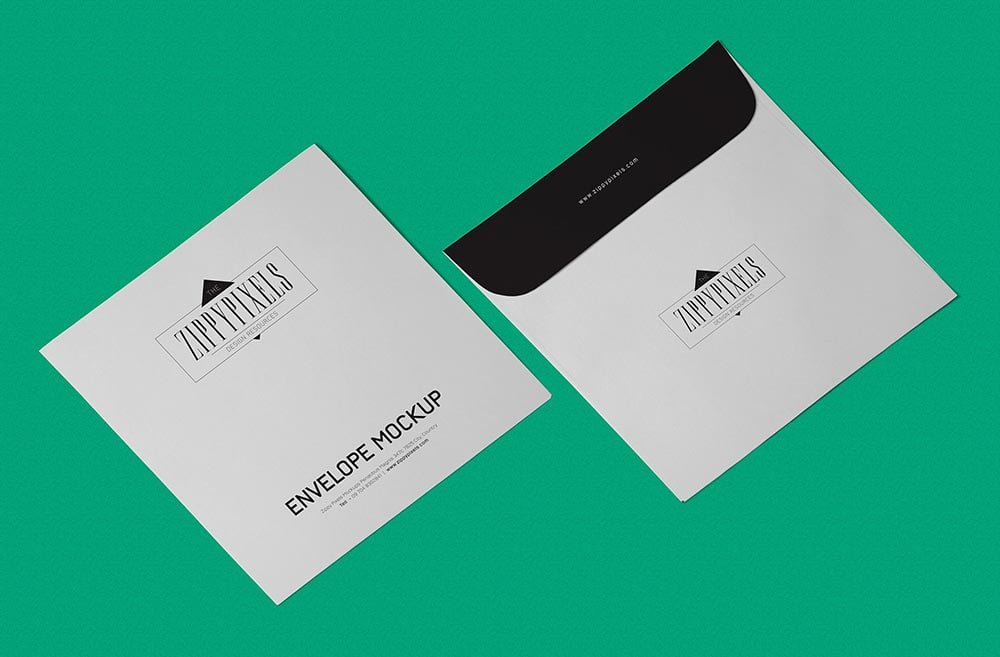
A return address and logo looks better on an isometric envelope mockup than on a white artboard, and this mockup is set up for exactly that.
It’s a handy file for wedding designers and branding studios. One thing worth knowing: if the paper has texture, drop the opacity of your art by a few percent so the grain shows through.
Print jobs are expensive to redo, so a realistic preview before the order goes out is cheap insurance. For a complete brand board, show it next to a business card and a notebook.
The file is made by Zippypixels. The download button takes you to their page, where you get the original file and the licence details.
What you can edit in this Isometric Envelope Mockup
The PSD is layered, so you can change:
- Your design, placed through the smart object
- Paper texture you can turn up or down
- Shadows and highlights on their own layers
Editing the Isometric Envelope Mockup, step by step
- Get your artwork ready at print size, with 1/8 inch of bleed if it runs to the edge.
- In the Layers panel, find the layer with the small smart object icon and double-click it.
- Drop your artwork in, fit it to the canvas, save and close. The mockup updates by itself.
- Turn the texture layer up or down to match the paper you’ll print on.
- Export a full-size image for your portfolio and a smaller one for social media.
Worth remembering: dark designs often look flat on paper mockups. Turning the highlight layer up slightly brings back the sheen.
Best uses for this Isometric Envelope Mockup
- Show a branded mailer on your online shop or product page.
- Use it as the cover image for a return address and logo in your portfolio.
- Share a wedding envelope on Instagram, Behance or Dribbble with a real-looking preview.
Good to know
- Made by Zippypixels. The download size and format are listed on their page.
- Check the smart object size before you design, so your artwork fits without stretching.
- Built for Adobe Photoshop. A recent CC version handles the smart objects best.
Need a different angle? The envelope mockups category has plenty more free PSD files.
Questions about this mockup
Is it free for commercial use?
It's free to download, but the licence belongs to Zippypixels. Check their page: it states whether commercial use is allowed and if attribution is needed.
How do I add my design?
Open the file in Photoshop, double-click the smart object thumbnail, paste or place your artwork in the new tab, save it (Ctrl/Cmd + S) and close. The main file updates on its own.
Do I need Photoshop?
Yes. This is a PSD mockup built with smart objects, so you edit it in Adobe Photoshop. Any recent CC version works.
Will my artwork look printed or pasted on?
Most print mockups keep the paper texture and lighting on separate layers above your design, so it takes on the grain and shadows. If it still looks too clean, lower the opacity of your artwork a little.