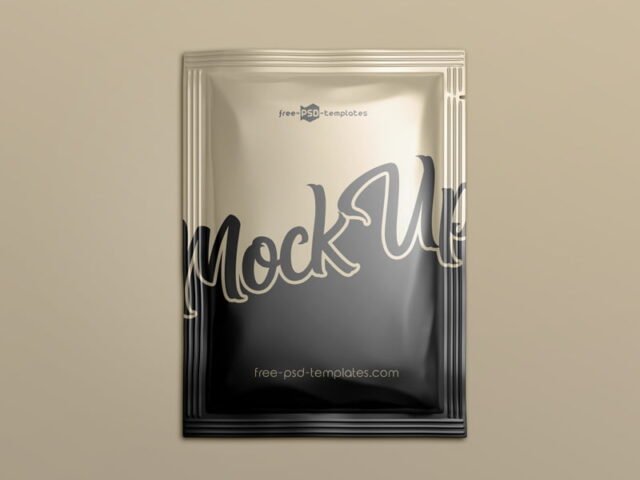
Metallic Foil Sachet Mockup
What's inside
- Applications Photoshop
- File Types PSD
- License Free (see author's terms)
- Author Pixpine
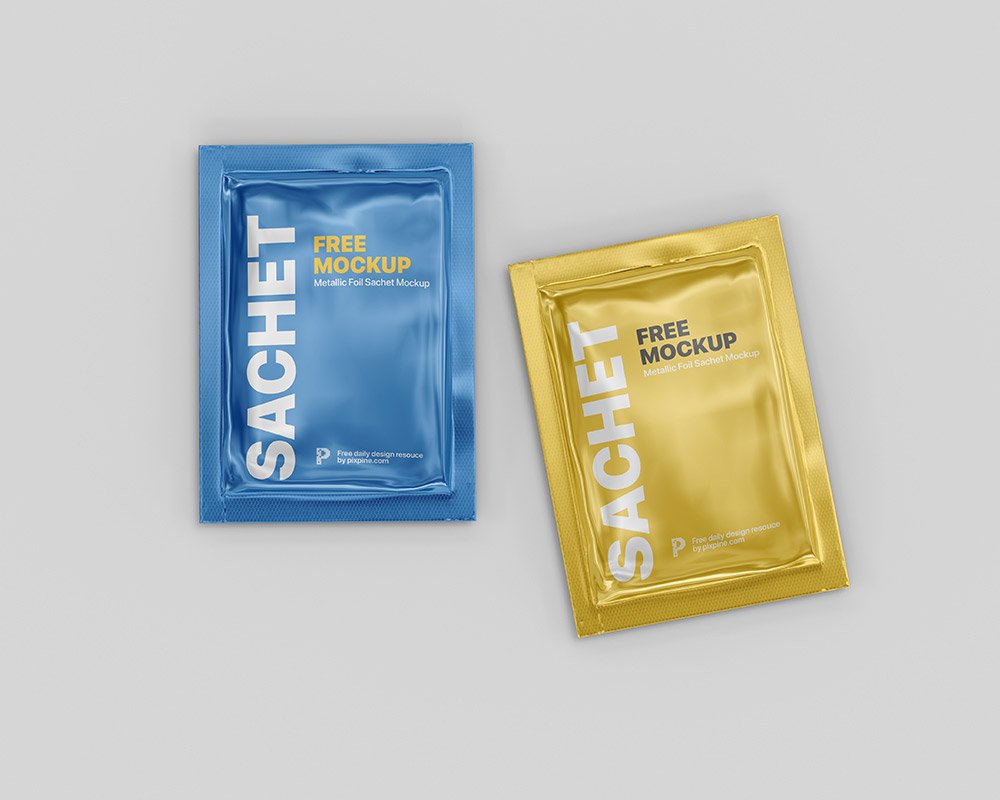
This metallic foil sachet mockup is one of the simpler ways to present a cosmetic sample or a sample sachet convincingly. The metallic surface is the main character here, so designs with some contrast stand out best.
Useful for packaging designers as much as for food brands. One thing worth knowing: build the label or dieline flat first, then place it; bending text inside the mockup is harder to fix later.
A realistic render saves a round of physical samples, which for packaging can take weeks. A matching label or sticker mockup rounds out the set.
Credit goes to Pixpine. We link to their download page rather than re-uploading the file, so check their terms there before commercial use.
Editable options in the Metallic Foil Sachet Mockup PSD
The PSD is layered, so you can change:
- Label or box artwork, placed through the smart object
- Base colour of the pack
- Shadows
- Gloss and highlight layers
Add your design to the Metallic Foil Sachet Mockup
- Export each side of the pack as its own image if the file has separate smart objects.
- In the Layers panel, find the layer with the small smart object icon and double-click it.
- Paste your design, resize it to fill the area, then save (Ctrl/Cmd + S) and close that tab.
- Check each visible side so the panels line up.
- Save a JPG for clients and social media, and keep the PSD for later changes.
One more thing: render two colour versions side by side. Clients choose faster when they compare.
Best uses for this Metallic Foil Sachet Mockup
- Show a sample sachet on your online shop or product page.
- Use it as the cover image for a cosmetic sample in your portfolio.
- Share a sugar or sauce packet on Instagram, Behance or Dribbble with a real-looking preview.
Good to know
- Made by Pixpine. The download size and format are listed on their page.
- Check the smart object size before you design, so your artwork fits without stretching.
- Some free mockups ask for credit when you post them. A short line in your caption is enough.
- Built for Adobe Photoshop. A recent CC version handles the smart objects best.
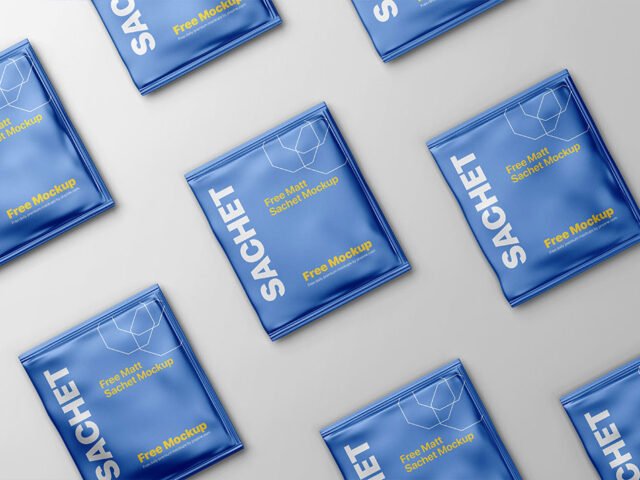
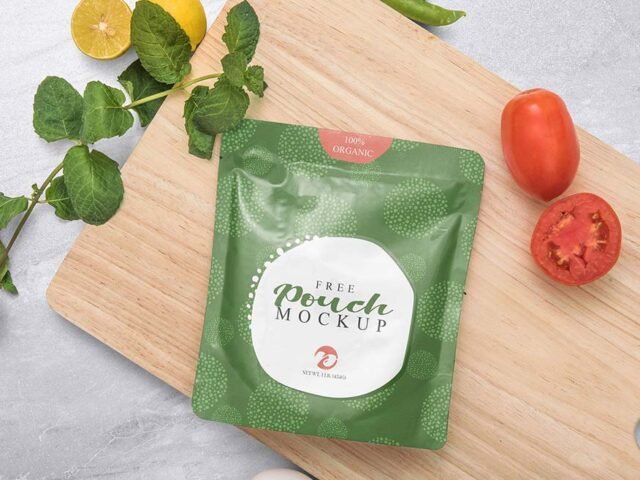
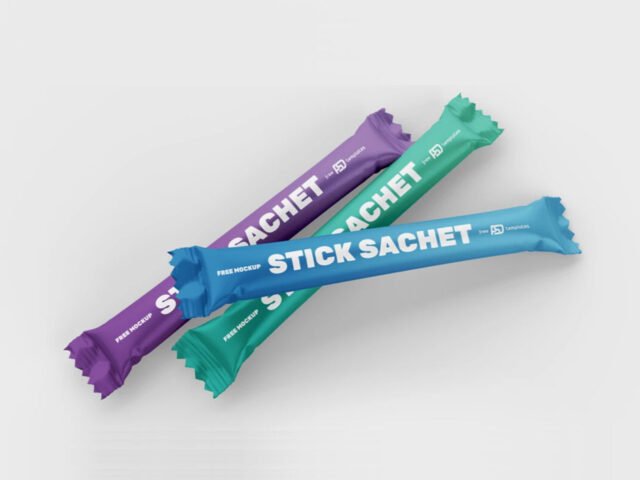
More free sachet mockups are listed below, each linking to the original author.
Questions about this mockup
What licence does it come with?
It's free to download, but the licence belongs to Pixpine. Check their page: it states whether commercial use is allowed and if attribution is needed.
How do I put my artwork on the sachet?
Find the smart object layer (it has a small icon on its thumbnail), double-click it, place your design, then save and close that tab.
Which Photoshop version do I need?
A recent Photoshop CC version is best. Older versions can open the file but sometimes have trouble with smart objects and effects.
Is the design wrapped around the shape?
Round packs usually use warp or displacement so the label bends with the shape. Flat boxes use separate smart objects for each visible side.
Why does the download open another website?
We list free files from designers around the web and link to the original page, so Pixpine gets the visit and you get the file exactly as they published it.