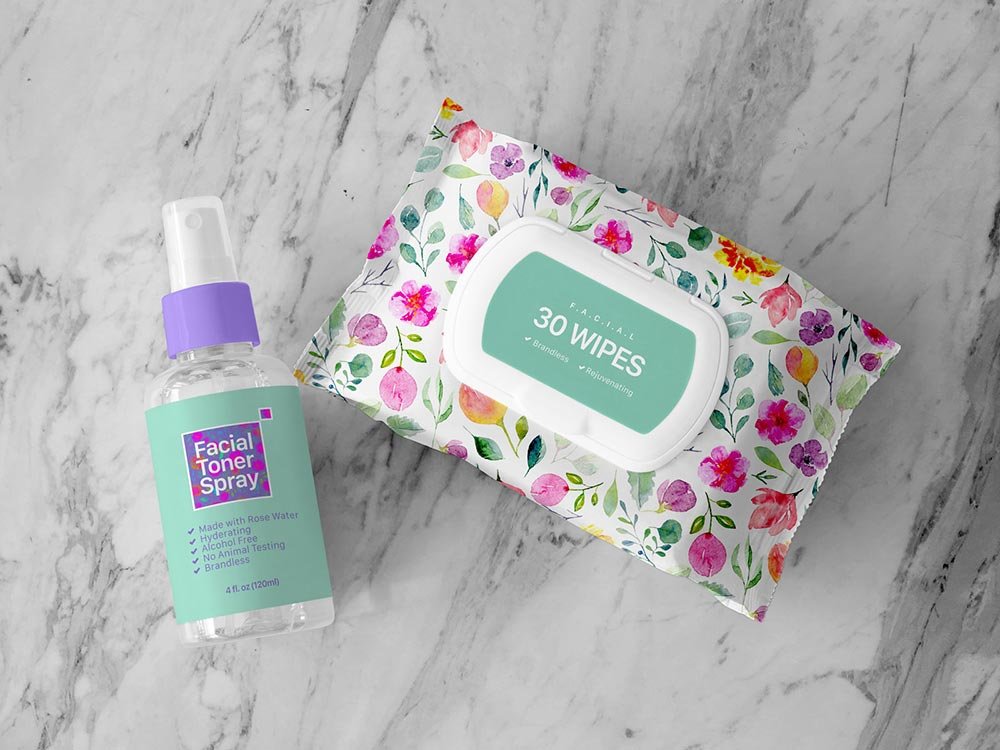
Wet Wipes Mockup
What's inside
- Applications Photoshop
- File Types PSD
- License Free (see author's terms)
- Author Designbolts
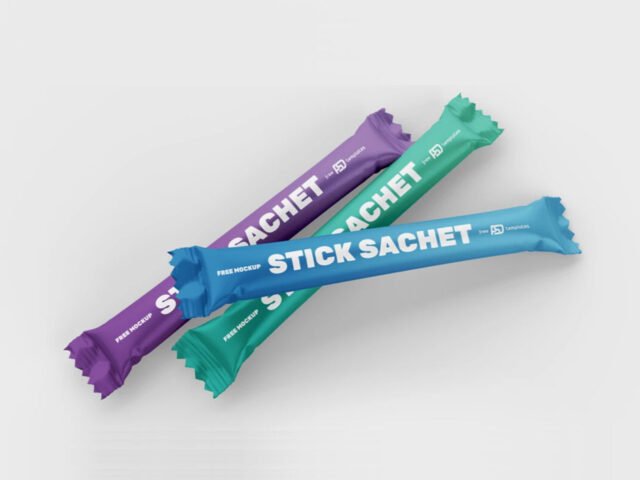
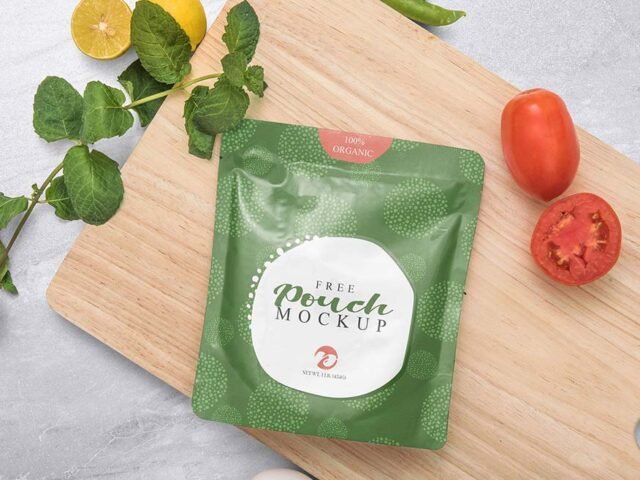
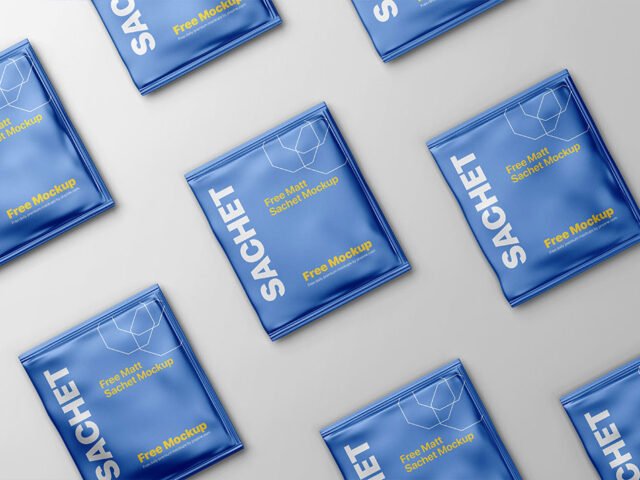
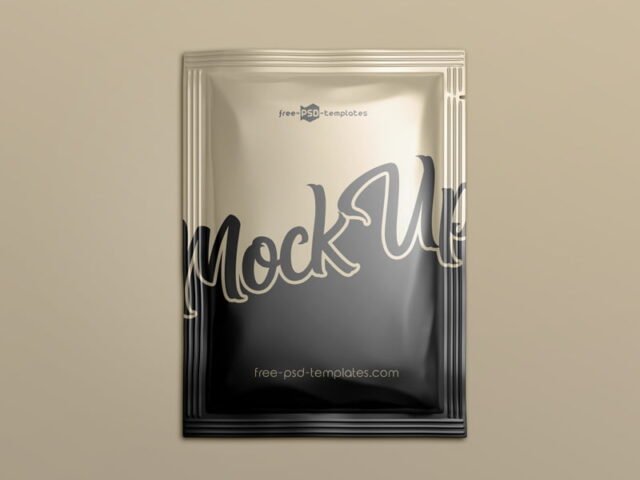
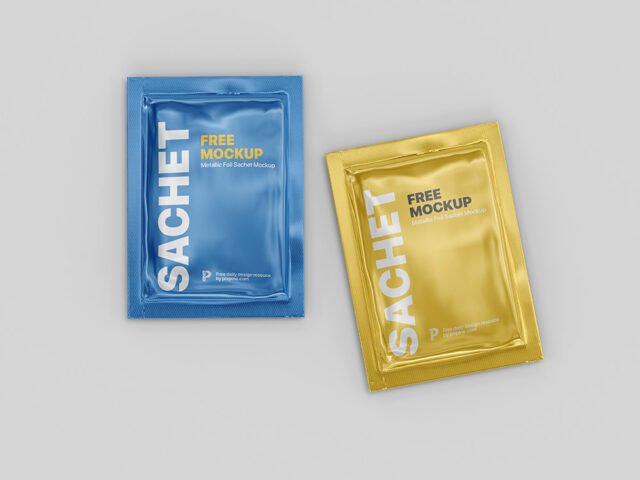
If you’re presenting a sugar or sauce packet, this wet wipes mockup makes the idea feel real before anything is produced.
Good pick for cosmetic brands, packaging designers or anyone putting together a portfolio. Quick tip: build the label or dieline flat first, then place it; bending text inside the mockup is harder to fix later.
A realistic render saves a round of physical samples, which for packaging can take weeks. Show it with a shipping box or bag from the same range to present the whole unboxing.
Works well for
- A sugar or sauce packet
- A cosmetic sample
- A sample sachet
The file is made by Designbolts. The download button takes you to their page, where you get the original file and the licence details.
What’s inside the Wet Wipes Mockup PSD
Everything below is on its own layer:
- Label or box artwork, placed through the smart object
- Base colour of the pack
- Background colour
- Gloss and highlight layers
Add your design to the Wet Wipes Mockup
- Export each side of the pack as its own image if the file has separate smart objects.
- Open the PSD in Photoshop and find the smart object layer, usually named “Your Design” or “Place Here”.
- Place your design, hide the sample artwork, save, and go back to the main file.
- Export a full-size image for your portfolio and a smaller one for social media.
One more thing: glossy packaging picks up highlights over your art; reduce the highlight layer if your logo gets washed out.
Ways to use this Wet Wipes Mockup
- Make two or three colour versions of a sugar or sauce packet and let the client pick.
- Show a cosmetic sample to a client before it goes to print or production.
- Use it as the cover image for a sample sachet in your portfolio.
Good to know
- Made by Designbolts. The download size and format are listed on their page.
- The preview shows the angle, background and lighting you’ll get.
- Check the smart object size before you design, so your artwork fits without stretching.
Browse more free sachet mockups on Artistic Orbit, with new files added every day.
Questions about this mockup
Is it free for commercial use?
Designbolts sets the licence, and it can differ from file to file. Many free files allow personal and commercial use, but some are personal-only or ask for credit. Read the terms on the download page before a paid project.
How do I add my design?
Open the file in Photoshop, double-click the smart object thumbnail, paste or place your artwork in the new tab, save it (Ctrl/Cmd + S) and close. The main file updates on its own.
Which Photoshop version do I need?
A recent Photoshop CC version is best. Older versions can open the file but sometimes have trouble with smart objects and effects.
Is the design wrapped around the shape?
Round packs usually use warp or displacement so the label bends with the shape. Flat boxes use separate smart objects for each visible side.