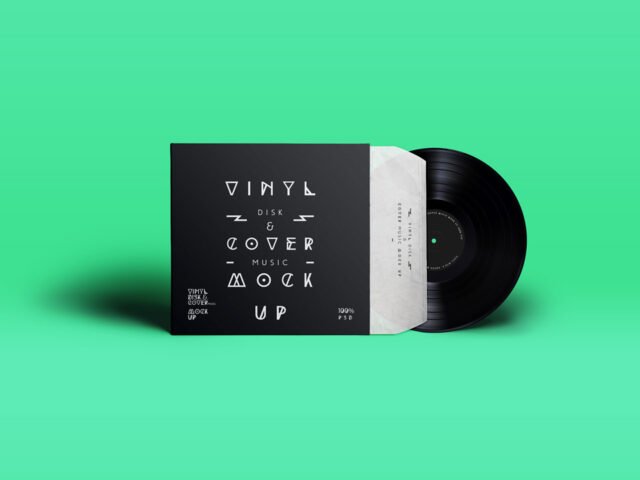
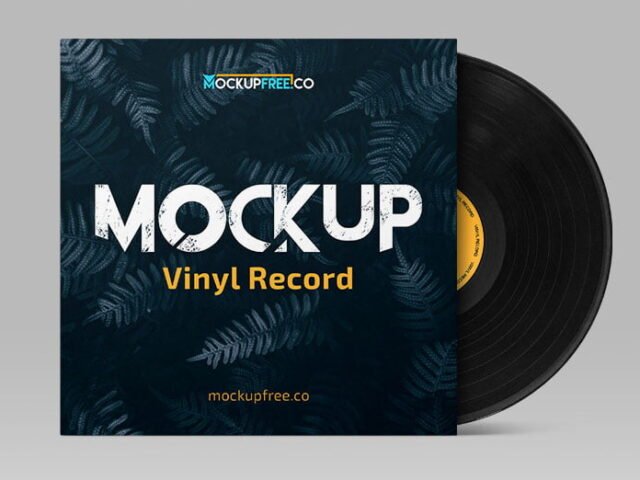
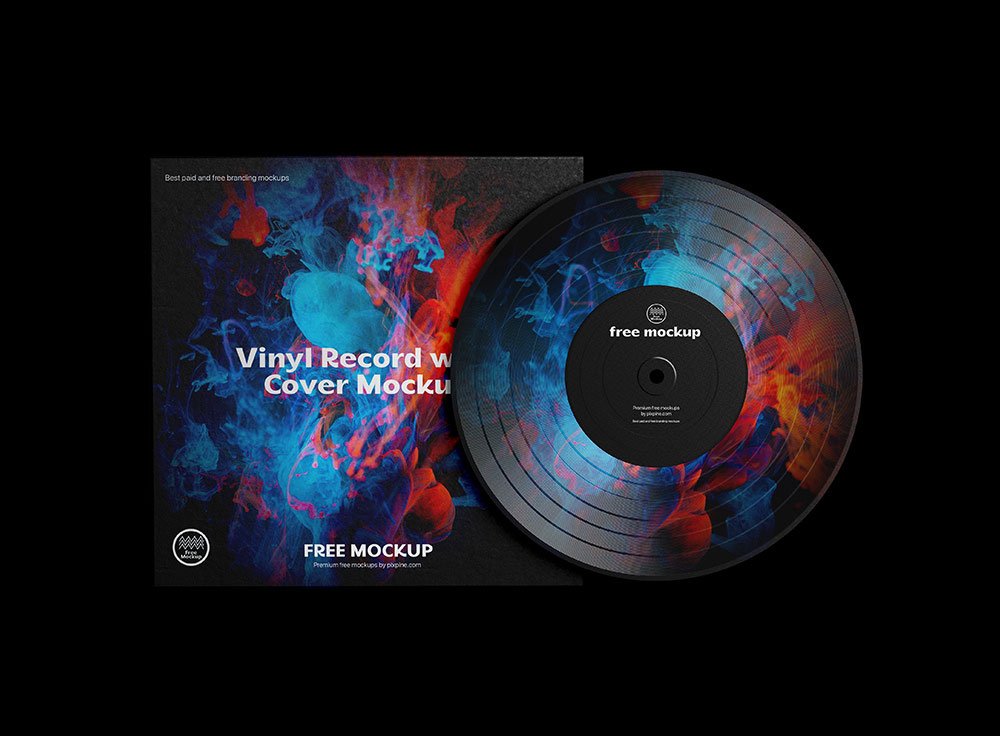
Music Record Cover Vinyl Mockup
What's inside
- Applications Photoshop
- File Types PSD
- License Free (see author's terms)
- Author Pixpine
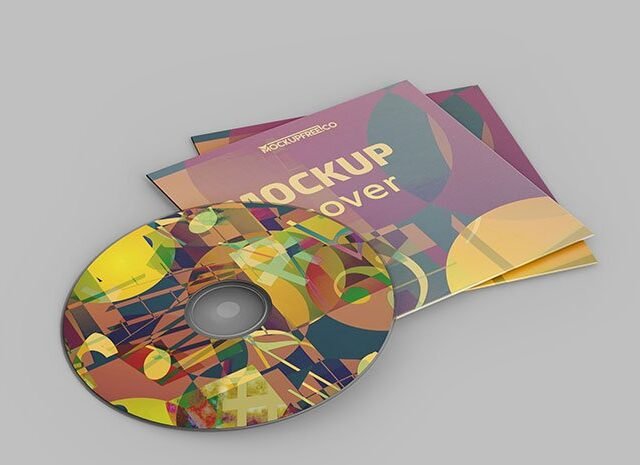
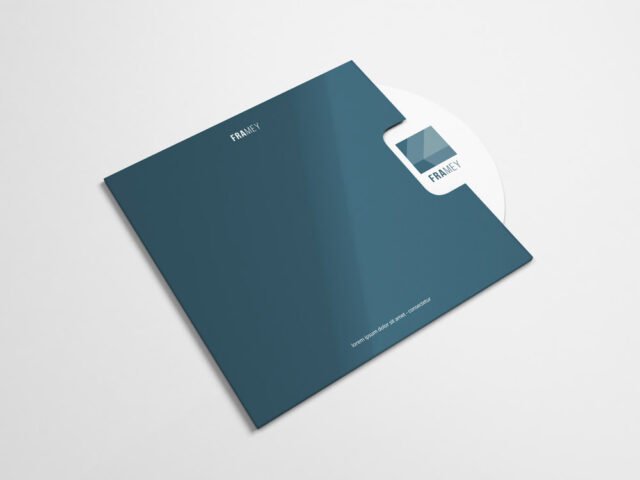
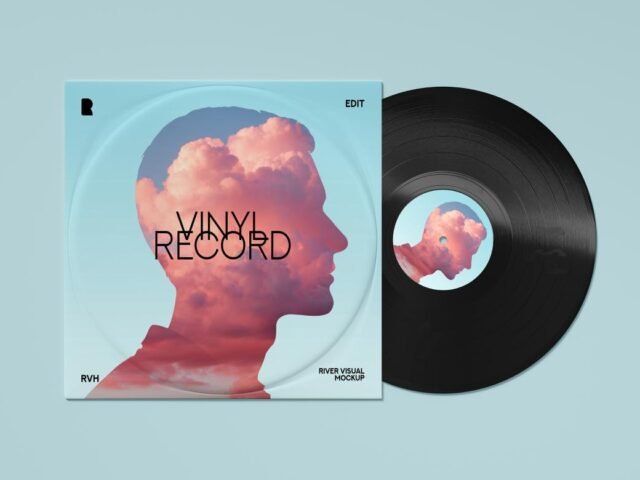
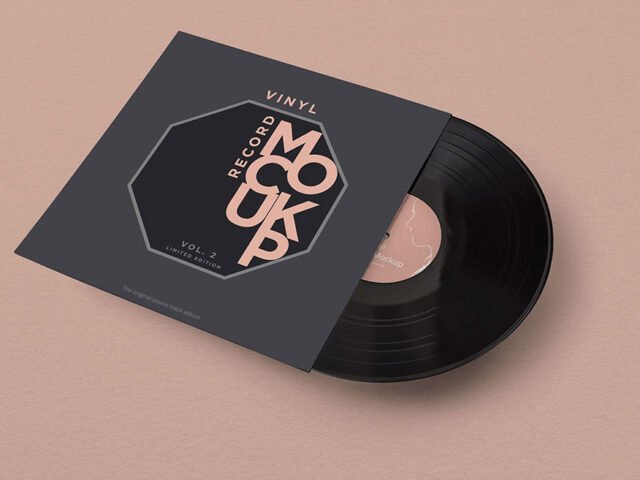
If you’re presenting a CD case insert, this music record cover vinyl mockup makes the idea feel real before anything is produced. The vinyl finish gives the preview a tactile look that flat artwork doesn’t have.
Useful for cover artists as much as for musicians. A small tip: album art is usually seen as a small square online first; check that it still reads at thumbnail size.
It’s also handy for crowdfunding pages and pitch decks, when the product exists but the packaging hasn’t been printed yet. Show it with a shipping box or bag from the same range to present the whole unboxing.
Good for
- A CD case insert
- A vinyl sleeve
- An album cover
The file is made by Pixpine. The download button takes you to their page, where you get the original file and the licence details.
What’s inside the Music Record Cover Vinyl Mockup PSD
Open it in Photoshop and you can change:
- Label or box artwork, placed through the smart object
- Background colour
- Base colour of the pack
Add your design to the Music Record Cover Vinyl Mockup
- Build the label or box art flat, panel by panel.
- Open the file in Photoshop and double-click the smart object thumbnail in the Layers panel.
- Paste your design, resize it to fill the area, then save (Ctrl/Cmd + S) and close that tab.
- Change the base colour of the pack.
- Save a JPG for clients and social media, and keep the PSD for later changes.
One more thing: render two colour versions side by side. Clients choose faster when they compare.
Ways to use this Music Record Cover Vinyl Mockup
- Share an album cover on Instagram, Behance or Dribbble with a real-looking preview.
- Show a vinyl sleeve to a client before it goes to print or production.
- Use it as the cover image for a CD case insert in your portfolio.
Quick notes on this mockup
- Made by Pixpine. The download size and format are listed on their page.
- Check the licence on the author’s page. Personal and commercial terms differ from file to file.
- Some free mockups ask for credit when you post them. A short line in your caption is enough.
Browse more free cd mockups on Artistic Orbit, with new files added every day.
Questions about this mockup
Can I use this album packaging mockup for client work?
It's free to download, but the licence belongs to Pixpine. Check their page: it states whether commercial use is allowed and if attribution is needed.
How do I add my design?
Open the file in Photoshop, double-click the smart object thumbnail, paste or place your artwork in the new tab, save it (Ctrl/Cmd + S) and close. The main file updates on its own.
Which Photoshop version do I need?
A recent Photoshop CC version is best. Older versions can open the file but sometimes have trouble with smart objects and effects.
Can I change the packaging colour?
Usually yes. There is normally a colour layer under the design smart object, so you can change the base colour without touching your artwork.