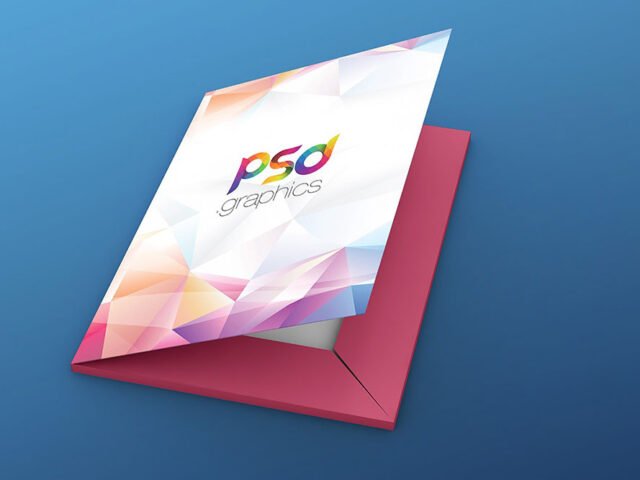
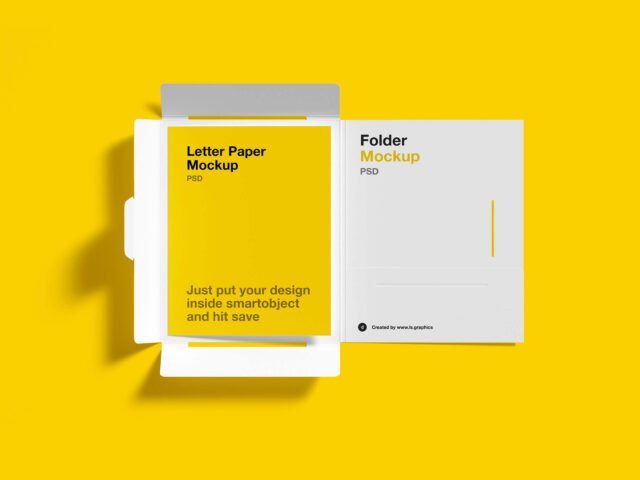
Realistic Folder Mockup

What's inside
- Applications Photoshop
- File Types PSD
- License Free (see author's terms)
- Author Ls.Graphics
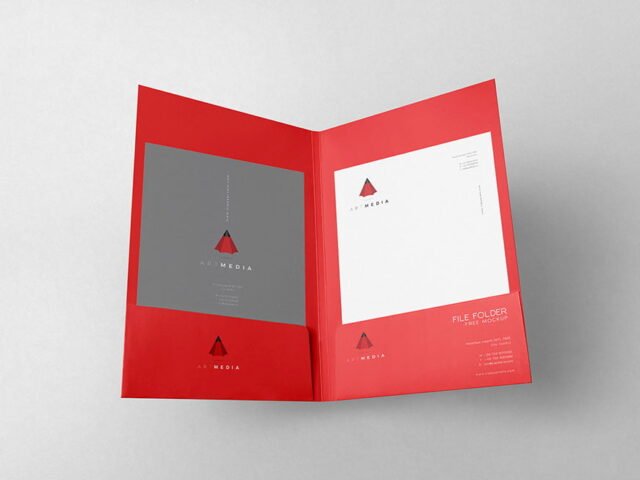
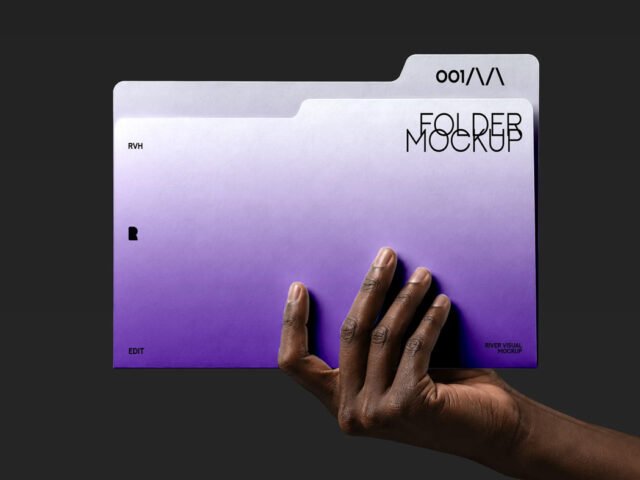
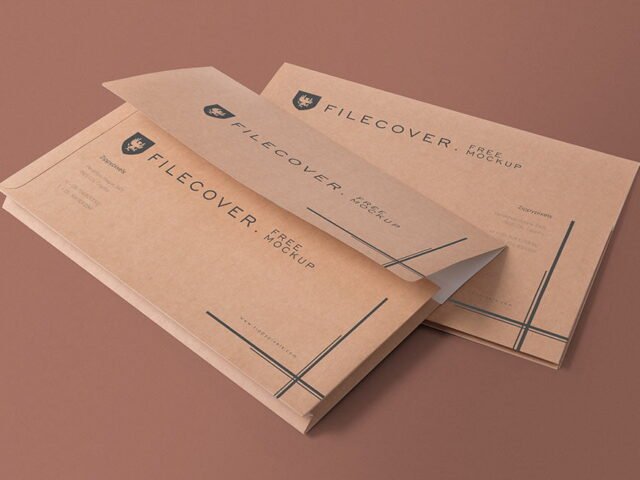
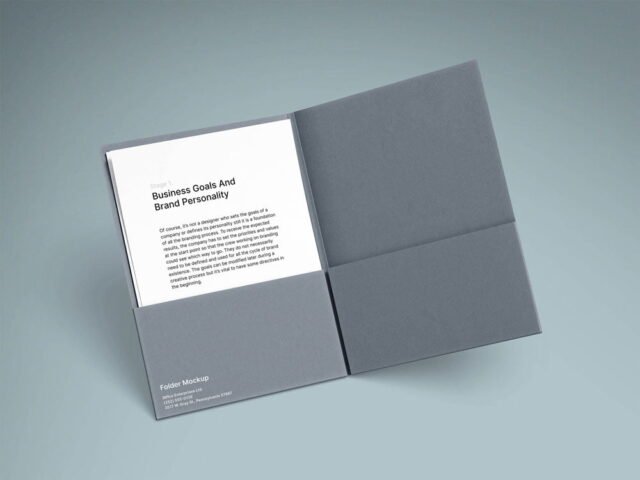
A folder mockup, made for presenting a corporate folder. Drop in your artwork and the lighting and shadows stay as they are.
It’s a handy file for corporate designers and agencies. Export your artwork at the size the smart object asks for; scaling a small file up is the usual reason print mockups look soft.
Print jobs are expensive to redo, so a realistic preview before the order goes out is cheap insurance. For a complete brand board, show it next to a business card and a notebook.
Good for
- A corporate folder
- A presentation folder
- A report cover
The file is made by Ls.Graphics. The download button takes you to their page, where you get the original file and the licence details.
What’s inside the Realistic Folder Mockup PSD
Open it in Photoshop and you can change:
- Your design, placed through the smart object
- Paper or background colour
- Paper texture you can turn up or down
- Shadows and highlights on their own layers
Add your design to the Realistic Folder Mockup
- Export your artwork as a high-resolution PNG or JPG, around 300 ppi at print size.
- Open the file in Photoshop and double-click the smart object thumbnail in the Layers panel.
- Drop your artwork in, fit it to the canvas, save and close. The mockup updates by itself.
- Export a full-size image for your portfolio and a smaller one for social media.
If the paper has texture, drop the opacity of your art by a few percent so the grain shows through.
Ways to use this Realistic Folder Mockup
- Show a presentation folder on your online shop or product page.
- Make two or three colour versions of a corporate folder and let the client pick.
- Share a report cover on Instagram, Behance or Dribbble with a real-looking preview.
Quick notes on this mockup
- Made by Ls.Graphics. The download size and format are listed on their page.
- The preview shows the angle, background and lighting you’ll get.
- Built for Adobe Photoshop. A recent CC version handles the smart objects best.
More free folder mockups are listed below, each linking to the original author.
Questions about this mockup
Can I use this folder mockup for client work?
Ls.Graphics sets the licence, and it can differ from file to file. Many free files allow personal and commercial use, but some are personal-only or ask for credit. Read the terms on the download page before a paid project.
How do I put my artwork on the folder?
Find the smart object layer (it has a small icon on its thumbnail), double-click it, place your design, then save and close that tab.
Which Photoshop version do I need?
A recent Photoshop CC version is best. Older versions can open the file but sometimes have trouble with smart objects and effects.
Will my artwork look printed or pasted on?
Most print mockups keep the paper texture and lighting on separate layers above your design, so it takes on the grain and shadows. If it still looks too clean, lower the opacity of your artwork a little.
Why does the download open another website?
We list free files from designers around the web and link to the original page, so Ls.Graphics gets the visit and you get the file exactly as they published it.