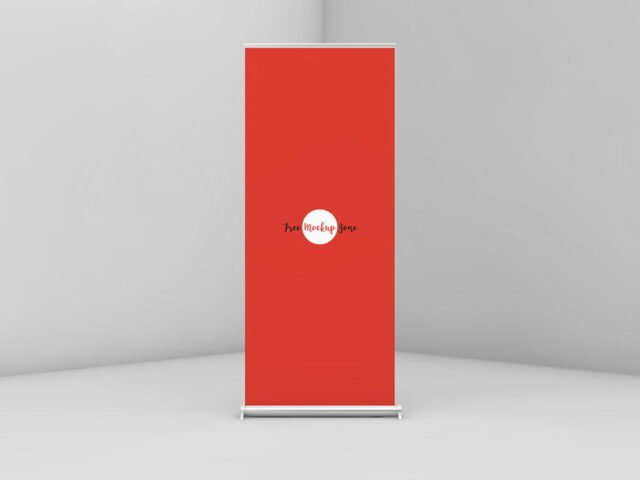
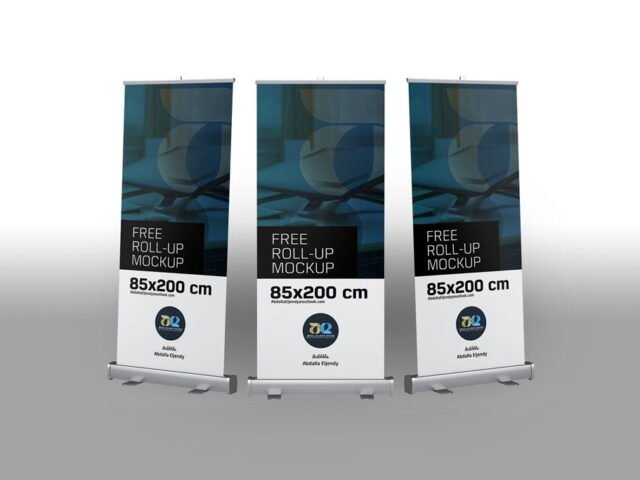
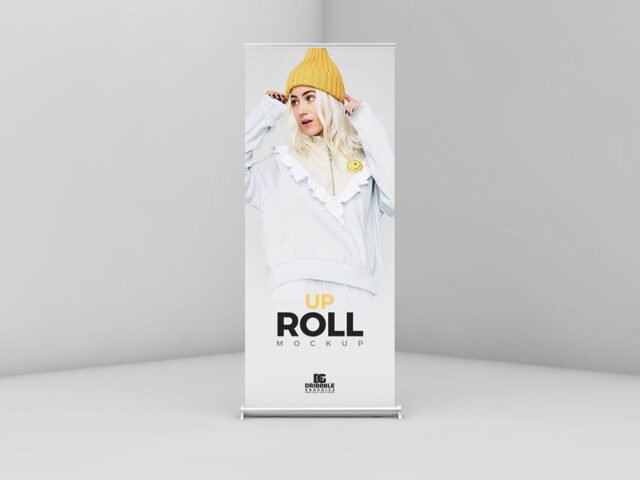
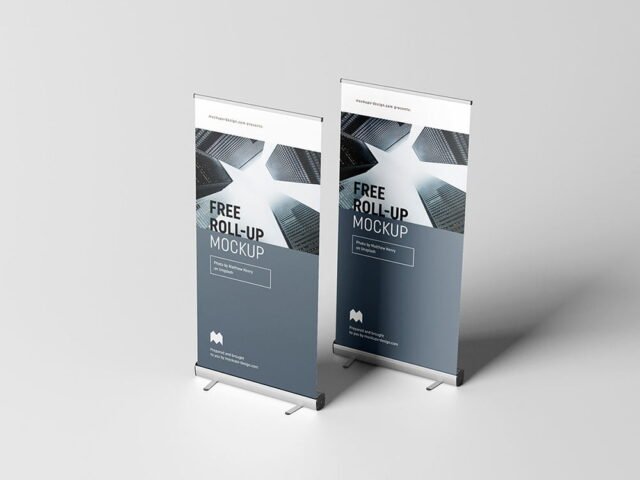
Roll-Up Banners Mockup
What's inside
- Applications Photoshop
- File Types PSD
- License Free (see author's terms)
- Author Dealjumbo
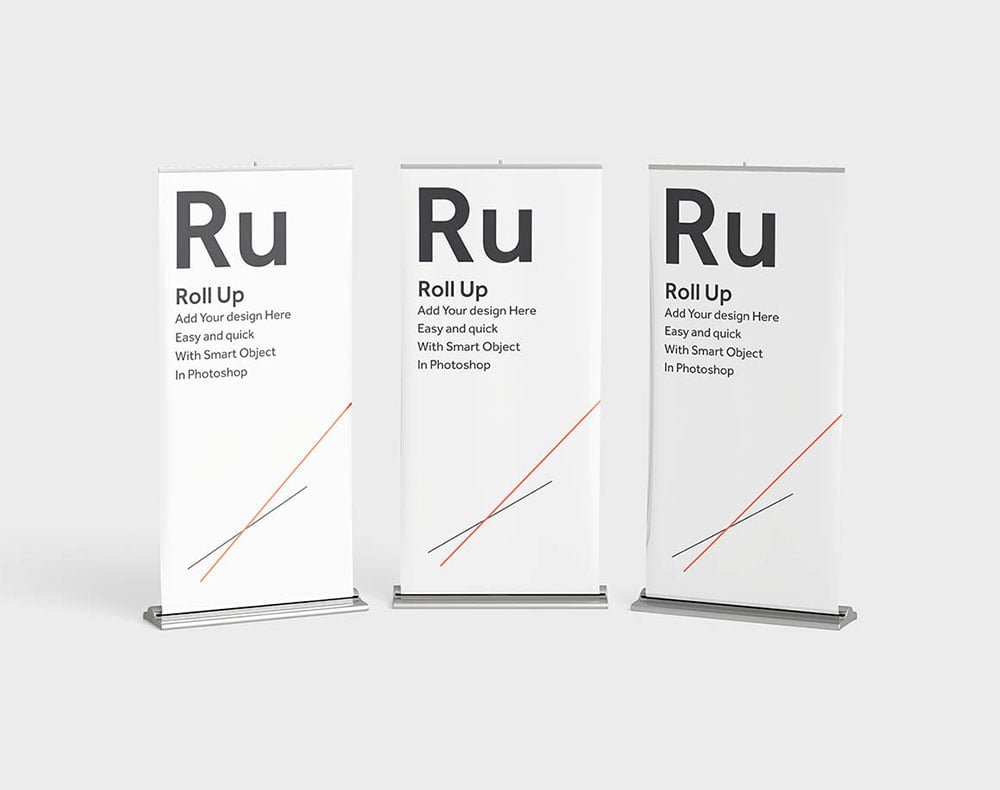
Here’s a roll-up banners mockup that works well for a conference stand banner, a trade show banner and similar projects.
Good pick for marketing departments, exhibitors or anyone putting together a portfolio. Quick tip: roll-ups are tall; keep the logo in the top third, the bottom part is usually hidden by tables and people.
Showing a campaign in context helps clients see the scale; a design that feels loud on a laptop can look quiet on the street.
Dealjumbo created this one and hosts the download on their own site, so you always get the latest version straight from the source.
What you can edit in this Roll-Up Banners Mockup
Open it in Photoshop and you can change:
- Ad artwork, placed through the smart object
- Brightness to match the scene
- Glow layer for backlit scenes, where included
Add your design to the Roll-Up Banners Mockup
- Keep the ad simple: one image, a short headline and the logo.
- Open the file in Photoshop and double-click the smart object thumbnail in the Layers panel.
- Drop your artwork in, fit it to the canvas, save and close. The mockup updates by itself.
- Use the glow layer for night or backlit scenes.
- Export a full-size image for your portfolio and a smaller one for social media.
Worth remembering: night or backlit scenes usually have a glow layer. Push it up for lightboxes, down for printed paper.
Ways to use this Roll-Up Banners Mockup
- Show a conference stand banner to a client before it goes to print or production.
- Use it as the cover image for a trade show banner in your portfolio.
- Show a store promo on your online shop or product page.
Good to know
- Made by Dealjumbo. The download size and format are listed on their page.
- Check the licence on the author’s page. Personal and commercial terms differ from file to file.
- Built for Adobe Photoshop. A recent CC version handles the smart objects best.
More free rollup mockups are listed below, each linking to the original author.
Questions about this mockup
Is it free for commercial use?
It's free to download, but the licence belongs to Dealjumbo. Check their page: it states whether commercial use is allowed and if attribution is needed.
How do I put my artwork on the roll-up banner?
Find the smart object layer (it has a small icon on its thumbnail), double-click it, place your design, then save and close that tab.
Do I need Photoshop?
Yes. This is a PSD mockup built with smart objects, so you edit it in Adobe Photoshop. Any recent CC version works.
What ratio should my artwork be?
Open the smart object and check its canvas; design to that ratio. Most outdoor mockups use common print ratios, but it varies from file to file.