Snack Candy Bar Mockup
What's inside
- Applications Photoshop
- File Types PSD
- License Free (see author's terms)
- Author Pixpine
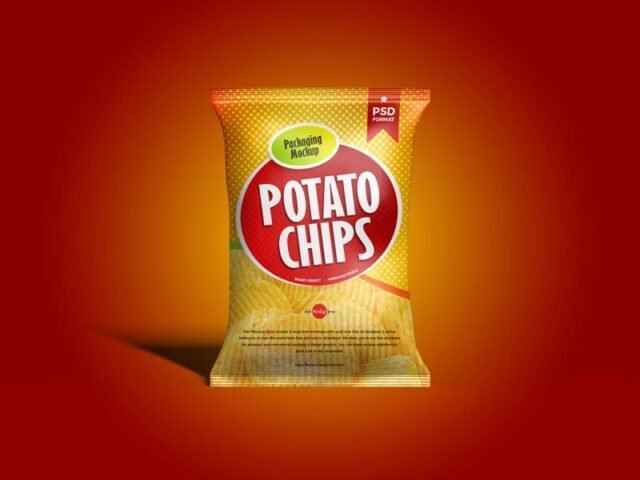
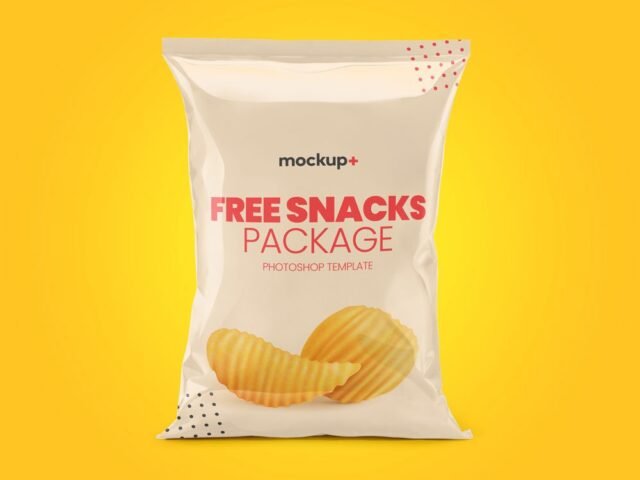
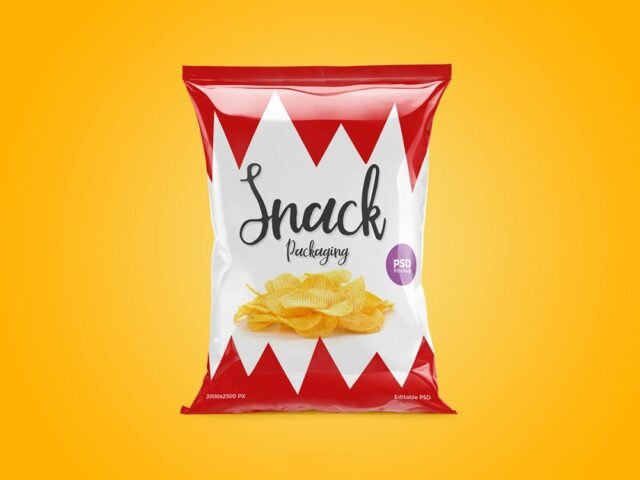
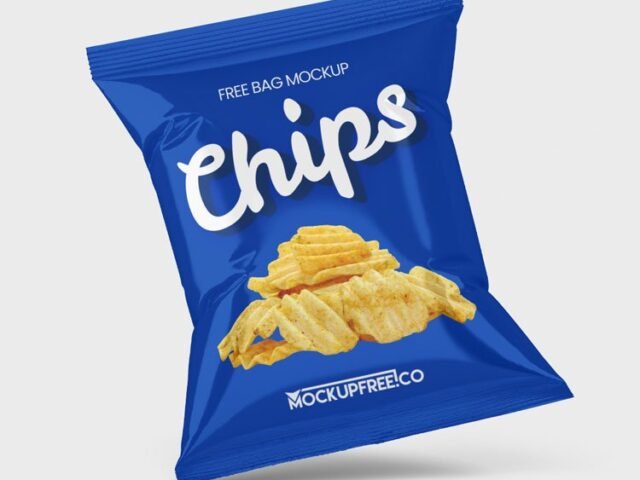
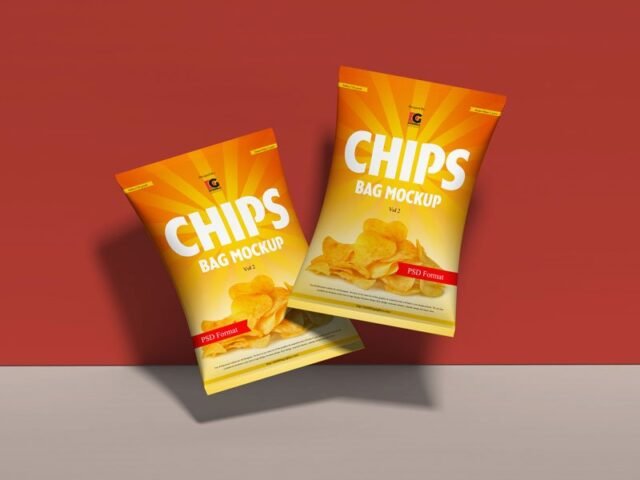
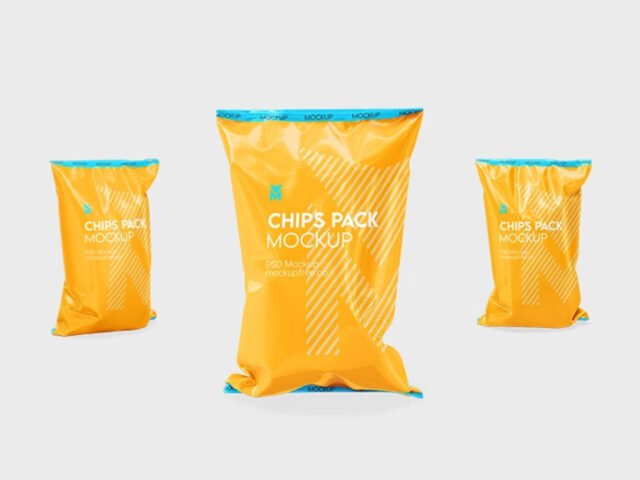
If you’re presenting a chips bag design, this snack candy bar mockup makes the idea feel real before anything is produced.
It’s a handy file for snack brands and packaging designers. Quick tip: render two colour versions side by side. Clients choose faster when they compare.
A realistic render saves a round of physical samples, which for packaging can take weeks.
Use it for
- A chips bag design
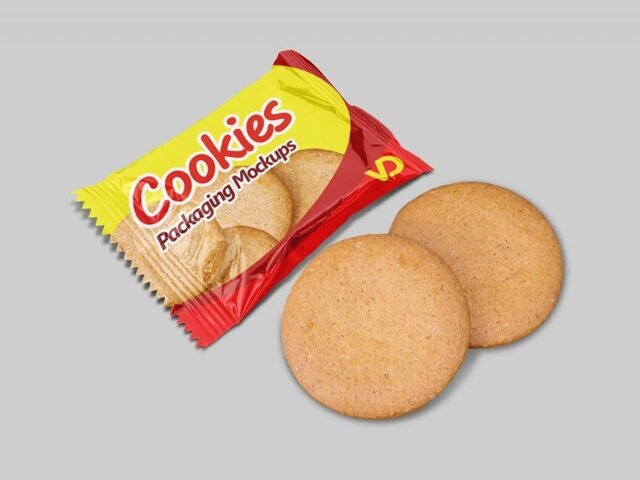
- A gum or cookie pack
- A snack brand
This is a free file from Pixpine. When you click download you’ll land on their page to grab it.
What’s inside the Snack Candy Bar Mockup PSD
Main things you can change in Photoshop:
- Label or box artwork, placed through the smart object
- Background colour
- Gloss and highlight layers
- Base colour of the pack
Add your design to the Snack Candy Bar Mockup
- Export each side of the pack as its own image if the file has separate smart objects.
- Open the file in Photoshop and double-click the smart object thumbnail in the Layers panel.
- Drop your artwork in, fit it to the canvas, save and close. The mockup updates by itself.
- Change the base colour of the pack.
- Export a full-size image for your portfolio and a smaller one for social media.
Worth remembering: glossy packaging picks up highlights over your art; reduce the highlight layer if your logo gets washed out.
Ways to use this Snack Candy Bar Mockup
- Show a snack brand on your online shop or product page.
- Share a chips bag design on Instagram, Behance or Dribbble with a real-looking preview.
- Present a gum or cookie pack in a client proposal or brand guide.
Good to know
- Made by Pixpine. The download size and format are listed on their page.
- Some free mockups ask for credit when you post them. A short line in your caption is enough.
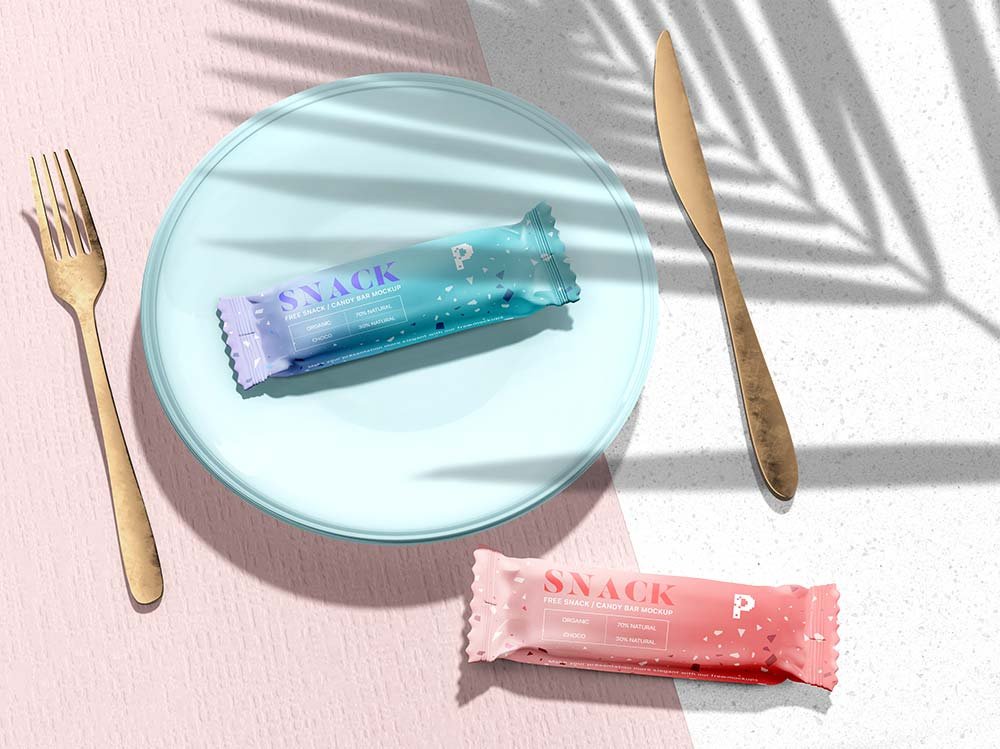
- The preview shows the angle, background and lighting you’ll get.
Need a different angle? The chips snack mockups category has plenty more free PSD files.
Questions about this mockup
Can I use this snack pack mockup for client work?
It's free to download, but the licence belongs to Pixpine. Check their page: it states whether commercial use is allowed and if attribution is needed.
How do I put my artwork on the snack pack?
Find the smart object layer (it has a small icon on its thumbnail), double-click it, place your design, then save and close that tab.
Do I need Photoshop?
Yes. This is a PSD mockup built with smart objects, so you edit it in Adobe Photoshop. Any recent CC version works.
Can I change the packaging colour?
Usually yes. There is normally a colour layer under the design smart object, so you can change the base colour without touching your artwork.