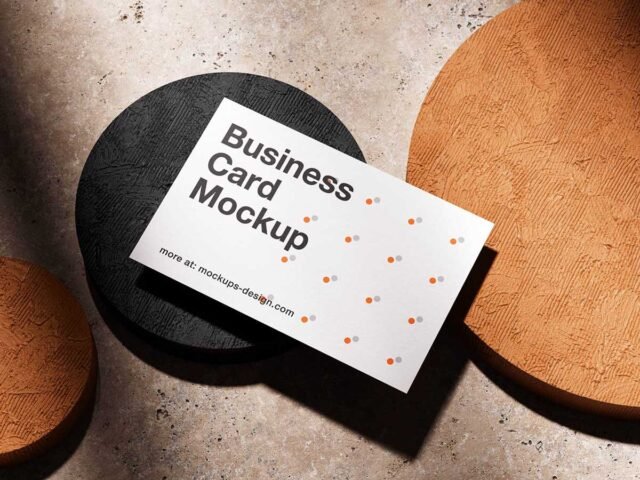
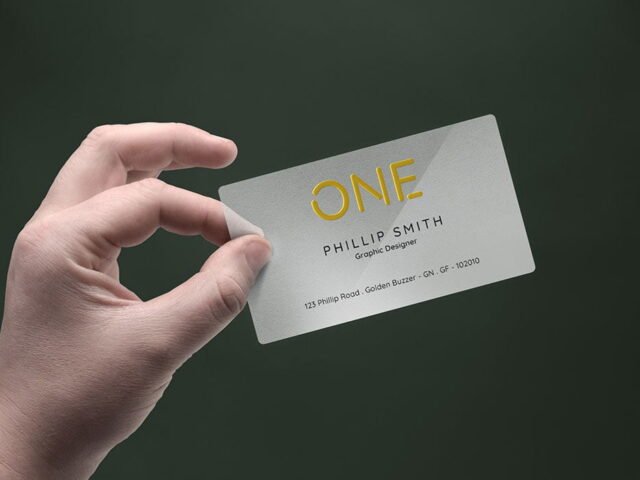
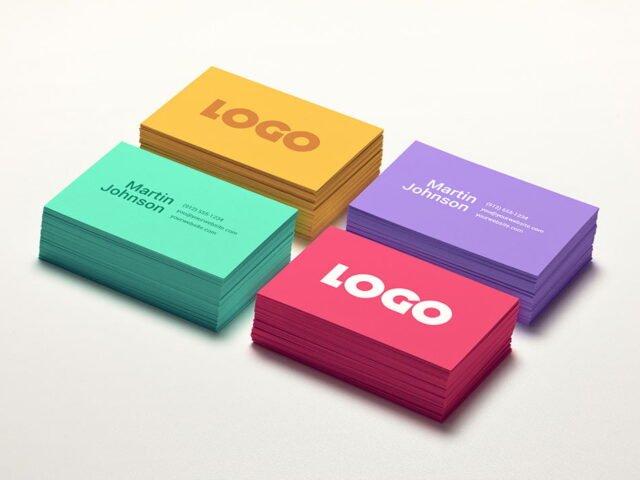
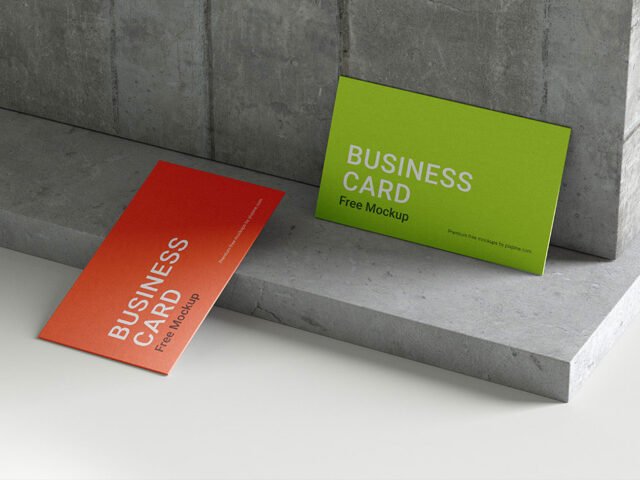
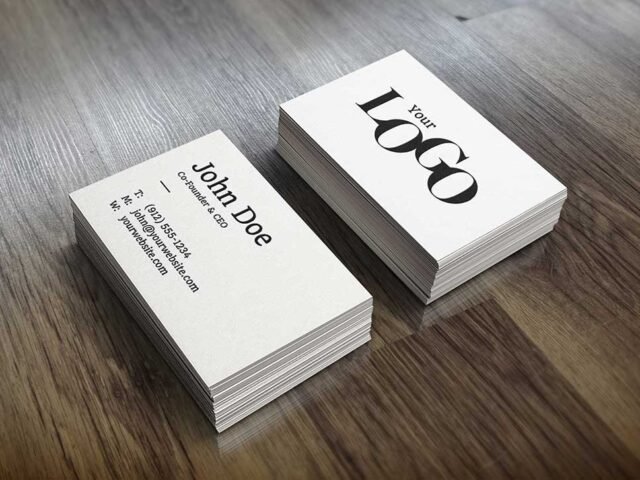
Square Business Card Mockups

What's inside
- Applications Photoshop
- File Types PSD
- License Free (see author's terms)
- Author Behance
Presenting a QR code card? Put it on this square business card mockup and the client sees the real thing, not a flat file.
Good pick for branding studios, freelance designers or anyone putting together a portfolio. Quick tip: show the back of the card with just the logo; it makes the front look calmer.
Clients sign off faster when they can picture the finished piece, and a flat PDF rarely does that as well as a photo of the business card.
A designer on Behance created this one and hosts the download on their own site, so you always get the latest version straight from the source.
Square Business Card Mockups: editable parts
The PSD is layered, so you can change:
- Your design, placed through the smart object
- Front and back artwork, where both sides are shown
- Shadows and highlights on their own layers
- Paper texture you can turn up or down
How to use the Square Business Card Mockups
- Set up the design flat at the real print size and keep text inside a safe margin.
- Open the PSD in Photoshop and find the smart object layer, usually named “Your Design” or “Place Here”.
- Place your design, hide the sample artwork, save, and go back to the main file.
- Save a JPG for clients and social media, and keep the PSD for later changes.
Worth remembering: if the paper has texture, drop the opacity of your art by a few percent so the grain shows through.
Ways to use this Square Business Card Mockups
- Use it as the cover image for a minimal logo card in your portfolio.
- Show a QR code card on your online shop or product page.
- Make two or three colour versions of a front and back card design and let the client pick.
Before you download
- Made by a designer on Behance. The download size and format are listed on their page.
- Check the licence on the author’s page. Personal and commercial terms differ from file to file.
- Built for Adobe Photoshop. A recent CC version handles the smart objects best.
- Some free mockups ask for credit when you post them. A short line in your caption is enough.
More free business card mockups are listed below, each linking to the original author.
Questions about this mockup
Can I use this business card mockup for client work?
It's free to download, but the licence belongs to a designer on Behance. Check their page: it states whether commercial use is allowed and if attribution is needed.
How do I put my artwork on the business card?
Find the smart object layer (it has a small icon on its thumbnail), double-click it, place your design, then save and close that tab.
Which Photoshop version do I need?
A recent Photoshop CC version is best. Older versions can open the file but sometimes have trouble with smart objects and effects.
Can I show both sides?
It depends on the file. Many print mockups include a front and a back smart object; the preview usually shows whether both sides are visible.