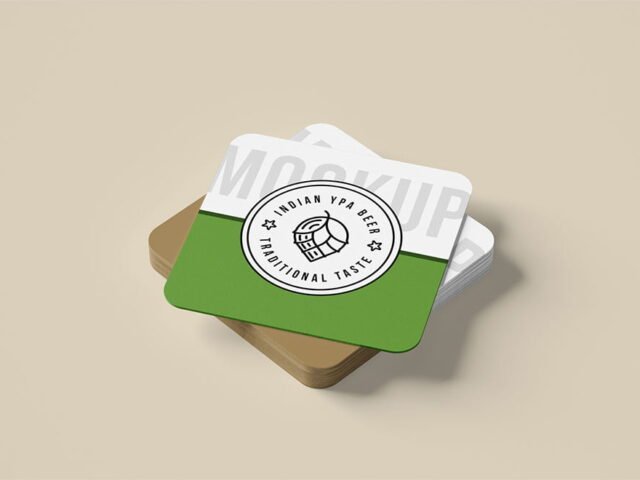
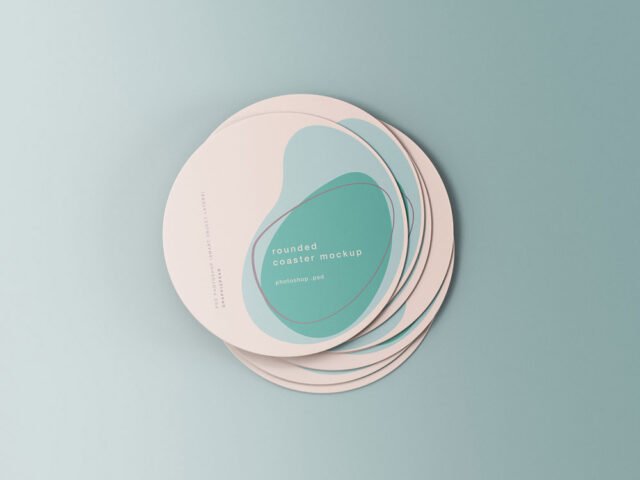
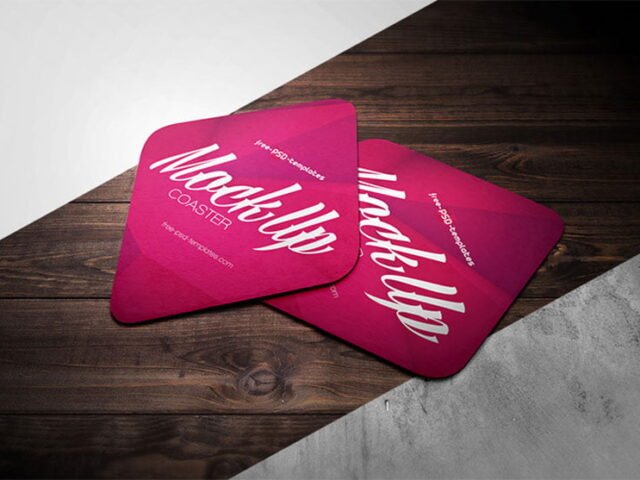
Square Drinks Coaster Mockup
What's inside
- Applications Photoshop
- File Types PSD
- License Free (see author's terms)
- Author Mockups Design
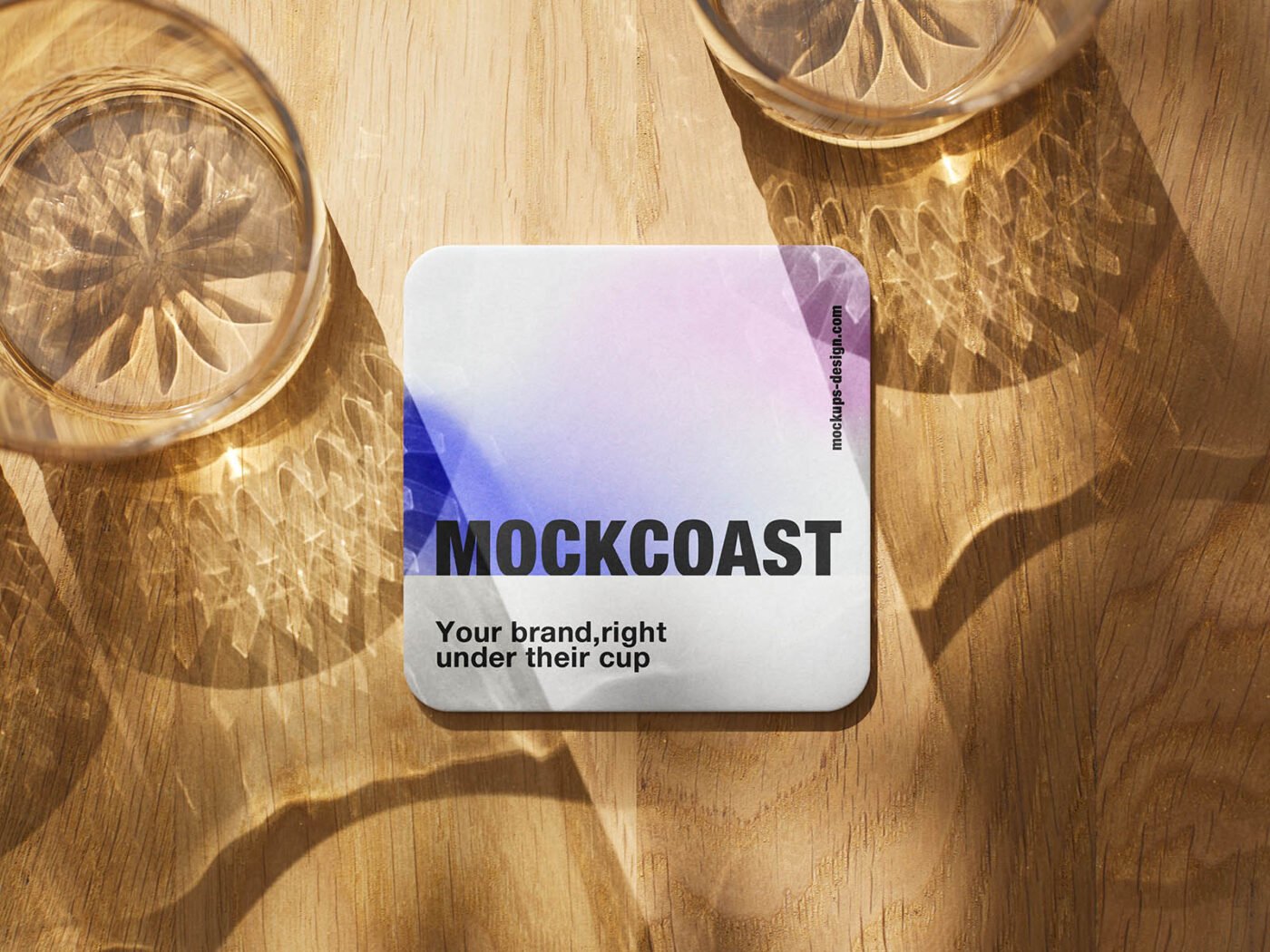
Here’s a square drinks coaster mockup that works well for a bar logo, a pattern and similar projects.
Cafés and bars tend to get the most out of files like this. A small tip: dark designs often look flat on paper mockups. Turning the highlight layer up slightly brings back the sheen.
It also makes a good cover image for a Behance or Dribbble post, where the first thumbnail decides whether anyone clicks.
The file is made by Mockups Design. The download button takes you to their page, where you get the original file and the licence details.
What’s inside the Square Drinks Coaster Mockup PSD
The PSD is layered, so you can change:
- Your design, placed through the smart object
- Paper or background colour
- Front and back artwork, where both sides are shown
- Shadows and highlights on their own layers
How to use the Square Drinks Coaster Mockup
- Export your artwork as a high-resolution PNG or JPG, around 300 ppi at print size.
- Open the PSD in Photoshop and find the smart object layer, usually named “Your Design” or “Place Here”.
- Paste your design, resize it to fill the area, then save (Ctrl/Cmd + S) and close that tab.
- Export with File › Export › Export As: JPG for sharing, PNG for the web.
Another tip: export your artwork at the size the smart object asks for; scaling a small file up is the usual reason print mockups look soft.
Where the Square Drinks Coaster Mockup works best
- Show a pattern to a client before it goes to print or production.
- Show a bar logo on your online shop or product page.
- Make two or three colour versions of a beer brand print and let the client pick.
Before you download
- Made by Mockups Design. The download size and format are listed on their page.
- Check the smart object size before you design, so your artwork fits without stretching.
- Check the licence on the author’s page. Personal and commercial terms differ from file to file.
Browse more free coaster mockups on Artistic Orbit, with new files added every day.
Questions about this mockup
Is it free for commercial use?
It's free to download, but the licence belongs to Mockups Design. Check their page: it states whether commercial use is allowed and if attribution is needed.
How do I put my artwork on the coaster?
Find the smart object layer (it has a small icon on its thumbnail), double-click it, place your design, then save and close that tab.
Do I need Photoshop?
Yes. This is a PSD mockup built with smart objects, so you edit it in Adobe Photoshop. Any recent CC version works.
Can I show both sides?
It depends on the file. Many print mockups include a front and a back smart object; the preview usually shows whether both sides are visible.
Why does the download open another website?
We list free files from designers around the web and link to the original page, so Mockups Design gets the visit and you get the file exactly as they published it.