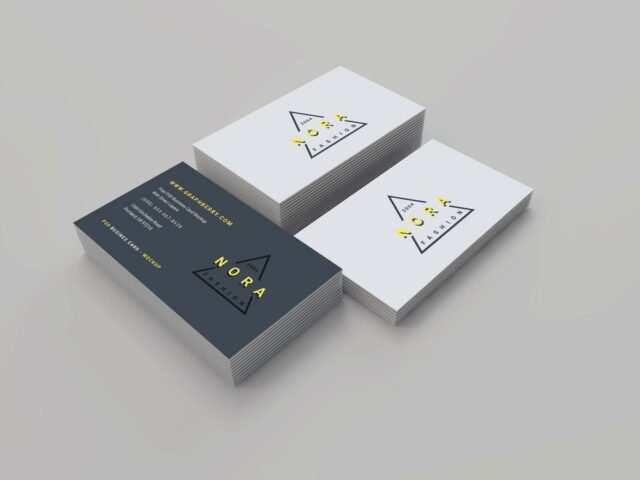
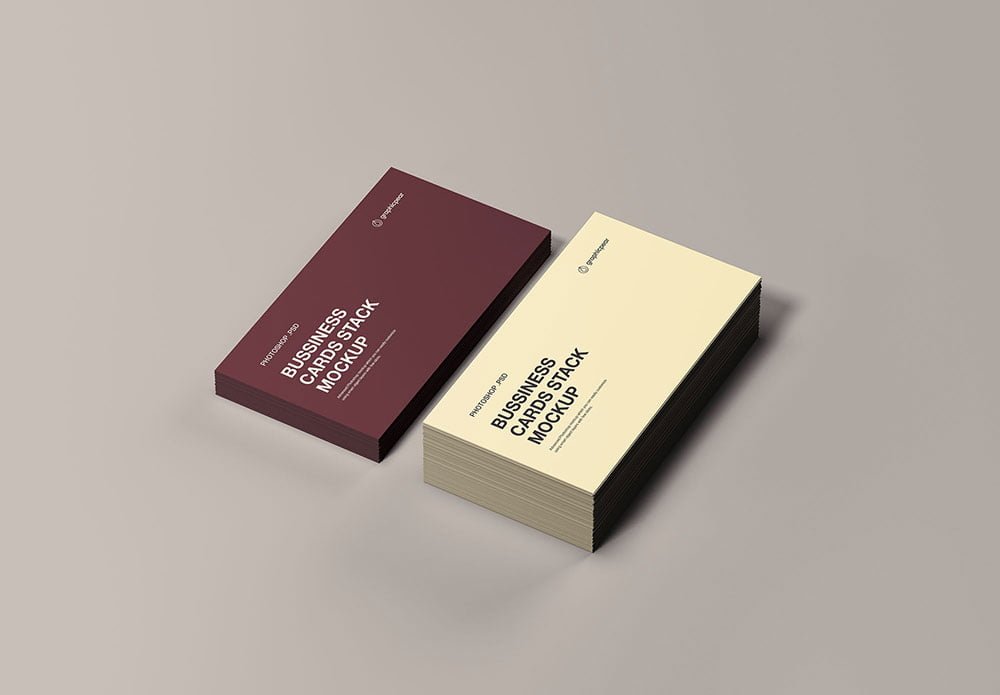
Stack Business Cards Mockup
What's inside
- Applications Photoshop
- File Types PSD
- License Free (see author's terms)
- Author GraphicPear
A front and back card design looks better on a stack business cards mockup than on a white artboard, and this mockup is set up for exactly that.
It’s a handy file for freelance designers and small businesses. Standard cards are small; keep body text at 7–8 pt or larger so it stays readable in the preview.
It also makes a good cover image for a Behance or Dribbble post, where the first thumbnail decides whether anyone clicks. If you’re building a full identity, pair it with an envelope or letterhead mockup for a matching set.
Good for
- A front and back card design
- A minimal logo card
- A QR code card
This is a free file from GraphicPear. When you click download you’ll land on their page to grab it.
What you can edit in this Stack Business Cards Mockup
Main things you can change in Photoshop:
- Your design, placed through the smart object
- Paper or background colour
- Front and back artwork, where both sides are shown
Editing the Stack Business Cards Mockup, step by step
- Export your artwork as a high-resolution PNG or JPG, around 300 ppi at print size.
- Open the PSD in Photoshop and find the smart object layer, usually named “Your Design” or “Place Here”.
- Drop your artwork in, fit it to the canvas, save and close. The mockup updates by itself.
- Change the background or paper colour with the colour layer.
- Export with File › Export › Export As: JPG for sharing, PNG for the web.
One more thing: show the back of the card with just the logo; it makes the front look calmer.
Where the Stack Business Cards Mockup works best
- Make two or three colour versions of a front and back card design and let the client pick.
- Show a QR code card on your online shop or product page.
- Present a minimal logo card in a client proposal or brand guide.
Quick notes on this mockup
- Made by GraphicPear. The download size and format are listed on their page.
- Some free mockups ask for credit when you post them. A short line in your caption is enough.
- Built for Adobe Photoshop. A recent CC version handles the smart objects best.
- Check the smart object size before you design, so your artwork fits without stretching.
Scroll down for similar business card mockups from other designers.
Questions about this mockup
What licence does it come with?
It's free to download, but the licence belongs to GraphicPear. Check their page: it states whether commercial use is allowed and if attribution is needed.
How do I add my design?
Open the file in Photoshop, double-click the smart object thumbnail, paste or place your artwork in the new tab, save it (Ctrl/Cmd + S) and close. The main file updates on its own.
Do I need Photoshop?
Yes. This is a PSD mockup built with smart objects, so you edit it in Adobe Photoshop. Any recent CC version works.
Will my artwork look printed or pasted on?
Most print mockups keep the paper texture and lighting on separate layers above your design, so it takes on the grain and shadows. If it still looks too clean, lower the opacity of your artwork a little.