Tea Cup Mockups
What's inside
- Applications Photoshop
- File Types PSD
- License Free (see author's terms)
- Author Pixelbuddha
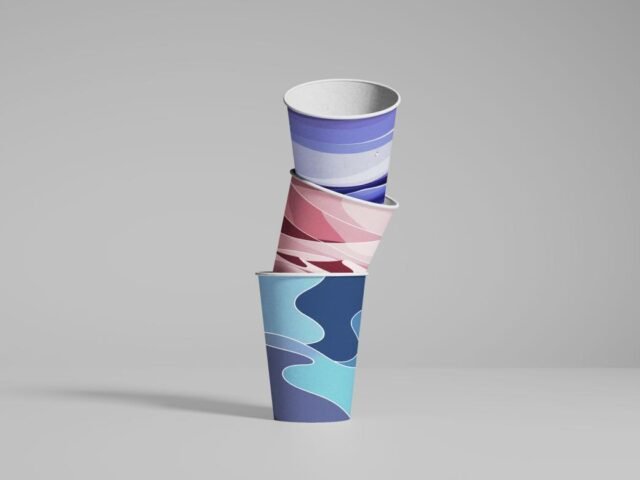
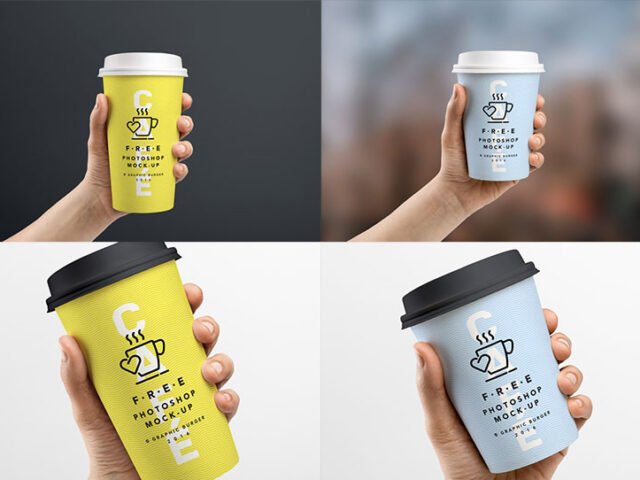
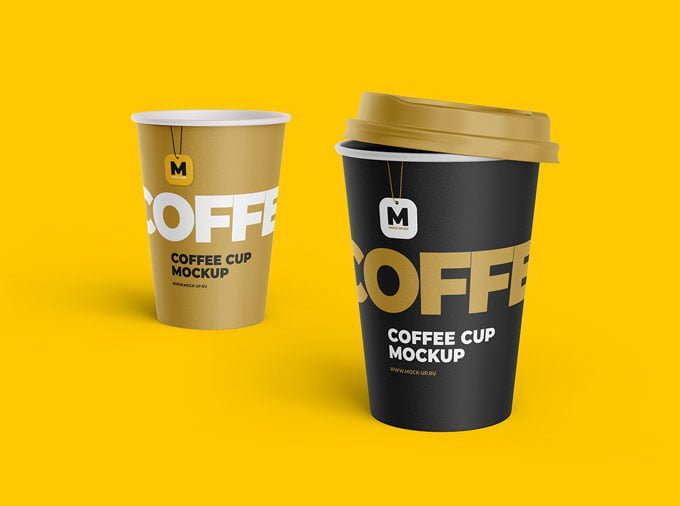
A tea cup mockup, made for presenting a takeaway cup print. Drop in your artwork and the lighting and shadows stay as they are.
Useful for cafés as much as for coffee brands. Quick tip: if the file lets you change the lid or sleeve colour, match it to your brand; it pulls the image together.
It’s the quickest way to check whether a logo still works when it’s small and curved.
Credit goes to Pixelbuddha. We link to their download page rather than re-uploading the file, so check their terms there before commercial use.
Editable options in the Tea Cup Mockups PSD
Main things you can change in Photoshop:
- Logo or pattern, placed through the smart object
- Background colour
- Highlights on the curve
- Cup, lid or sleeve colour
Editing the Tea Cup Mockups, step by step
- Centre your design on the side that faces the viewer.
- In the Layers panel, find the layer with the small smart object icon and double-click it.
- Drop your artwork in, fit it to the canvas, save and close. The mockup updates by itself.
- Nudge the logo to the centre of the curve.
- Export with File › Export › Export As: JPG for sharing, PNG for the web.
One more thing: a logo that works on a business card usually works on a cup. Long slogans rarely do.
Best uses for this Tea Cup Mockups
- Make two or three colour versions of a takeaway cup print and let the client pick.
- Use it as the cover image for a coffee cup logo in your portfolio.
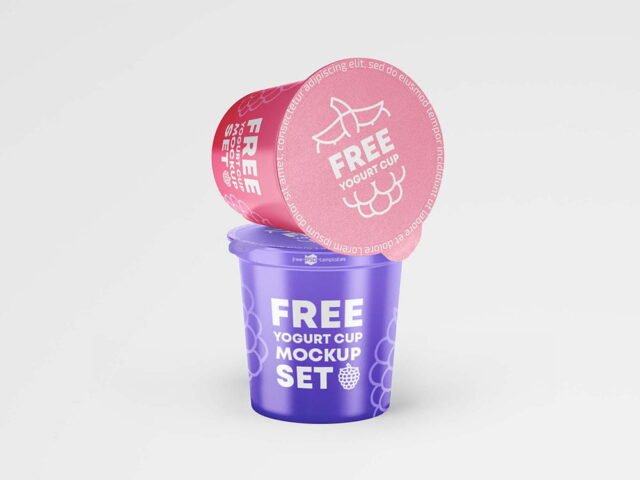
- Show a yogurt or dessert cup label to a client before it goes to print or production.
Quick notes on this mockup
- Made by Pixelbuddha. The download size and format are listed on their page.
- Check the smart object size before you design, so your artwork fits without stretching.
- Built for Adobe Photoshop. A recent CC version handles the smart objects best.
- Some free mockups ask for credit when you post them. A short line in your caption is enough.
More free cup mockups are listed below, each linking to the original author.
Questions about this mockup
Can I use this cup mockup for client work?
That depends on the author's terms. The download page lists what is allowed; when in doubt, ask the author directly.
How do I put my artwork on the cup?
Find the smart object layer (it has a small icon on its thumbnail), double-click it, place your design, then save and close that tab.
Do I need Photoshop?
Yes. This is a PSD mockup built with smart objects, so you edit it in Adobe Photoshop. Any recent CC version works.
Can I change the cup colour?
Most cup and mug mockups keep the body colour on its own layer, so you can change it without touching your design.