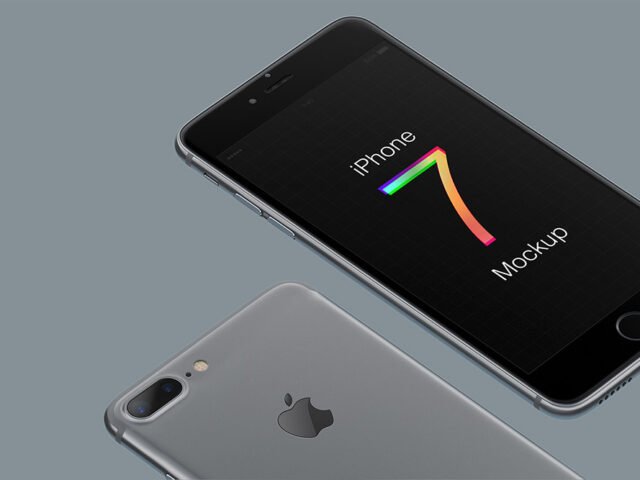
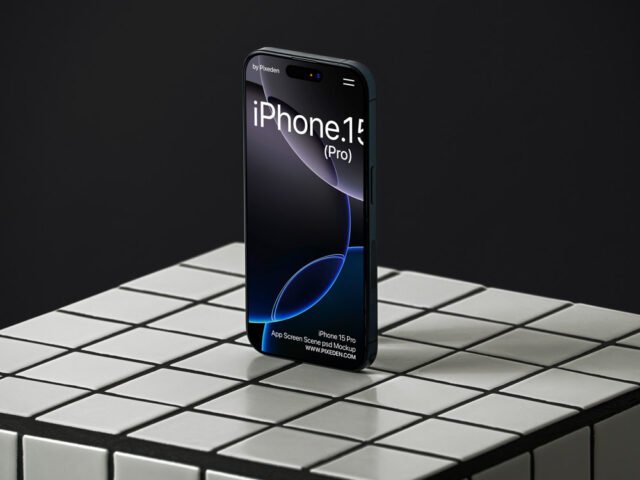
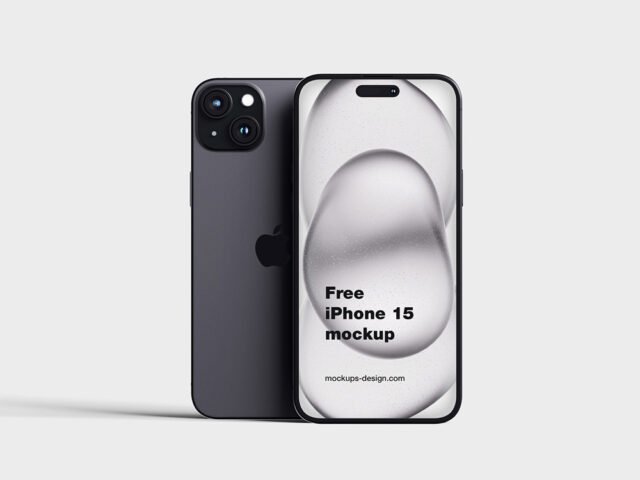
Top View iPhone X Mockup

What's inside
- Applications Photoshop
- File Types PSD
- License Free (see author's terms)
- Author Dribbble
This top view iPhone x mockup is a quick way to show an Instagram story design without a photo shoot.
Startup teams and UI freelancers tend to get the most out of files like this. Tip: for recent iPhones, keep important UI clear of the notch or Dynamic Island area.
A screen inside a real device frame explains a product faster than a raw screenshot, which is why it shows up on so many landing pages and app store listings.
Use it for
- An Instagram story design
- A landing page
- An app screen
This is a free file from a designer on Dribbble. When you click download you’ll land on their page to grab it.
What’s inside the Top View iPhone X Mockup PSD
Everything below is on its own layer:
- Screen design, placed through the smart object
- Background colour
- Shadow under the device
Add your design to the Top View iPhone X Mockup
- Take a clean screenshot of the app or website you want to show.
- Open the file in Photoshop and double-click the smart object thumbnail in the Layers panel.
- Drop your artwork in, fit it to the canvas, save and close. The mockup updates by itself.
- Export a full-size image for your portfolio and a smaller one for social media.
Worth remembering: screenshots with a white background can blend into the bezel; a thin shadow or darker UI reads better.
Where the Top View iPhone X Mockup works best
- Share a website on mobile on Instagram, Behance or Dribbble with a real-looking preview.
- Present an Instagram story design in a client proposal or brand guide.
- Show an app screen on your online shop or product page.
Good to know
- Made by a designer on Dribbble. The download size and format are listed on their page.
- Built for Adobe Photoshop. A recent CC version handles the smart objects best.
- Check the smart object size before you design, so your artwork fits without stretching.
More free iphone mockups are listed below, each linking to the original author.
Questions about this mockup
What licence does it come with?
A designer on Dribbble sets the licence, and it can differ from file to file. Many free files allow personal and commercial use, but some are personal-only or ask for credit. Read the terms on the download page before a paid project.
How do I add my design?
Open the file in Photoshop, double-click the smart object thumbnail, paste or place your artwork in the new tab, save it (Ctrl/Cmd + S) and close. The main file updates on its own.
Which Photoshop version do I need?
A recent Photoshop CC version is best. Older versions can open the file but sometimes have trouble with smart objects and effects.
Which iPhone model is this?
The model is in the title. Screen sizes differ between generations, so always check the smart object size before exporting your screen.