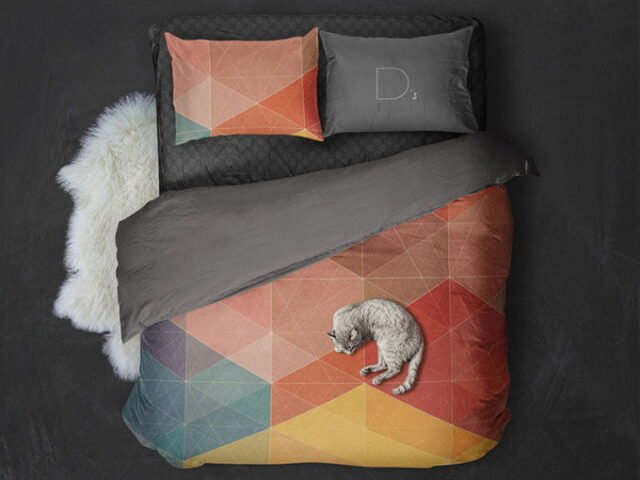
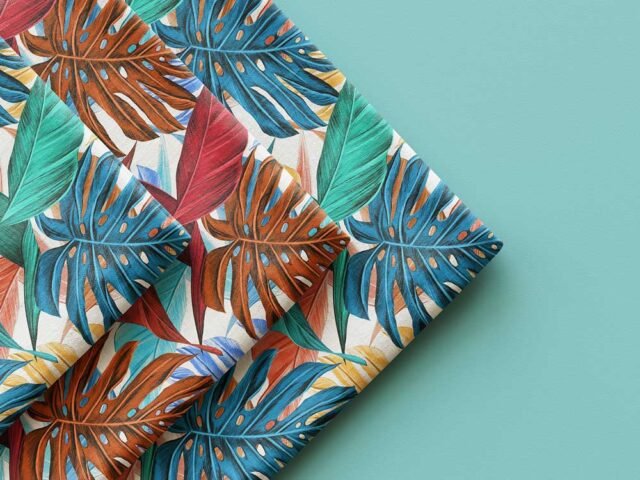
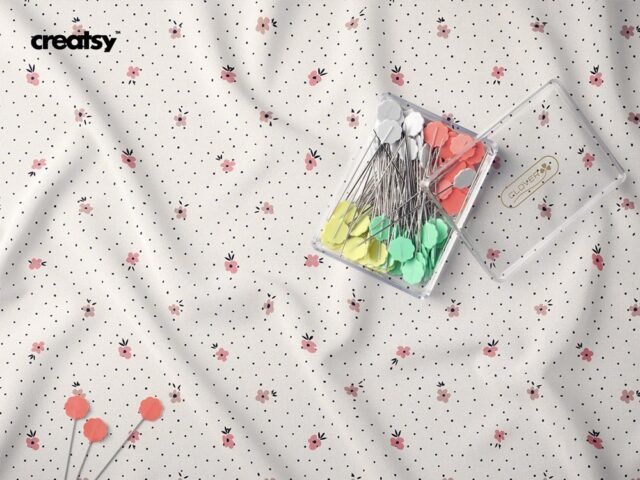
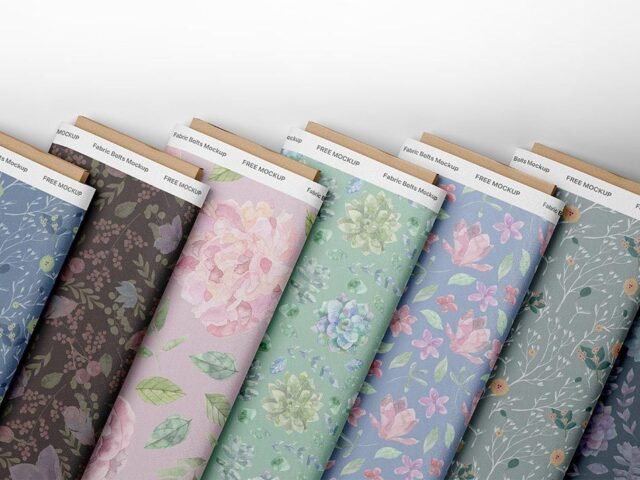
Top View Swatches Fabric Mockup
What's inside
- Applications Photoshop
- File Types PSD
- License Free (see author's terms)
- Author Pixpine
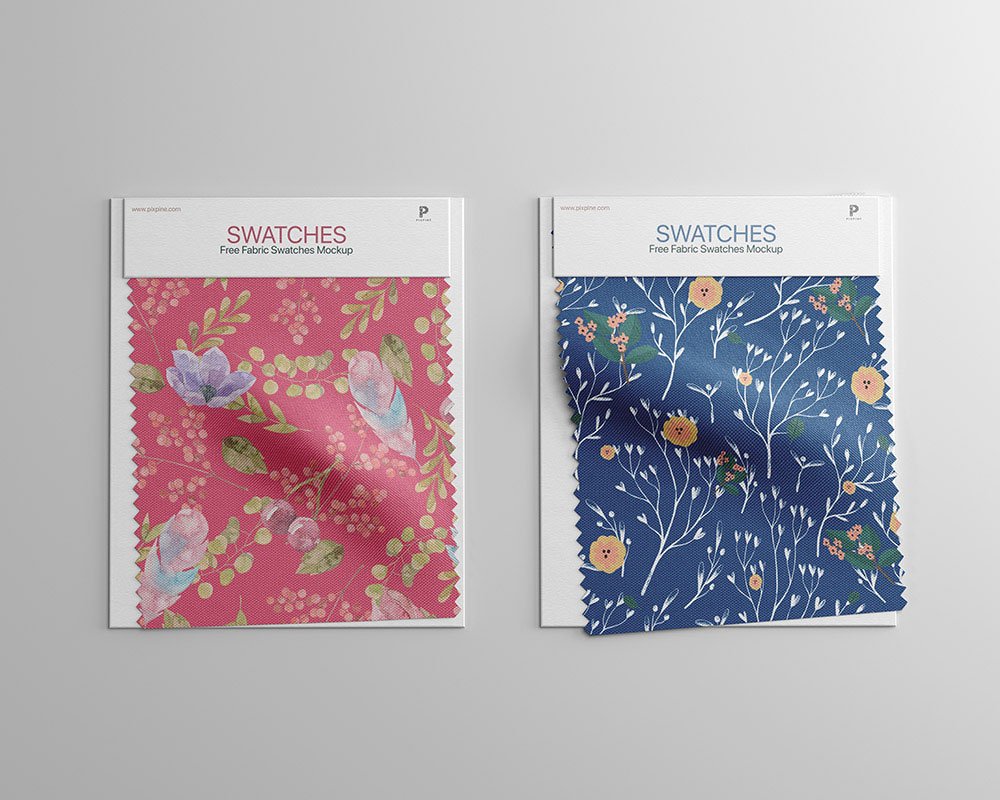
This top view swatches fabric mockup is one of the simpler ways to present a printed logo or a textile pattern convincingly.
It’s a handy file for surface pattern designers and textile designers. Light prints on light fabric vanish; try the garment colour layer first before you change your artwork.
It’s also useful before a print run, to check how large the design should really be on the garment.
The file is made by Pixpine. The download button takes you to their page, where you get the original file and the licence details.
Editable options in the Top View Swatches Fabric Mockup PSD
The PSD is layered, so you can change:
- Print design, placed through the smart object
- Background colour
- Folds and wrinkles that wrap your print
Editing the Top View Swatches Fabric Mockup, step by step
- Save your print as a PNG with a transparent background.
- Open the file in Photoshop and double-click the smart object thumbnail in the Layers panel.
- Drop your artwork in, fit it to the canvas, save and close. The mockup updates by itself.
- Change the fabric colour with the colour fill layer.
- Export with File › Export › Export As: JPG for sharing, PNG for the web.
Worth remembering: place the design as a flat PNG with a transparent background, then let the fabric displacement do the folds.
Ways to use this Top View Swatches Fabric Mockup
- Use it as the cover image for a textile pattern in your portfolio.
- Show a printed logo to a client before it goes to print or production.
- Share a surface design on Instagram, Behance or Dribbble with a real-looking preview.
Before you download
- Made by Pixpine. The download size and format are listed on their page.
- The preview shows the angle, background and lighting you’ll get.
- Check the licence on the author’s page. Personal and commercial terms differ from file to file.
Scroll down for similar fabric mockups from other designers.
Questions about this mockup
Can I use this fabric mockup for client work?
It's free to download, but the licence belongs to Pixpine. Check their page: it states whether commercial use is allowed and if attribution is needed.
How do I add my design?
Open the file in Photoshop, double-click the smart object thumbnail, paste or place your artwork in the new tab, save it (Ctrl/Cmd + S) and close. The main file updates on its own.
Which Photoshop version do I need?
A recent Photoshop CC version is best. Older versions can open the file but sometimes have trouble with smart objects and effects.
Can I change the fabric colour?
Almost every apparel mockup has a colour fill or adjustment layer for the garment. Double-click its thumbnail and pick your colour.