US Letter Paper Mockup
What's inside
- Applications Photoshop
- File Types PSD
- License Free (see author's terms)
- Author Zippypixels
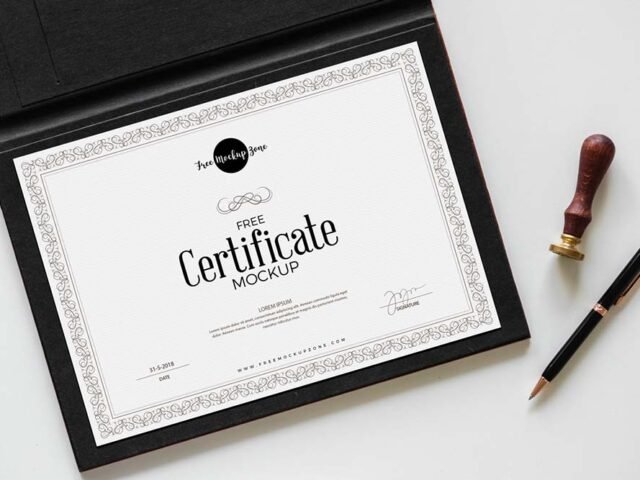
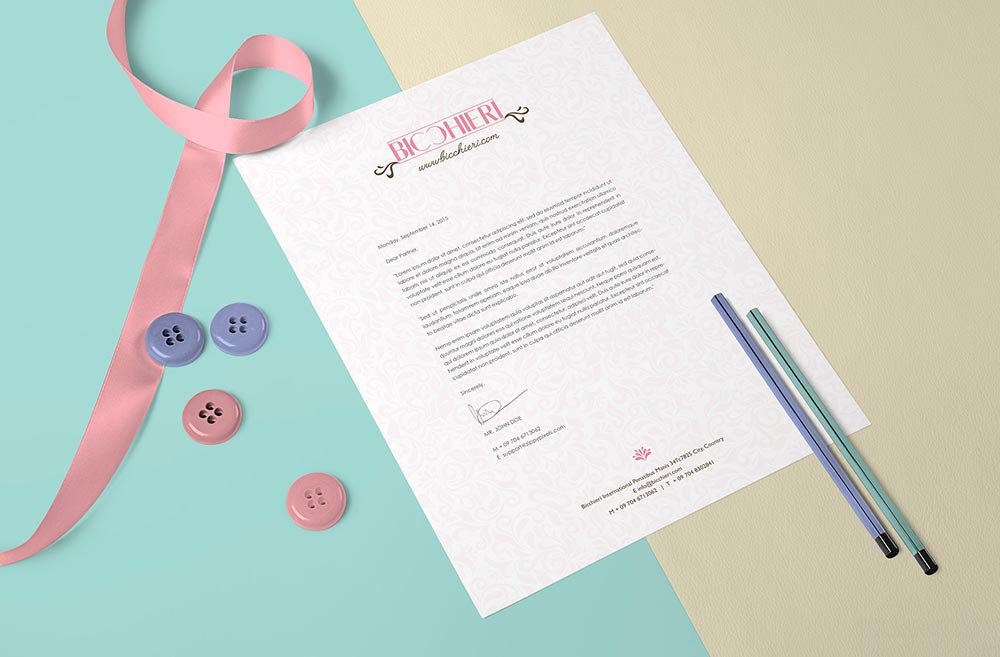
This us letter paper mockup is one of the simpler ways to present a certificate or a letter convincingly.
It’s a handy file for print designers and job seekers. Tip: dark designs often look flat on paper mockups. Turning the highlight layer up slightly brings back the sheen.
It also makes a good cover image for a Behance or Dribbble post, where the first thumbnail decides whether anyone clicks. If you’re building a full identity, pair it with an envelope or letterhead mockup for a matching set.
Works well for
- A certificate
- A letter
- A report page
The file is made by Zippypixels. The download button takes you to their page, where you get the original file and the licence details.
US Letter Paper Mockup: editable parts
Everything below is on its own layer:
- Your design, placed through the smart object
- Paper texture you can turn up or down
- Paper or background colour
- Shadows and highlights on their own layers
How to edit this US Letter Paper Mockup in Photoshop
- Get your artwork ready at print size, with 1/8 inch of bleed if it runs to the edge.
- Open the PSD in Photoshop and find the smart object layer, usually named “Your Design” or “Place Here”.
- Paste your design, resize it to fill the area, then save (Ctrl/Cmd + S) and close that tab.
- Change the background or paper colour with the colour layer.
- Save a JPG for clients and social media, and keep the PSD for later changes.
Another tip: use CMYK-friendly colours in the artwork itself, even though the mockup is RGB, so what the client sees is close to print.
Where the US Letter Paper Mockup works best
- Show a report page on your online shop or product page.
- Present a CV in a client proposal or brand guide.
- Show a letter to a client before it goes to print or production.
Before you download
- Made by Zippypixels. The download size and format are listed on their page.
- Check the licence on the author’s page. Personal and commercial terms differ from file to file.
- Some free mockups ask for credit when you post them. A short line in your caption is enough.
- Check the smart object size before you design, so your artwork fits without stretching.
Browse more free paper mockups on Artistic Orbit, with new files added every day.
Questions about this mockup
Can I use this paper mockup for client work?
Zippypixels sets the licence, and it can differ from file to file. Many free files allow personal and commercial use, but some are personal-only or ask for credit. Read the terms on the download page before a paid project.
How do I add my design?
Open the file in Photoshop, double-click the smart object thumbnail, paste or place your artwork in the new tab, save it (Ctrl/Cmd + S) and close. The main file updates on its own.
Which Photoshop version do I need?
A recent Photoshop CC version is best. Older versions can open the file but sometimes have trouble with smart objects and effects.
Will my artwork look printed or pasted on?
Most print mockups keep the paper texture and lighting on separate layers above your design, so it takes on the grain and shadows. If it still looks too clean, lower the opacity of your artwork a little.