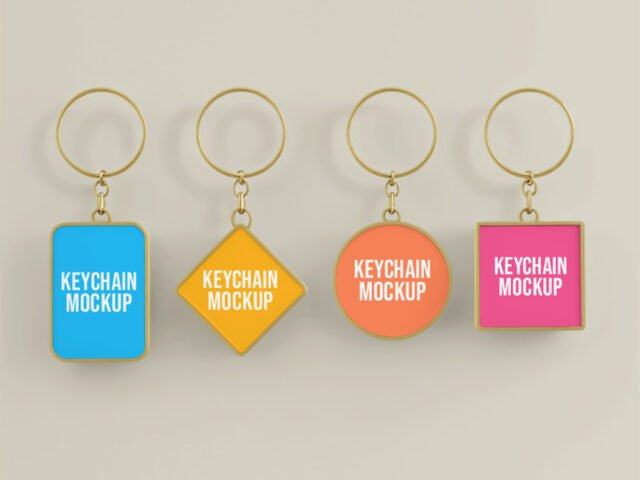
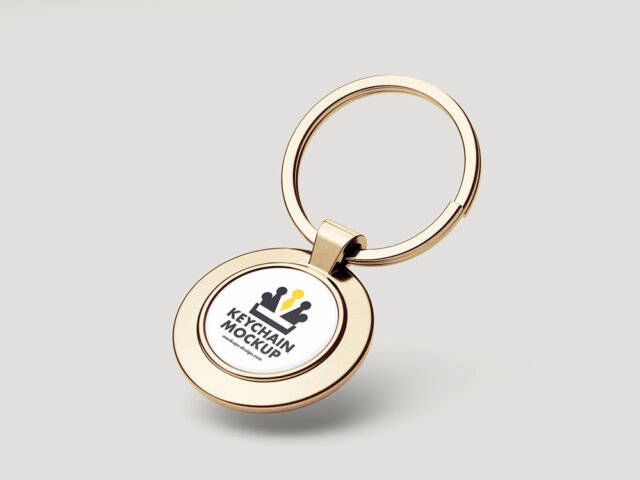
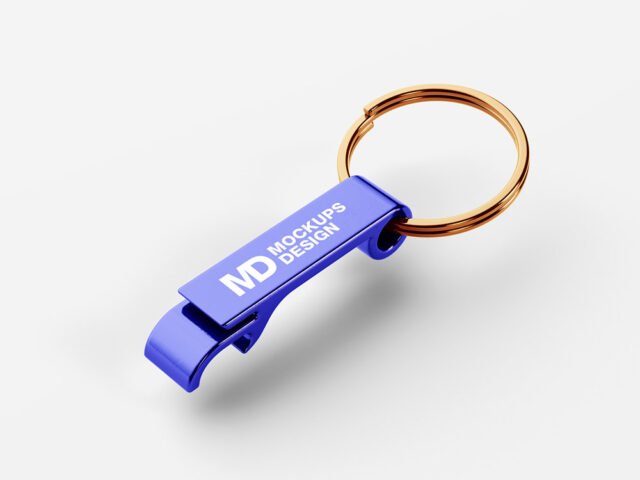
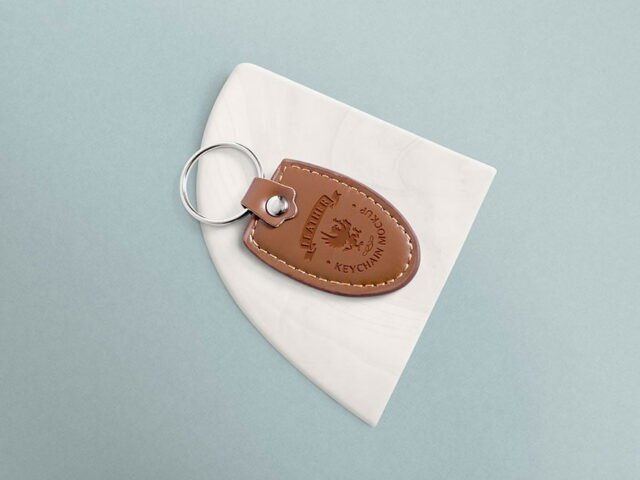
Versatile Keychain Mockup
What's inside
- Applications Photoshop
- File Types PSD
- License Free (see author's terms)
- Author Mockups Design
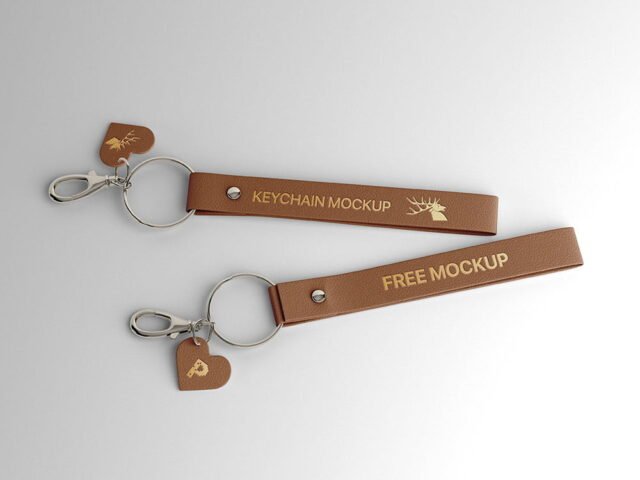
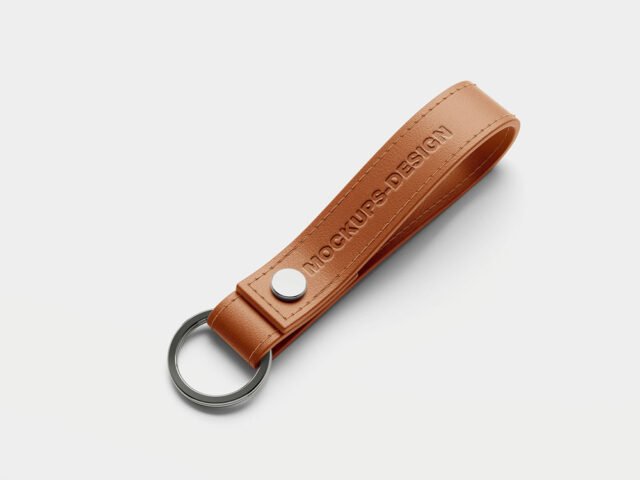
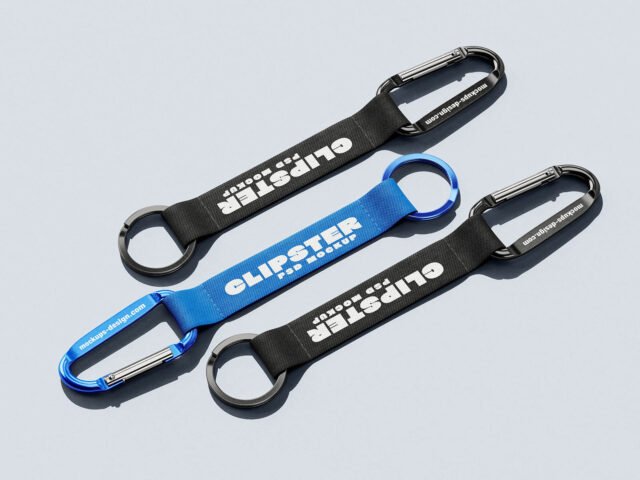
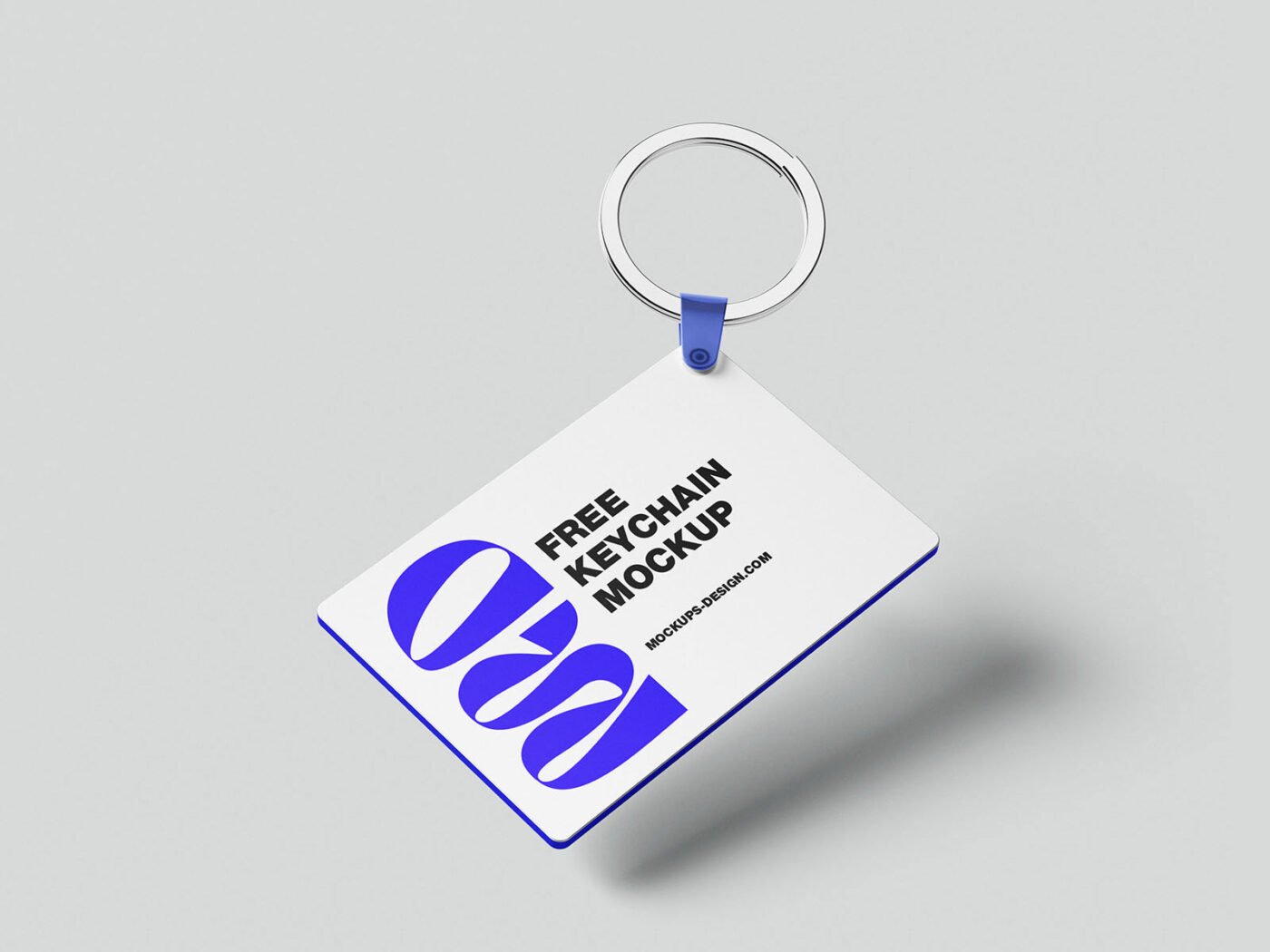
Show an acrylic charm the way it will actually look: on a versatile keychain mockup.
It’s a handy file for merch sellers and hotels. Tip: use a PNG with transparency for logos so the material around them keeps its texture.
Merch and gift ideas are much easier to approve when people can see them on the real object.
Mockups Design created this one and hosts the download on their own site, so you always get the latest version straight from the source.
Editable options in the Versatile Keychain Mockup PSD
Everything below is on its own layer:
- Logo or artwork, placed through the smart object
- Object colour, where included
- Shadows
- Background colour
Add your design to the Versatile Keychain Mockup
- Simplify the design a little; fine details get lost on small objects.
- Open the file in Photoshop and double-click the smart object thumbnail in the Layers panel.
- Drop your artwork in, fit it to the canvas, save and close. The mockup updates by itself.
- Export a full-size image for your portfolio and a smaller one for social media.
Worth remembering: keep your artwork simple. Small objects shrink details quickly, so a bold mark reads better than fine lines.
Where the Versatile Keychain Mockup works best
- Make two or three colour versions of a logo tag and let the client pick.
- Share a hotel key fob on Instagram, Behance or Dribbble with a real-looking preview.
- Show an acrylic charm to a client before it goes to print or production.
Before you download
- Made by Mockups Design. The download size and format are listed on their page.
- The preview shows the angle, background and lighting you’ll get.
- Built for Adobe Photoshop. A recent CC version handles the smart objects best.
- Check the licence on the author’s page. Personal and commercial terms differ from file to file.
More free keychain mockups are listed below, each linking to the original author.
Questions about this mockup
What licence does it come with?
Mockups Design sets the licence, and it can differ from file to file. Many free files allow personal and commercial use, but some are personal-only or ask for credit. Read the terms on the download page before a paid project.
How do I put my artwork on the keychain?
Find the smart object layer (it has a small icon on its thumbnail), double-click it, place your design, then save and close that tab.
Which Photoshop version do I need?
A recent Photoshop CC version is best. Older versions can open the file but sometimes have trouble with smart objects and effects.
Can I change the background?
Most object mockups have a background colour or image layer at the bottom of the stack that you can swap.