Wood Stamp Mockup
What's inside
- Applications Photoshop
- File Types PSD
- License Free (see author's terms)
- Author Mockups Design
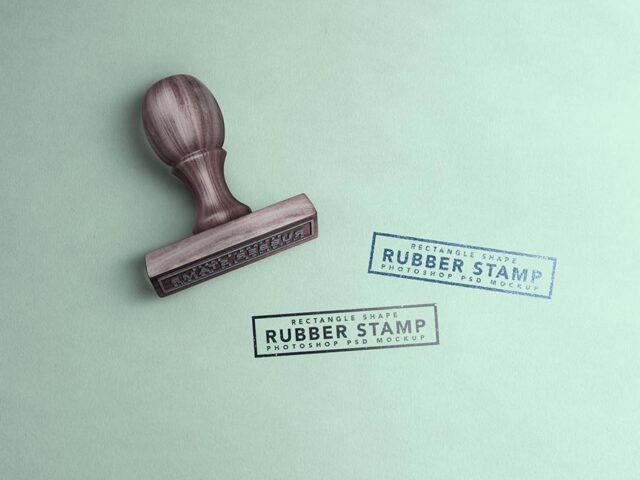
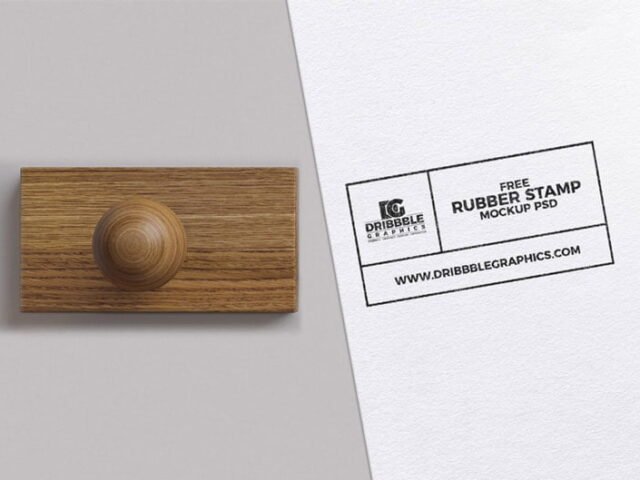
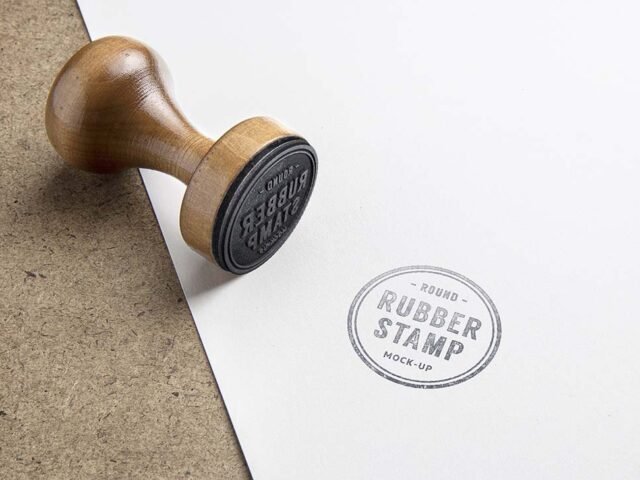
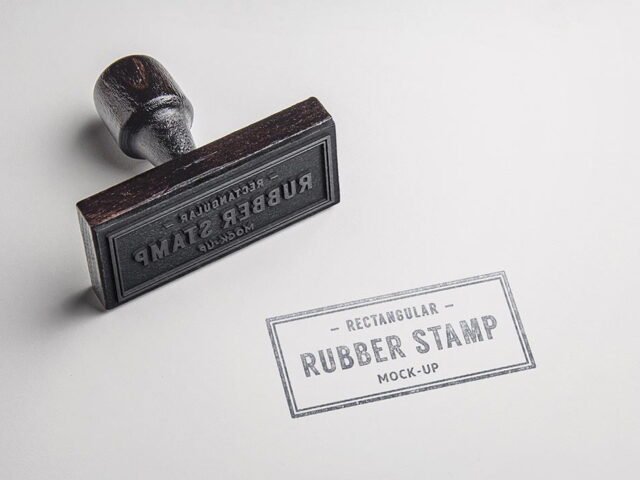
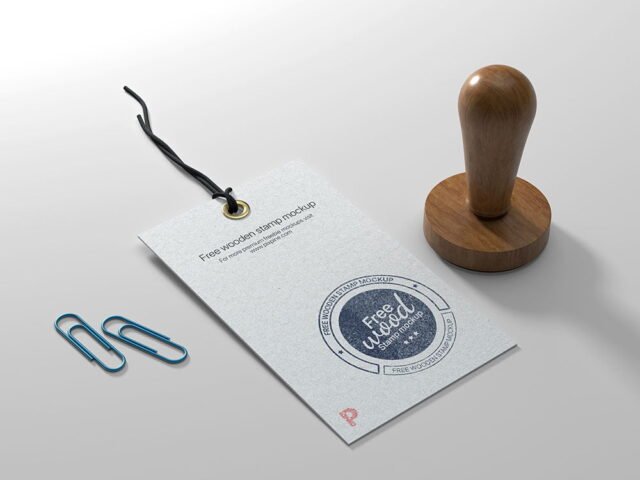
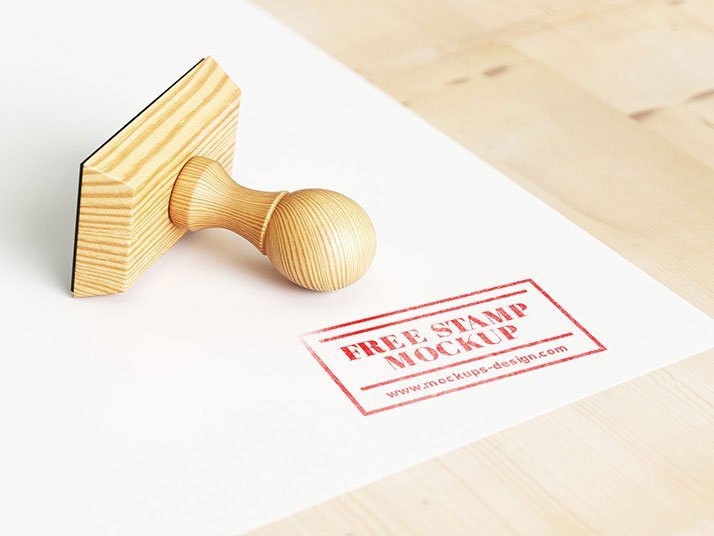
Here’s a wood stamp mockup that works well for a postage stamp design, a seal and similar projects. Because it’s wood, the material shows through a little, which keeps the result believable.
Good pick for craft brands, branding designers or anyone putting together a portfolio. Tip: keep text at least a few millimetres from the edge. The mockup shows the trim, and cramped margins read as a mistake.
It also makes a good cover image for a Behance or Dribbble post, where the first thumbnail decides whether anyone clicks. If you’re building a full identity, pair it with an envelope or letterhead mockup for a matching set.
Use it for
- A postage stamp design
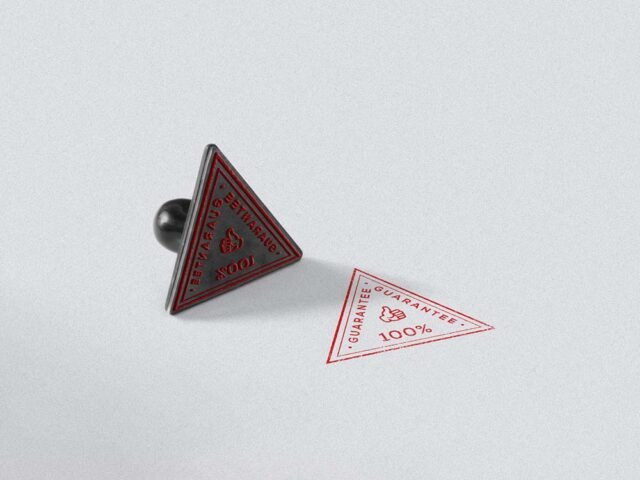
- A seal
- A rubber stamp logo
This is a free file from Mockups Design. When you click download you’ll land on their page to grab it.
What you can edit in this Wood Stamp Mockup
Main things you can change in Photoshop:
- Your design, placed through the smart object
- Front and back artwork, where both sides are shown
- Paper or background colour
- Shadows and highlights on their own layers
How to edit this Wood Stamp Mockup in Photoshop
- Get your artwork ready at print size, with 3 mm of bleed if it runs to the edge.
- Open the PSD in Photoshop and find the smart object layer, usually named “Your Design” or “Place Here”.
- Place your design, hide the sample artwork, save, and go back to the main file.
- Save a JPG for clients and social media, and keep the PSD for later changes.
Worth remembering: if the paper has texture, drop the opacity of your art by a few percent so the grain shows through.
Where the Wood Stamp Mockup works best
- Present a postage stamp design in a client proposal or brand guide.
- Make two or three colour versions of a rubber stamp logo and let the client pick.
- Show a seal to a client before it goes to print or production.
Quick notes on this mockup
- Made by Mockups Design. The download size and format are listed on their page.
- The preview shows the angle, background and lighting you’ll get.
- Some free mockups ask for credit when you post them. A short line in your caption is enough.
Scroll down for similar stamp mockups from other designers.
Questions about this mockup
What licence does it come with?
It's free to download, but the licence belongs to Mockups Design. Check their page: it states whether commercial use is allowed and if attribution is needed.
How do I put my artwork on the stamp?
Find the smart object layer (it has a small icon on its thumbnail), double-click it, place your design, then save and close that tab.
Which Photoshop version do I need?
A recent Photoshop CC version is best. Older versions can open the file but sometimes have trouble with smart objects and effects.
Will my artwork look printed or pasted on?
Most print mockups keep the paper texture and lighting on separate layers above your design, so it takes on the grain and shadows. If it still looks too clean, lower the opacity of your artwork a little.
Why does the download open another website?
We list free files from designers around the web and link to the original page, so Mockups Design gets the visit and you get the file exactly as they published it.