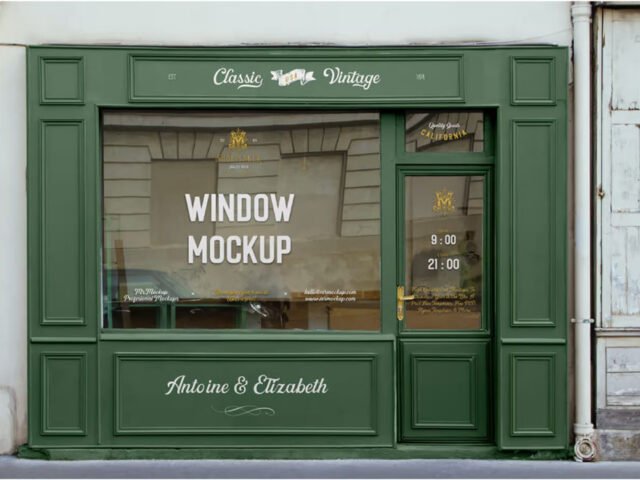
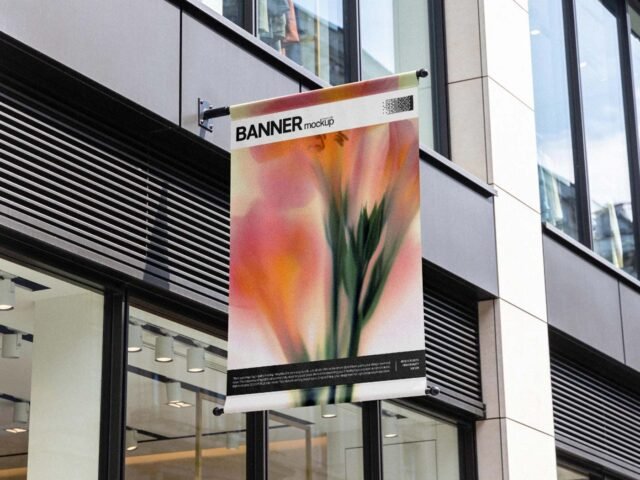
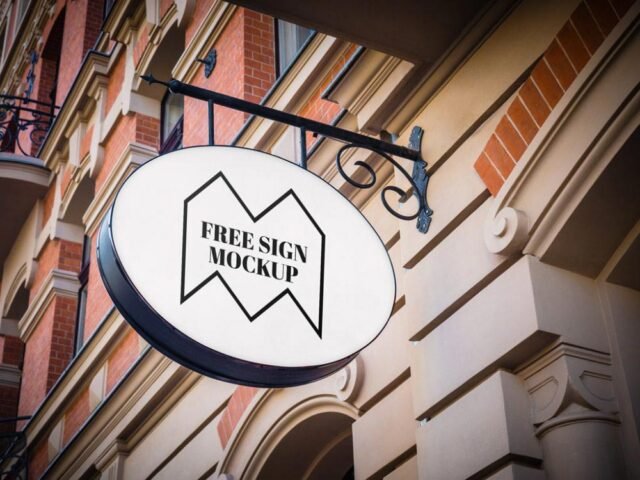
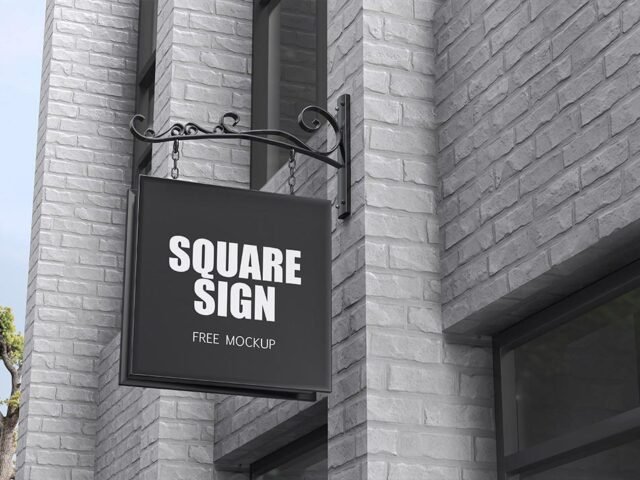
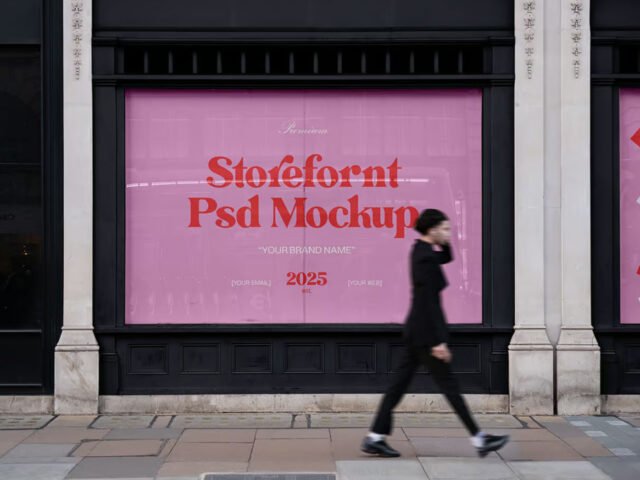
Small Storefront Mockup
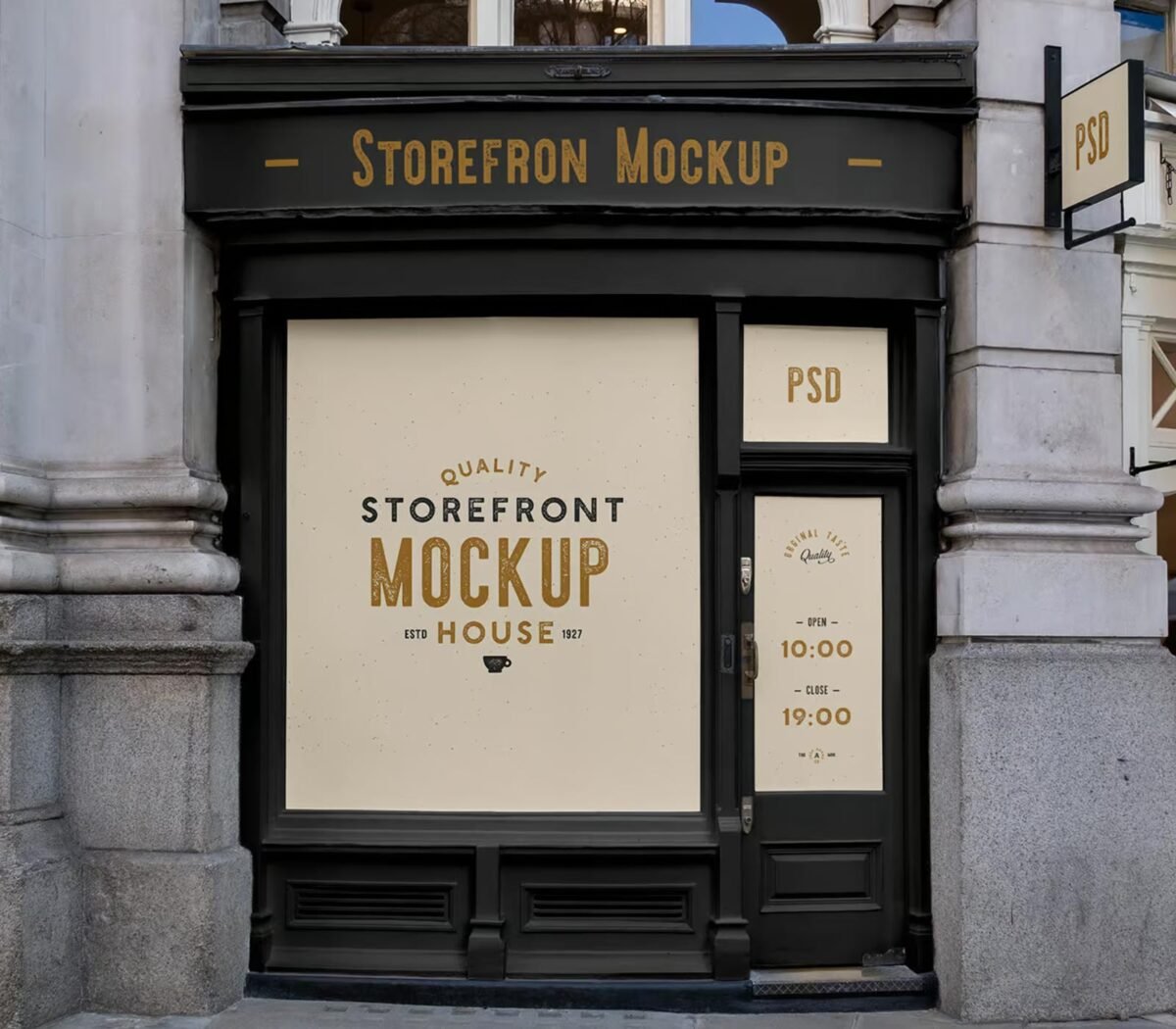
What's inside
- Applications Photoshop
- File Types PSD
- License Free (see author's terms)
- Author Mr.Mockup
If you’re presenting window graphics, this small storefront mockup makes the idea feel real before anything is produced.
It’s a handy file for branding studios and retail brands. Quick tip: match the brightness of your design to the scene; a very bright graphic in a shaded spot looks pasted in.
Showing a campaign in context helps clients see the scale; a design that feels loud on a laptop can look quiet on the street. Show the same visual on a billboard and a flyer to present a consistent campaign.
Works well for
- Window graphics
- Opening hours
- A new store identity
Credit goes to Mr.Mockup. We link to their download page rather than re-uploading the file, so check their terms there before commercial use.
What’s inside the Small Storefront Mockup PSD
The PSD is layered, so you can change:
- Ad artwork, placed through the smart object
- Brightness to match the scene
- Glow layer for backlit scenes, where included
- Lighting and shadow layers
How to use the Small Storefront Mockup
- Check the smart object’s ratio first, then build the ad to match it.
- In the Layers panel, find the layer with the small smart object icon and double-click it.
- Paste your design, resize it to fill the area, then save (Ctrl/Cmd + S) and close that tab.
- Export with File › Export › Export As: JPG for sharing, PNG for the web.
Check your artwork’s aspect ratio against the smart object before you start, or faces and logos get cropped.
Where the Small Storefront Mockup works best
- Present opening hours in a client proposal or brand guide.
- Show window graphics on your online shop or product page.
- Show a new store identity to a client before it goes to print or production.
Quick notes on this mockup
- Made by Mr.Mockup. The download size and format are listed on their page.
- Check the licence on the author’s page. Personal and commercial terms differ from file to file.
- The preview shows the angle, background and lighting you’ll get.
Browse more free storefront mockups on Artistic Orbit, with new files added every day.
Questions about this mockup
Can I use this storefront mockup for client work?
It's free to download, but the licence belongs to Mr.Mockup. Check their page: it states whether commercial use is allowed and if attribution is needed.
How do I add my design?
Open the file in Photoshop, double-click the smart object thumbnail, paste or place your artwork in the new tab, save it (Ctrl/Cmd + S) and close. The main file updates on its own.
Do I need Photoshop?
Yes. This is a PSD mockup built with smart objects, so you edit it in Adobe Photoshop. Any recent CC version works.
What ratio should my artwork be?
Open the smart object and check its canvas; design to that ratio. Most outdoor mockups use common print ratios, but it varies from file to file.
Why does the download open another website?
We list free files from designers around the web and link to the original page, so Mr.Mockup gets the visit and you get the file exactly as they published it.