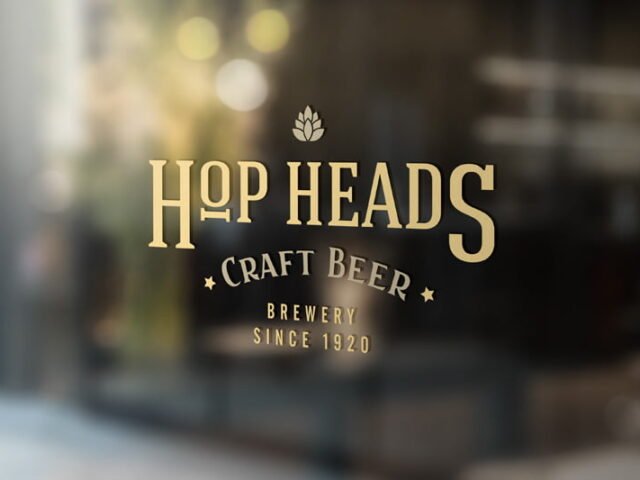
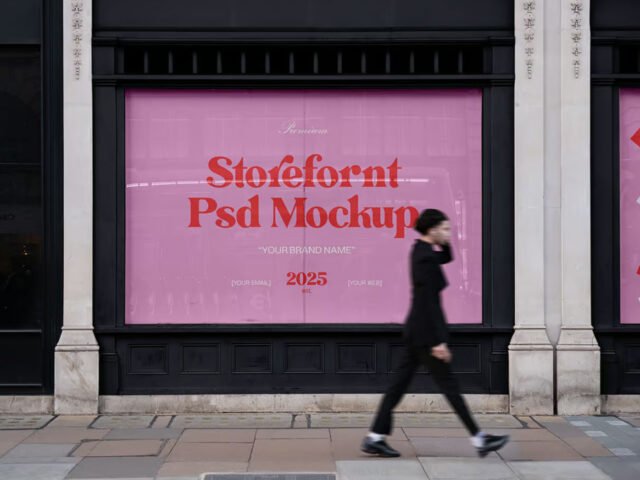
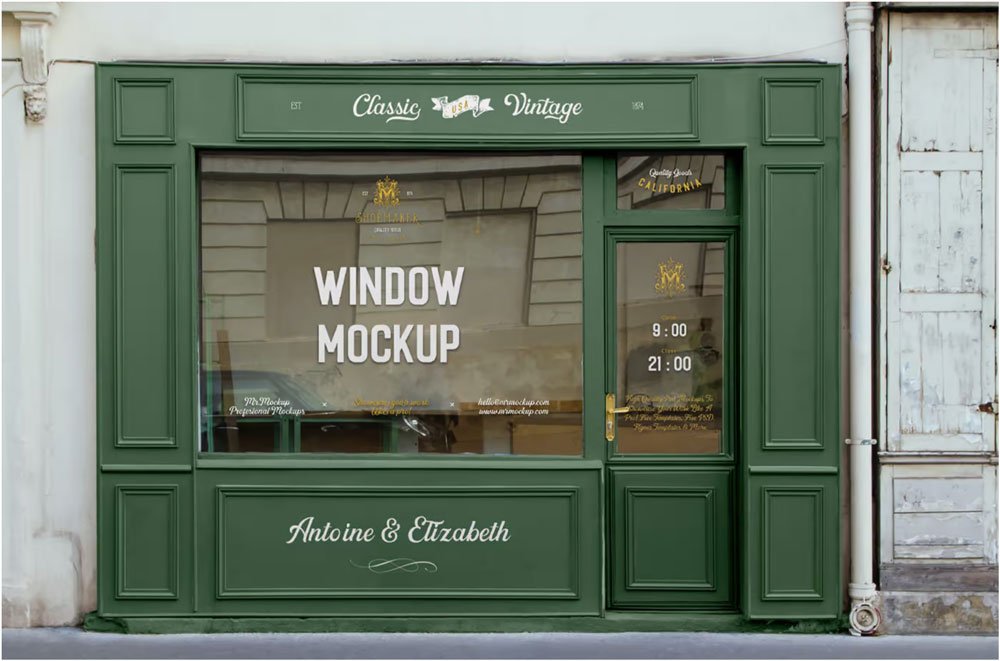
Retail Storefront Mockup
What's inside
- Applications Photoshop
- File Types PSD
- License Free (see author's terms)
- Author Mr.Mockup
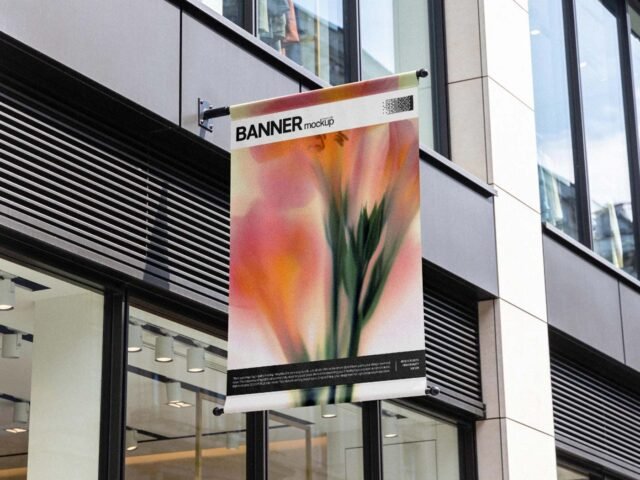
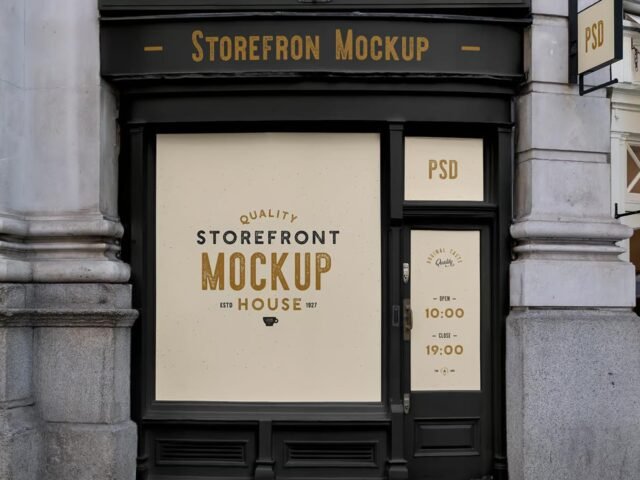
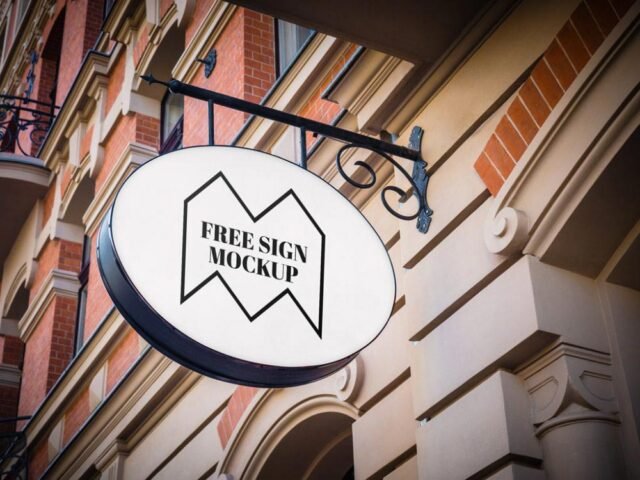
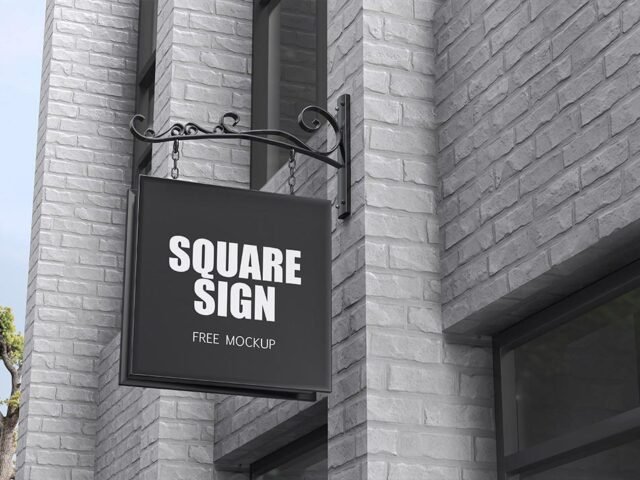
This retail storefront mockup is a quick way to show a shop sign without a photo shoot.
Useful for branding studios as much as for café owners. A small tip: check your artwork’s aspect ratio against the smart object before you start, or faces and logos get cropped.
It’s also handy for student and portfolio work, when you want to show a campaign that never went live. Combine it with a poster or bus stop ad to show the campaign across several placements.
Good for
- A shop sign
- Opening hours
- A new store identity
The file is made by Mr.Mockup. The download button takes you to their page, where you get the original file and the licence details.
What’s inside the Retail Storefront Mockup PSD
Everything below is on its own layer:
- Ad artwork, placed through the smart object
- Brightness to match the scene
- Glow layer for backlit scenes, where included
- Lighting and shadow layers
Editing the Retail Storefront Mockup, step by step
- Check the smart object’s ratio first, then build the ad to match it.
- In the Layers panel, find the layer with the small smart object icon and double-click it.
- Paste your design, resize it to fill the area, then save (Ctrl/Cmd + S) and close that tab.
- Use the glow layer for night or backlit scenes.
- Export with File › Export › Export As: JPG for sharing, PNG for the web.
One more thing: match the brightness of your design to the scene; a very bright graphic in a shaded spot looks pasted in.
Best uses for this Retail Storefront Mockup
- Share window graphics on Instagram, Behance or Dribbble with a real-looking preview.
- Make two or three colour versions of a new store identity and let the client pick.
- Use it as the cover image for opening hours in your portfolio.
Quick notes on this mockup
- Made by Mr.Mockup. The download size and format are listed on their page.
- Some free mockups ask for credit when you post them. A short line in your caption is enough.
- Check the smart object size before you design, so your artwork fits without stretching.
Need a different angle? The storefront mockups category has plenty more free PSD files.
Questions about this mockup
What licence does it come with?
Mr.Mockup sets the licence, and it can differ from file to file. Many free files allow personal and commercial use, but some are personal-only or ask for credit. Read the terms on the download page before a paid project.
How do I put my artwork on the storefront?
Find the smart object layer (it has a small icon on its thumbnail), double-click it, place your design, then save and close that tab.
Do I need Photoshop?
Yes. This is a PSD mockup built with smart objects, so you edit it in Adobe Photoshop. Any recent CC version works.
Can I change the surroundings?
Usually only lighting and shadows are adjustable. The street, sky or building are part of the photo.