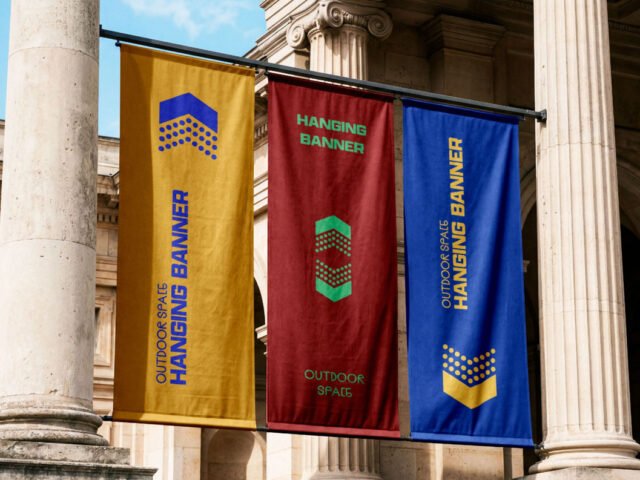
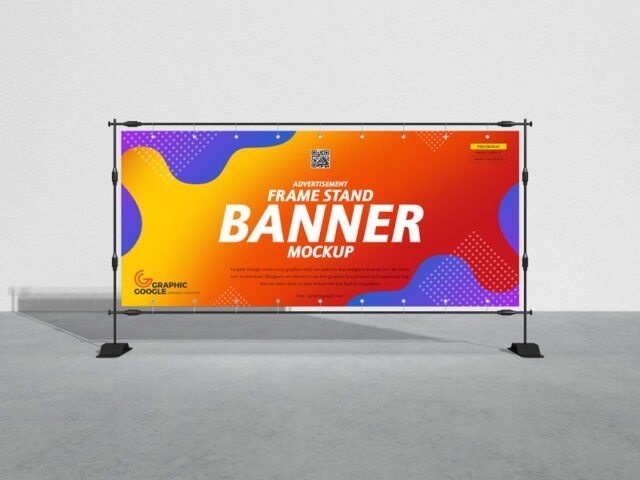
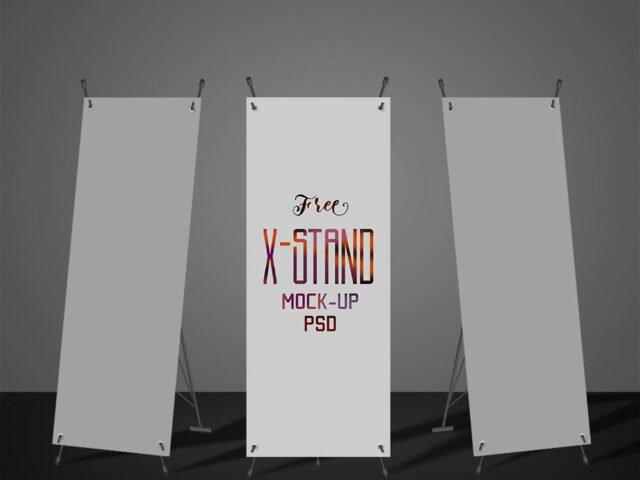
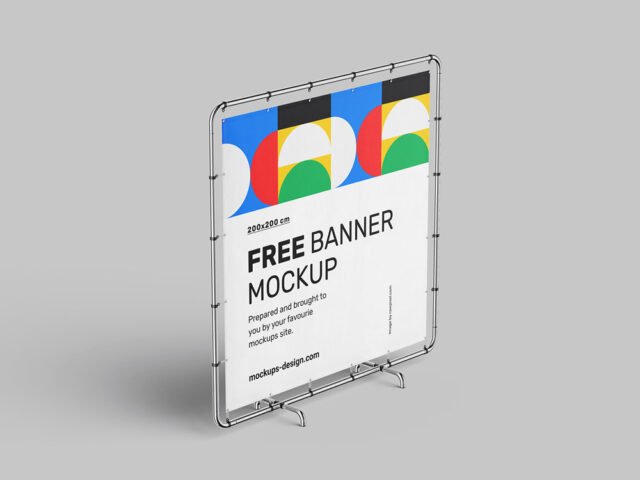
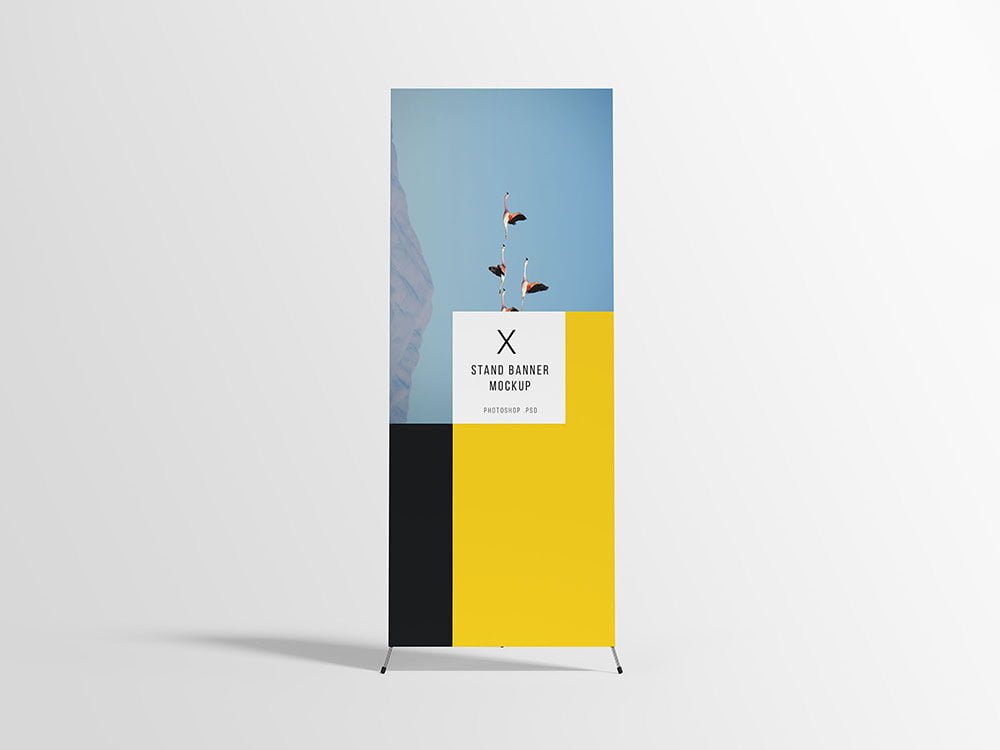
PSD X-Stand Banner Mockup
What's inside
- Applications Photoshop
- File Types PSD
- License Free (see author's terms)
- Author GraphicPear
Need to show a sale banner to a client? This x-stand banner mockup does the job in a few minutes.
Good pick for print shops, retailers or anyone putting together a portfolio. A small tip: outdoor ads are read in a second or two. Big type and one image will look far better in this scene than a busy layout.
It’s also handy for student and portfolio work, when you want to show a campaign that never went live. Show the same visual on a billboard and a flyer to present a consistent campaign.
This is a free file from GraphicPear. When you click download you’ll land on their page to grab it.
What’s inside the X-Stand Banner Mockup PSD
Main things you can change in Photoshop:
- Ad artwork, placed through the smart object
- Lighting and shadow layers
- Brightness to match the scene
How to edit this X-Stand Banner Mockup in Photoshop
- Check the smart object’s ratio first, then build the ad to match it.
- In the Layers panel, find the layer with the small smart object icon and double-click it.
- Paste your design, resize it to fill the area, then save (Ctrl/Cmd + S) and close that tab.
- Export a full-size image for your portfolio and a smaller one for social media.
Night or backlit scenes usually have a glow layer. Push it up for lightboxes, down for printed paper.
Where the X-Stand Banner Mockup works best
- Show a sale banner to a client before it goes to print or production.
- Share an event banner on Instagram, Behance or Dribbble with a real-looking preview.
- Present a street banner in a client proposal or brand guide.
Before you download
- Made by GraphicPear. The download size and format are listed on their page.
- The preview shows the angle, background and lighting you’ll get.
- Built for Adobe Photoshop. A recent CC version handles the smart objects best.
Need a different angle? The banner mockups category has plenty more free PSD files.
Questions about this mockup
Is it free for commercial use?
That depends on the author's terms. The download page lists what is allowed; when in doubt, ask the author directly.
How do I put my artwork on the banner?
Find the smart object layer (it has a small icon on its thumbnail), double-click it, place your design, then save and close that tab.
Do I need Photoshop?
Yes. This is a PSD mockup built with smart objects, so you edit it in Adobe Photoshop. Any recent CC version works.
Can I change the surroundings?
Usually only lighting and shadows are adjustable. The street, sky or building are part of the photo.