How to Install Fonts on Windows and Mac (and Use Them in Photoshop, Canva and Cricut)
Downloading a font is the easy part. Then you open your design app, look for it in the list, and it isn’t there. Nine times out of ten the fix is simple: the font wasn’t unzipped, or the app wasn’t restarted. Here’s the full process so it works the first time.
Step 1: Unzip the download
Fonts almost always arrive as a ZIP file. You can’t install a font from inside a ZIP.
- Windows: right-click the ZIP and choose Extract All, then Extract.
- Mac: double-click the ZIP and a normal folder appears next to it.
Inside you’ll usually find one or more font files and a text file with the licence. Read that text file once. It tells you whether you can use the font for commercial work. (More on that in our font licence guide.)
Step 2: OTF or TTF?
Font files end in .otf (OpenType) or .ttf (TrueType). Both work in every normal design app. If the folder has both versions of the same font, install only one, and pick OTF. Installing both can cause duplicates and odd behaviour.
Ignore files ending in .woff or .woff2 unless you’re building a website. Those are web fonts.
Step 3: Install it
On Windows 10 and 11
- Right-click the .otf or .ttf file.
- Choose Install. On Windows 11 you may need to click Show more options first.
- If you use Adobe apps or Cricut, choose Install for all users instead. Some apps only look in the shared fonts folder, and this avoids the “installed but not showing” problem.
You can also open Settings > Personalization > Fonts and drag the file into the box at the top.
On a Mac
- Double-click the font file. Font Book opens with a preview.
- Click Install.
If Font Book shows a warning about problems in the file, the font may be damaged. Try downloading it again before giving up.
Step 4: Restart your design app
Apps read the font list when they start. If Photoshop, Illustrator, Word or Cricut was already open while you installed, close it fully and open it again. This single step fixes most “missing font” problems.
Using the font in Photoshop
After the restart, pick the Type tool, open the font menu and start typing the font’s name. The font name inside the file is sometimes different from the name on the download page, so if you can’t find it, check what Font Book or the Windows preview called it.
Want to see how it looks in a real design? Type your text, then drop it into a poster mockup or a t-shirt mockup. Our mockup guide shows how.
Using the font in Canva
Canva doesn’t use the fonts on your computer. You have to upload them, and uploading fonts needs a paid Canva plan (Pro, Teams or an education account).
- Open Canva and go to Brand (the Brand Kit or Brand hub) in the left menu.
- Find Brand fonts and click Upload a font.
- Pick the .otf or .ttf file. Canva accepts OTF, TTF and WOFF, but not ZIP.
- Confirm you have the rights to use it.
The font then shows at the top of the font list in your designs.
Using the font in Cricut Design Space
Cricut uses the fonts installed on your computer. Install the font (use Install for all users on Windows), then close Design Space completely and reopen it. In the text tool, switch the font filter to System to see your own fonts instead of Cricut’s library.
For cutting, clean fonts with connected letters cut best. Very thin scripts can tear vinyl. Our Cricut fonts are chosen with that in mind.
On a phone or iPad it takes extra steps and a separate font app, so a laptop is much easier for this.
When the font still won’t show up
It shows as boxes or question marks
The font doesn’t include those characters. Many free and demo fonts only have basic letters, and some skip numbers or punctuation. Try typing only letters to check.
Only capitals work
Some display fonts are all caps by design. The lowercase keys just show capitals, or nothing at all.
It shows in one app but not another
Reinstall with Install for all users on Windows, then restart both apps. On a Mac, check Font Book to make sure the font isn’t disabled (it would look greyed out).
Two versions appear with the same name
You installed both the OTF and TTF. Uninstall one of them.
How to remove a font
On Windows, open Settings > Personalization > Fonts, click the font and choose Uninstall. On a Mac, open Font Book, right-click the font and choose Remove. Having hundreds of unused fonts installed slows down some apps, so a clean-out now and then helps.
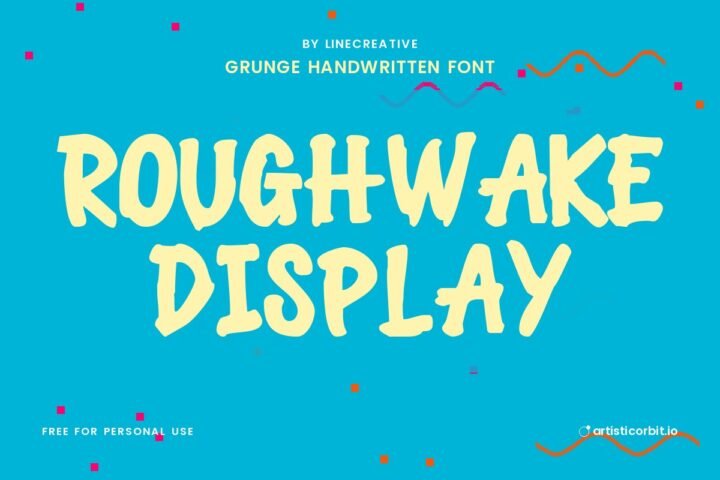
Handwritten fonts to install first
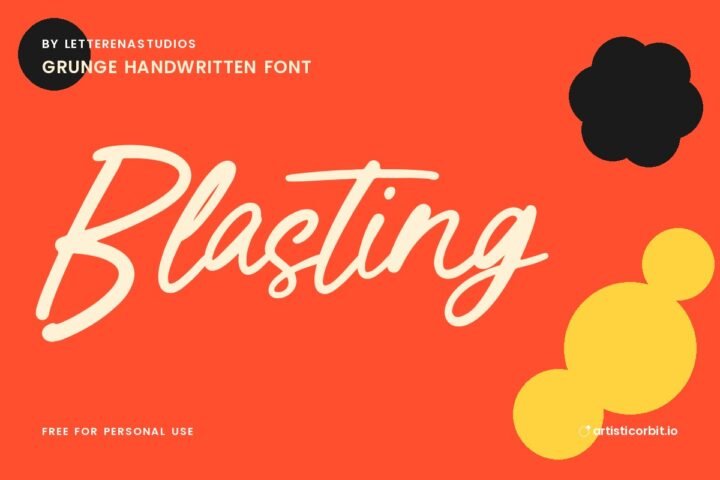
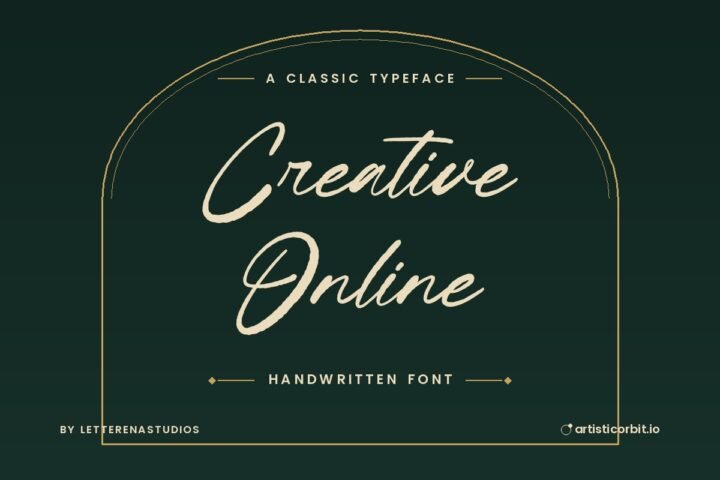
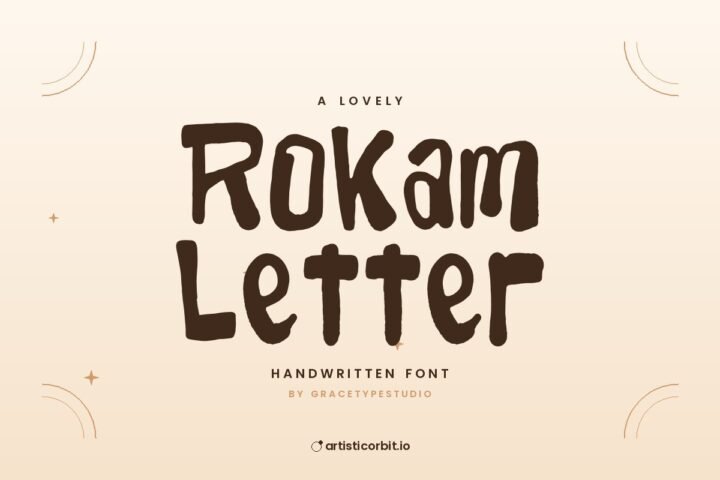
Quick answers
Why is my font not showing in Photoshop?
Usually because Photoshop was open when you installed it. Close Photoshop completely and reopen it. If it still doesn’t appear on Windows, reinstall the font with “Install for all users”.
Should I install OTF or TTF?
Either works. If both are included, install just one, and OTF is the better pick.
Can I add fonts to Canva for free?
No. Uploading your own fonts needs Canva Pro, Teams or an education account.