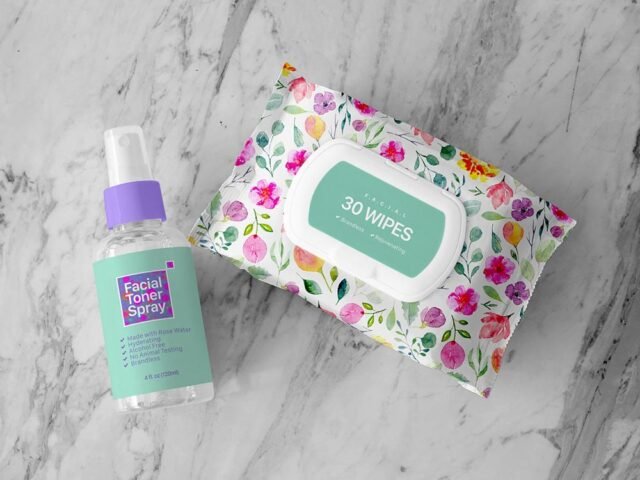
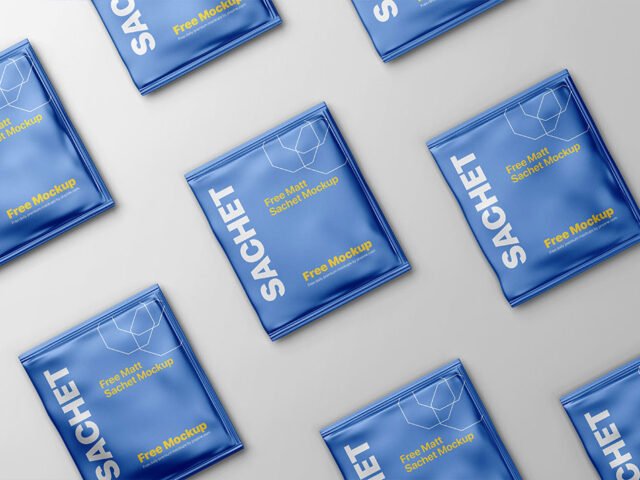
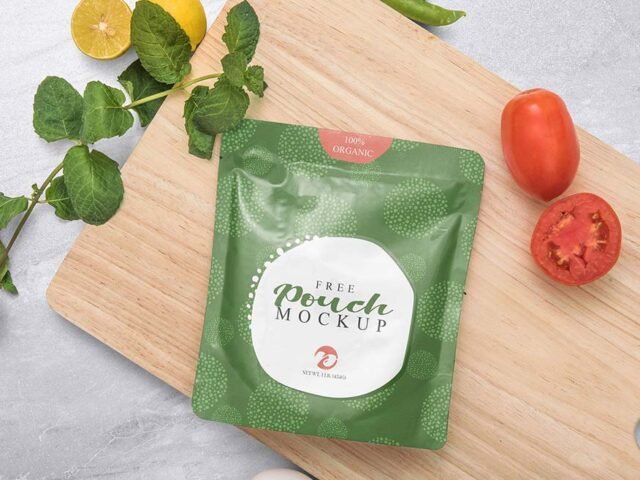
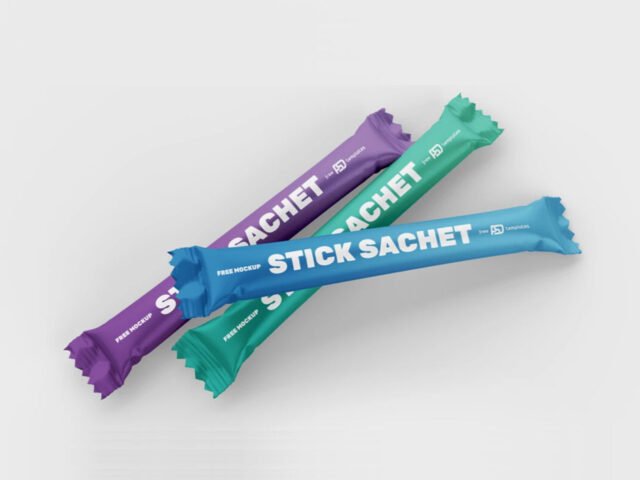
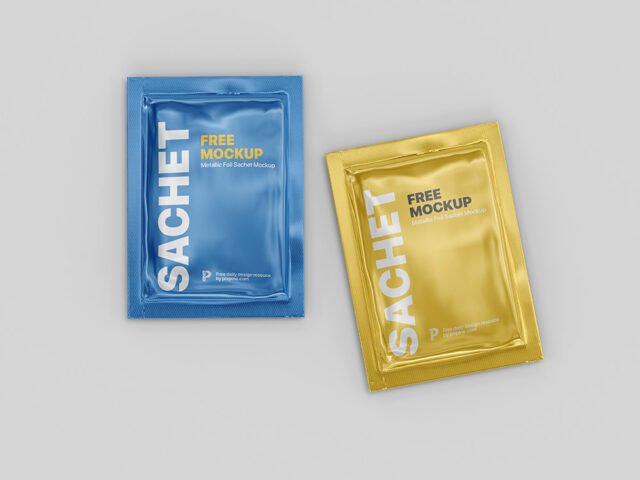
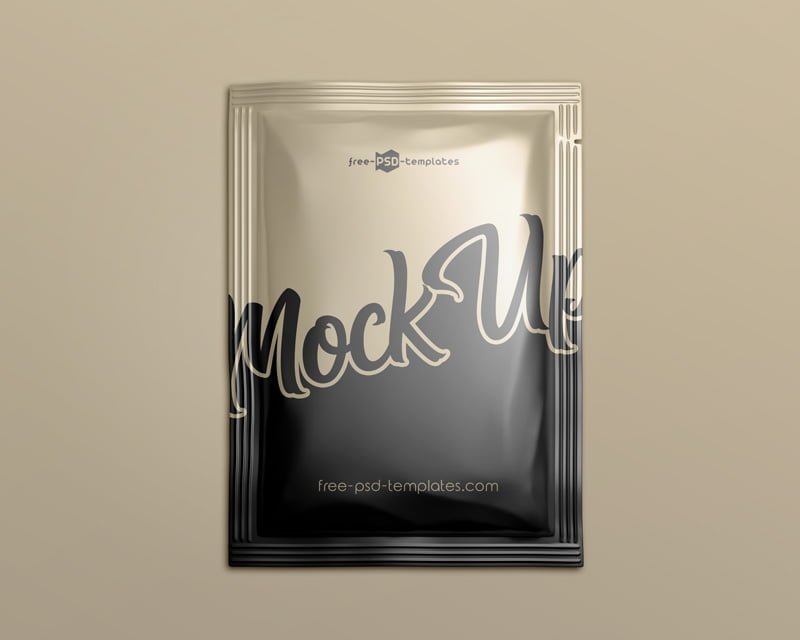
Sachet Pouch Mockup
What's inside
- Applications Photoshop
- File Types PSD
- License Free (see author's terms)
- Author Free PSD Templates
Need to show a sample sachet to a client? This sachet pouch mockup does the job in a few minutes.
Packaging designers and cosmetic brands tend to get the most out of files like this. Tip: glossy packaging picks up highlights over your art; reduce the highlight layer if your logo gets washed out.
Packaging is judged on the shelf in a couple of seconds, so seeing the design on the real shape tells you more than the flat dieline ever will.
Credit goes to Free PSD Templates. We link to their download page rather than re-uploading the file, so check their terms there before commercial use.
Editable options in the Sachet Pouch Mockup PSD
The PSD is layered, so you can change:
- Label or box artwork, placed through the smart object
- Shadows
- Background colour
- Gloss and highlight layers
How to use the Sachet Pouch Mockup
- Finish the label first, with barcode and small print in place.
- Open the PSD in Photoshop and find the smart object layer, usually named “Your Design” or “Place Here”.
- Drop your artwork in, fit it to the canvas, save and close. The mockup updates by itself.
- Check each visible side so the panels line up.
- Export with File › Export › Export As: JPG for sharing, PNG for the web.
Worth remembering: check barcodes, weights and small legal text at 100% zoom. Packaging clients always look for those.
Ways to use this Sachet Pouch Mockup
- Show a sugar or sauce packet to a client before it goes to print or production.
- Present a cosmetic sample in a client proposal or brand guide.
- Show a sample sachet on your online shop or product page.
Before you download
- Made by Free PSD Templates. The download size and format are listed on their page.
- Built for Adobe Photoshop. A recent CC version handles the smart objects best.
- Some free mockups ask for credit when you post them. A short line in your caption is enough.
Need a different angle? The sachet mockups category has plenty more free PSD files.
Questions about this mockup
Is it free for commercial use?
It's free to download, but the licence belongs to Free PSD Templates. Check their page: it states whether commercial use is allowed and if attribution is needed.
How do I add my design?
Open the file in Photoshop, double-click the smart object thumbnail, paste or place your artwork in the new tab, save it (Ctrl/Cmd + S) and close. The main file updates on its own.
Which Photoshop version do I need?
A recent Photoshop CC version is best. Older versions can open the file but sometimes have trouble with smart objects and effects.
Is the design wrapped around the shape?
Round packs usually use warp or displacement so the label bends with the shape. Flat boxes use separate smart objects for each visible side.
Why does the download open another website?
We list free files from designers around the web and link to the original page, so Free PSD Templates gets the visit and you get the file exactly as they published it.