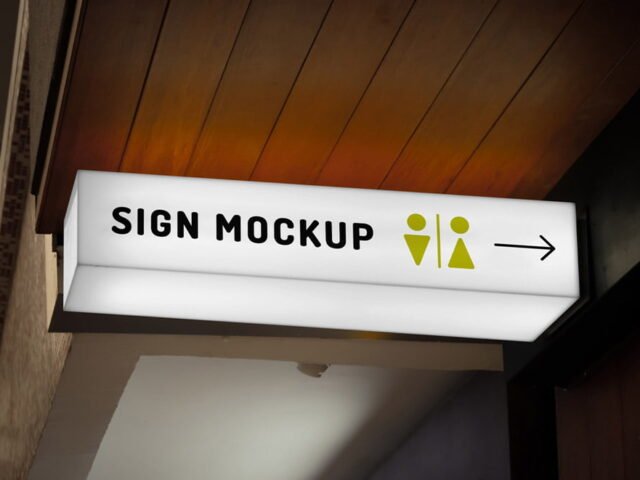
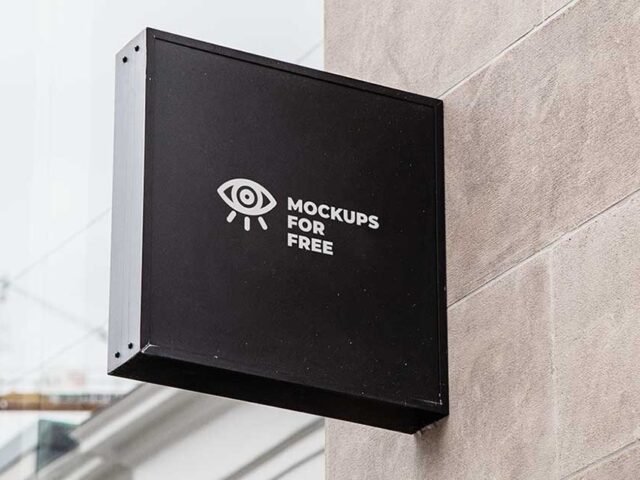
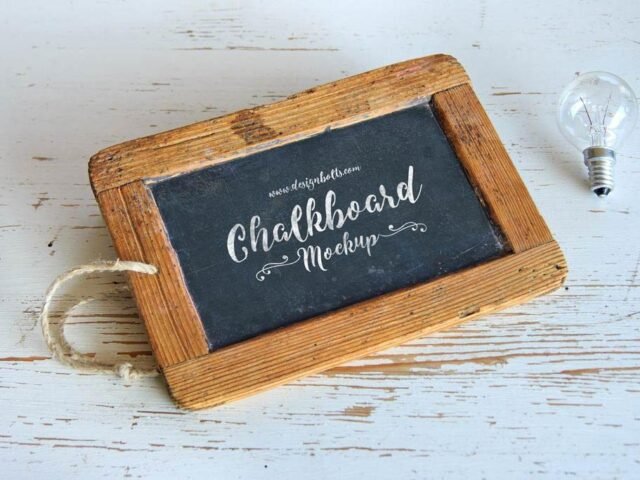
Rectangle Signboard Mockup

What's inside
- Applications Photoshop
- File Types PSD
- License Free (see author's terms)
- Author Mockups Design
Presenting a neon logo? Put it on this rectangle signboard mockup and the client sees the real thing, not a flat file.
Useful for branding studios as much as for shop owners. Night or backlit scenes usually have a glow layer. Push it up for lightboxes, down for printed paper.
It’s also handy for student and portfolio work, when you want to show a campaign that never went live. Combine it with a poster or bus stop ad to show the campaign across several placements.
Mockups Design created this one and hosts the download on their own site, so you always get the latest version straight from the source.
What’s inside the Rectangle Signboard Mockup PSD
Main things you can change in Photoshop:
- Ad artwork, placed through the smart object
- Lighting and shadow layers
- Brightness to match the scene
- Glow layer for backlit scenes, where included
Editing the Rectangle Signboard Mockup, step by step
- Check the smart object’s ratio first, then build the ad to match it.
- Open the PSD in Photoshop and find the smart object layer, usually named “Your Design” or “Place Here”.
- Drop your artwork in, fit it to the canvas, save and close. The mockup updates by itself.
- Check the crop so faces and logos stay inside the frame.
- Export with File › Export › Export As: JPG for sharing, PNG for the web.
Worth remembering: check your artwork’s aspect ratio against the smart object before you start, or faces and logos get cropped.
Best uses for this Rectangle Signboard Mockup
- Share a neon logo on Instagram, Behance or Dribbble with a real-looking preview.
- Show a shop sign on your online shop or product page.
- Use it as the cover image for wayfinding signs in your portfolio.
Quick notes on this mockup
- Made by Mockups Design. The download size and format are listed on their page.
- Check the smart object size before you design, so your artwork fits without stretching.
- Some free mockups ask for credit when you post them. A short line in your caption is enough.
- Built for Adobe Photoshop. A recent CC version handles the smart objects best.
Scroll down for similar signage mockups from other designers.
Questions about this mockup
Can I use this sign mockup for client work?
It's free to download, but the licence belongs to Mockups Design. Check their page: it states whether commercial use is allowed and if attribution is needed.
How do I put my artwork on the sign?
Find the smart object layer (it has a small icon on its thumbnail), double-click it, place your design, then save and close that tab.
Which Photoshop version do I need?
A recent Photoshop CC version is best. Older versions can open the file but sometimes have trouble with smart objects and effects.
What ratio should my artwork be?
Open the smart object and check its canvas; design to that ratio. Most outdoor mockups use common print ratios, but it varies from file to file.