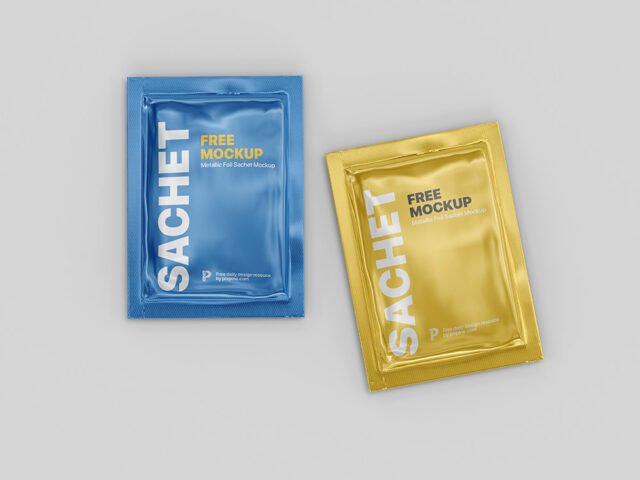
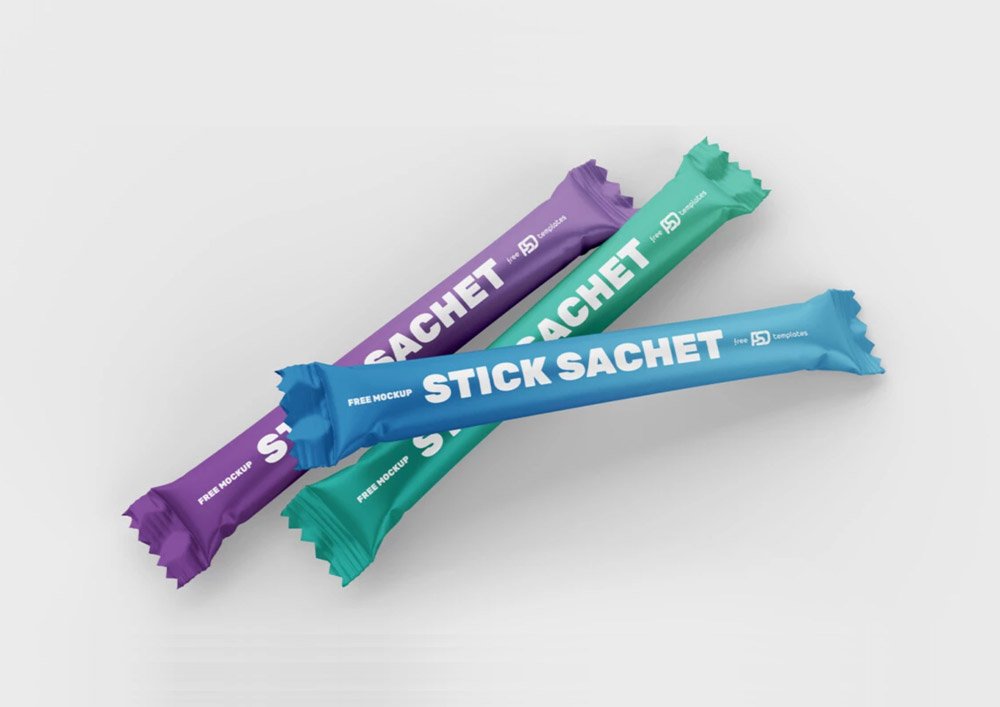
Stick Sachet Mockups
What's inside
- Applications Photoshop
- File Types PSD
- License Free (see author's terms)
- Author Free PSD Templates
Need to show a cosmetic sample to a client? This stick sachet mockup does the job in a few minutes.
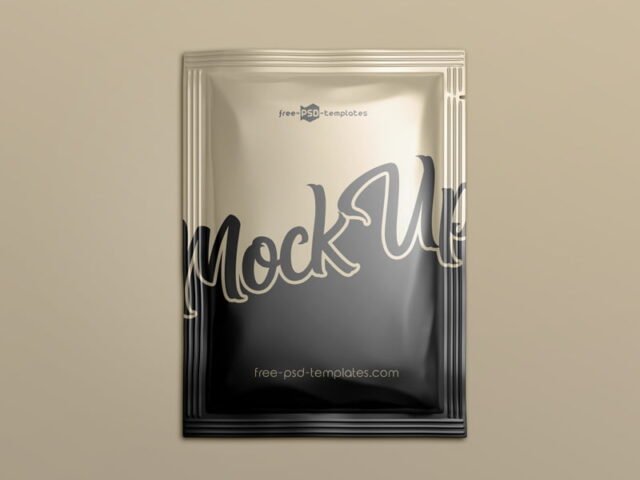
Good pick for cosmetic brands, packaging designers or anyone putting together a portfolio. One thing worth knowing: glossy packaging picks up highlights over your art; reduce the highlight layer if your logo gets washed out.
Packaging is judged on the shelf in a couple of seconds, so seeing the design on the real shape tells you more than the flat dieline ever will. Show it with a shipping box or bag from the same range to present the whole unboxing.
Good for
- A cosmetic sample
- A sugar or sauce packet
- A sample sachet
Free PSD Templates created this one and hosts the download on their own site, so you always get the latest version straight from the source.
What you can edit in this Stick Sachet Mockups
Everything below is on its own layer:
- Label or box artwork, placed through the smart object
- Background colour
- Base colour of the pack
- Gloss and highlight layers
Add your design to the Stick Sachet Mockups
- Build the label or box art flat, panel by panel.
- In the Layers panel, find the layer with the small smart object icon and double-click it.
- Place your design, hide the sample artwork, save, and go back to the main file.
- Check each visible side so the panels line up.
- Export a full-size image for your portfolio and a smaller one for social media.
One more thing: render two colour versions side by side. Clients choose faster when they compare.
Best uses for this Stick Sachet Mockups
- Use it as the cover image for a sample sachet in your portfolio.
- Present a sugar or sauce packet in a client proposal or brand guide.
- Show a cosmetic sample to a client before it goes to print or production.
Quick notes on this mockup
- Made by Free PSD Templates. The download size and format are listed on their page.
- Built for Adobe Photoshop. A recent CC version handles the smart objects best.
- Check the smart object size before you design, so your artwork fits without stretching.
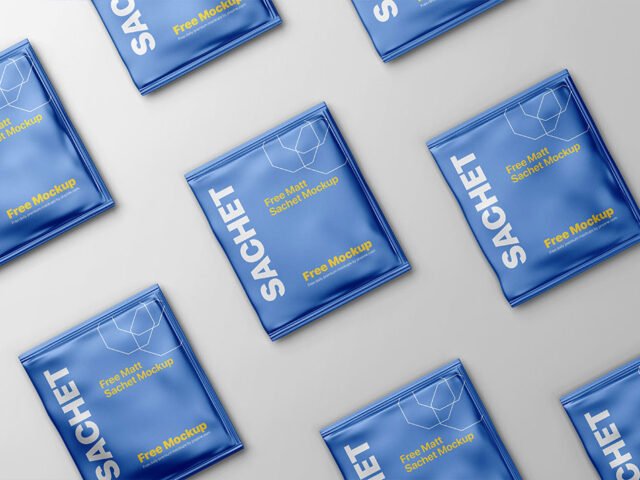
- The preview shows the angle, background and lighting you’ll get.
More free sachet mockups are listed below, each linking to the original author.
Questions about this mockup
Is it free for commercial use?
That depends on the author's terms. The download page lists what is allowed; when in doubt, ask the author directly.
How do I put my artwork on the sachet?
Find the smart object layer (it has a small icon on its thumbnail), double-click it, place your design, then save and close that tab.
Do I need Photoshop?
Yes. This is a PSD mockup built with smart objects, so you edit it in Adobe Photoshop. Any recent CC version works.
Is the design wrapped around the shape?
Round packs usually use warp or displacement so the label bends with the shape. Flat boxes use separate smart objects for each visible side.