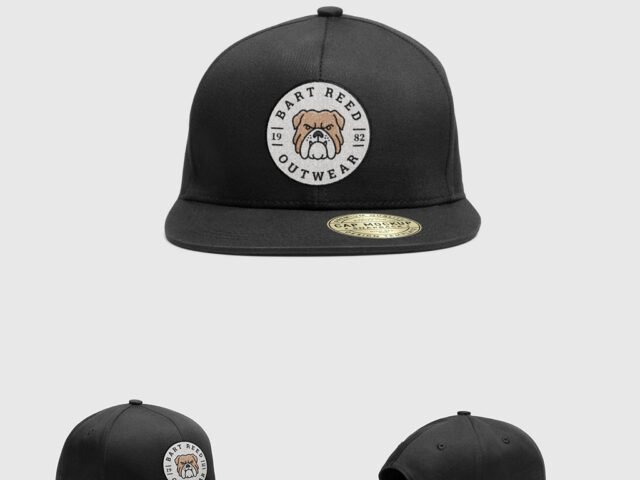
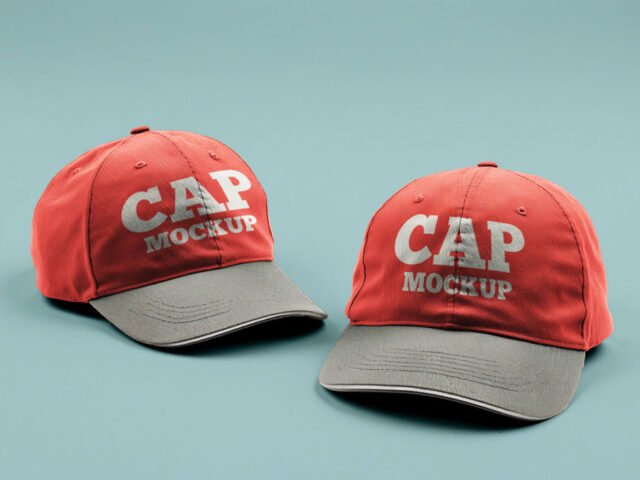
Beer Cap Mockup

What's inside
- Applications Photoshop
- File Types PSD
- License Free (see author's terms)
- Author Mr.Mockup
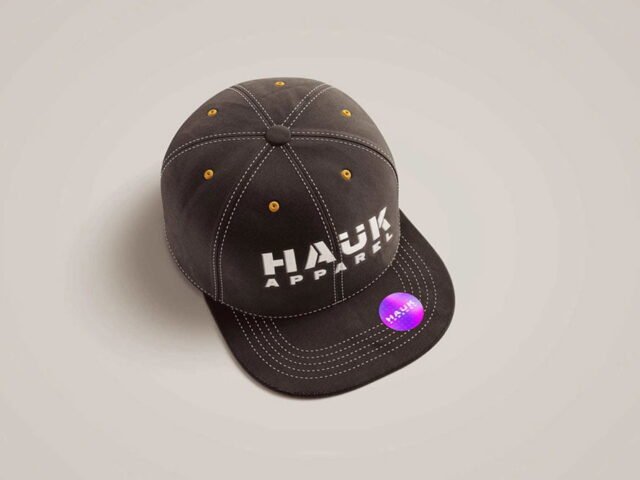
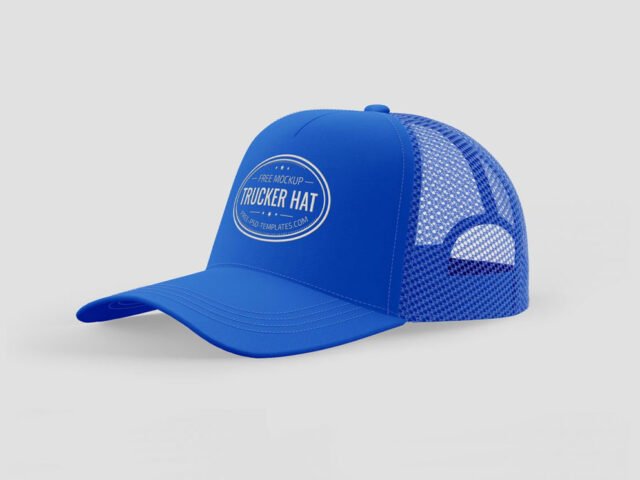
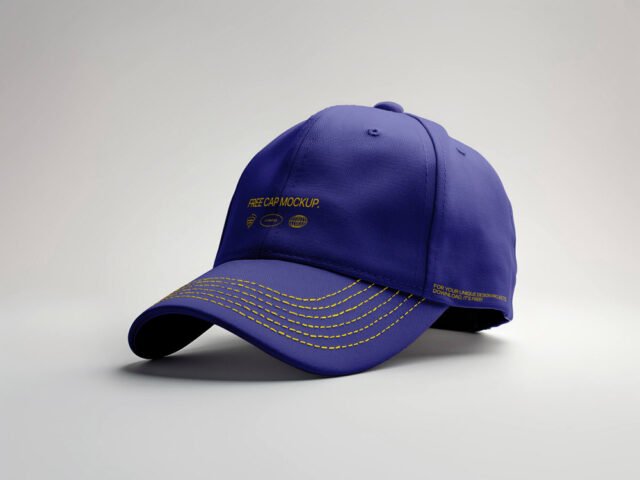
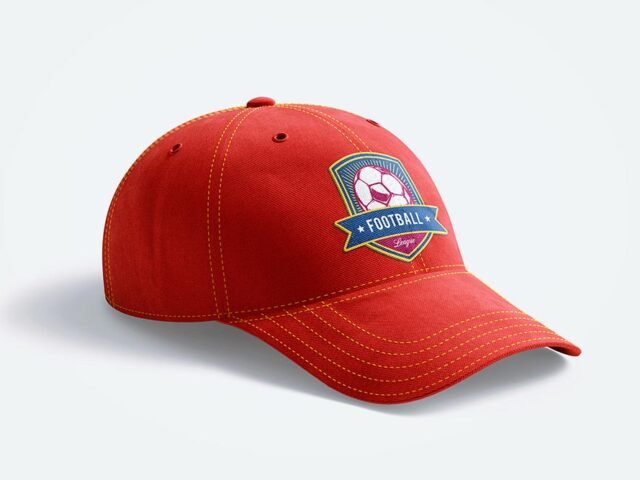
A beer cap mockup, made for presenting a side mark. Drop in your artwork and the lighting and shadows stay as they are.
It’s a handy file for sports teams and merch shops. If the print looks too sharp, a very slight blur (0.3 px) makes it sit into the fabric.
It’s also useful before a print run, to check how large the design should really be on the garment. Add a hoodie or sweatshirt shot next to it and you have a basic collection page.
This is a free file from Mr.Mockup. When you click download you’ll land on their page to grab it.
Editable options in the Beer Cap Mockup PSD
Everything below is on its own layer:
- Print design, placed through the smart object
- Folds and wrinkles that wrap your print
- Background colour
- Fabric colour
How to use the Beer Cap Mockup
- Prepare the graphic flat, without shadows or fake texture. The mockup adds those.
- In the Layers panel, find the layer with the small smart object icon and double-click it.
- Paste your design, resize it to fill the area, then save (Ctrl/Cmd + S) and close that tab.
- Lower the print opacity a touch if it looks too sharp on the folds.
- Export with File › Export › Export As: JPG for sharing, PNG for the web.
Worth remembering: place the design as a flat PNG with a transparent background, then let the fabric displacement do the folds.
Best uses for this Beer Cap Mockup
- Use it as the cover image for an embroidered logo in your portfolio.
- Share a small patch design on Instagram, Behance or Dribbble with a real-looking preview.
- Show a side mark to a client before it goes to print or production.
Quick notes on this mockup
- Made by Mr.Mockup. The download size and format are listed on their page.
- The preview shows the angle, background and lighting you’ll get.
- Check the licence on the author’s page. Personal and commercial terms differ from file to file.
Browse more free cap mockups on Artistic Orbit, with new files added every day.
Questions about this mockup
Is it free for commercial use?
That depends on the author's terms. The download page lists what is allowed; when in doubt, ask the author directly.
How do I put my artwork on the cap?
Find the smart object layer (it has a small icon on its thumbnail), double-click it, place your design, then save and close that tab.
Do I need Photoshop?
Yes. This is a PSD mockup built with smart objects, so you edit it in Adobe Photoshop. Any recent CC version works.
Can I change the fabric colour?
Almost every apparel mockup has a colour fill or adjustment layer for the garment. Double-click its thumbnail and pick your colour.