Wooden Rubber Stamp Mockup
What's inside
- Applications Photoshop
- File Types PSD
- License Free (see author's terms)
- Author Designbolts
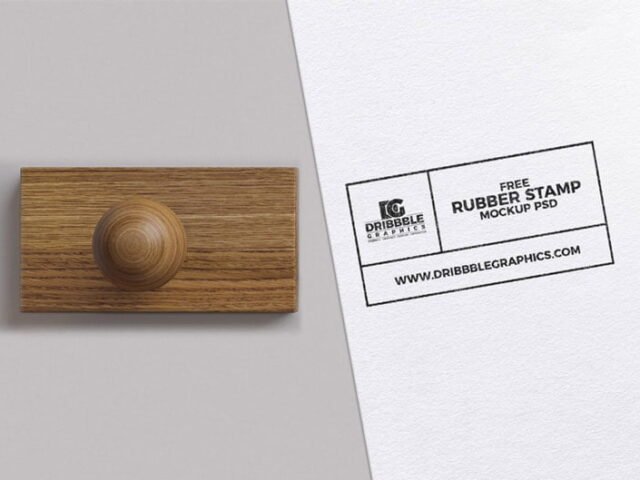
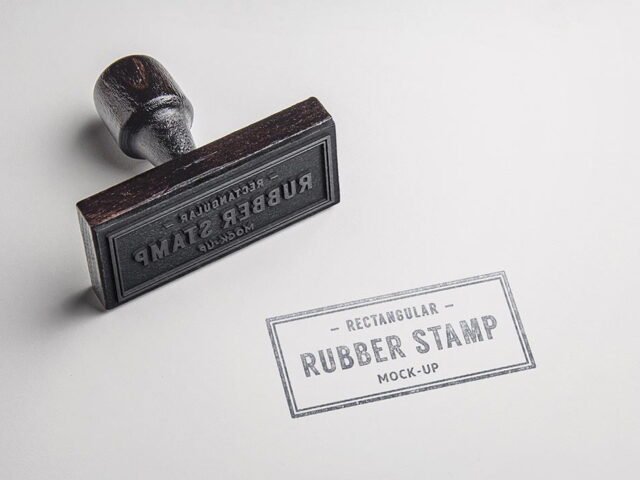
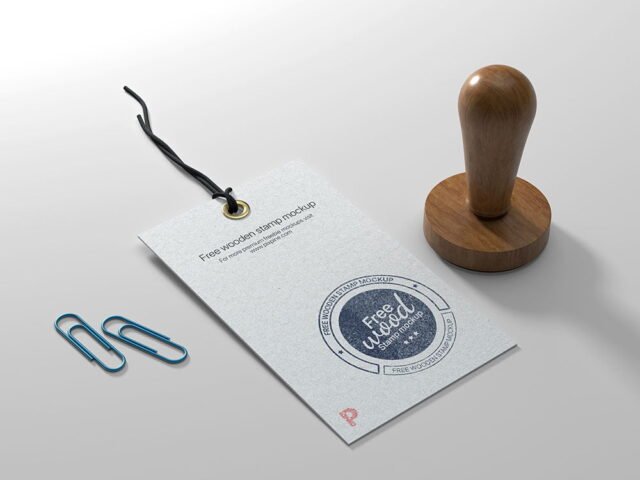
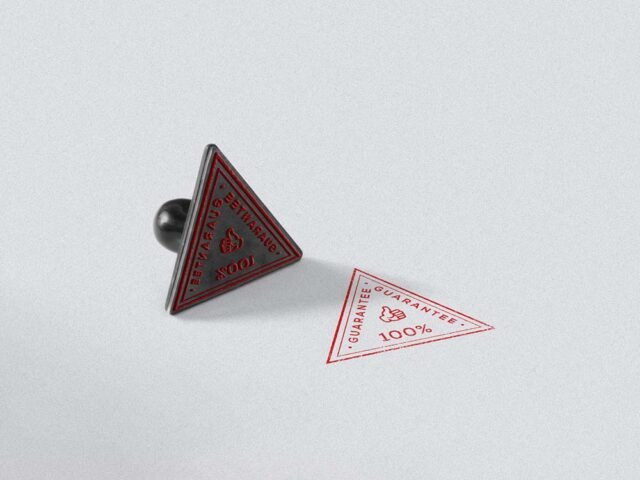
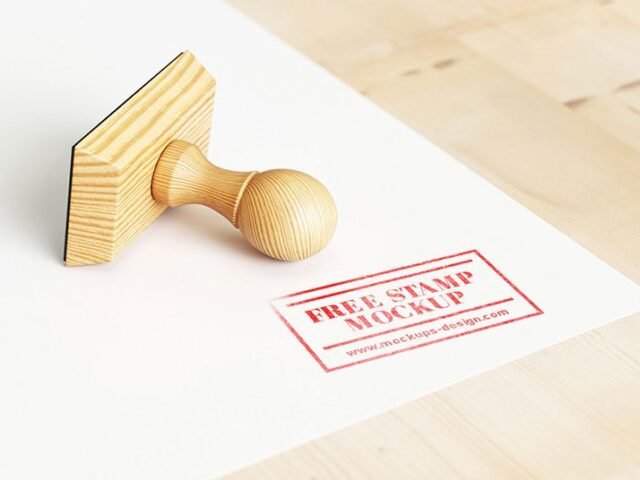
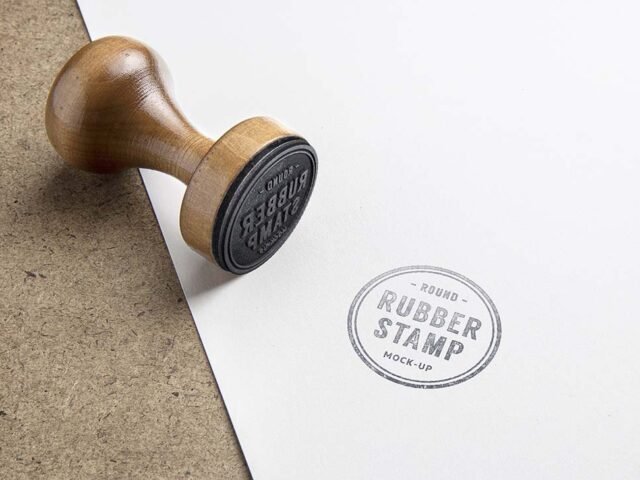
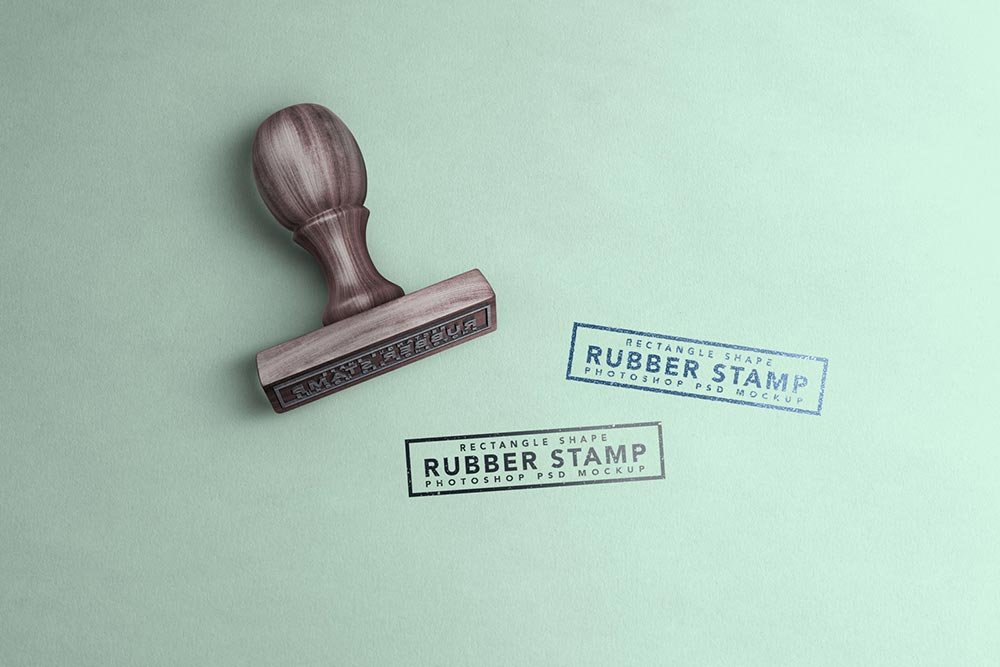
A seal looks better on a wooden rubber stamp mockup than on a white artboard, and this mockup is set up for exactly that. The wood finish gives the preview a tactile look that flat artwork doesn’t have.
It’s a handy file for illustrators and branding designers. Dark designs often look flat on paper mockups. Turning the highlight layer up slightly brings back the sheen.
Seeing a layout on a real stamp is also the easiest way to catch problems early. A phone number that looked fine on screen can turn out too small once it sits on paper.
This is a free file from Designbolts. When you click download you’ll land on their page to grab it.
Editable options in the Wooden Rubber Stamp Mockup PSD
Everything below is on its own layer:
- Your design, placed through the smart object
- Paper texture you can turn up or down
- Front and back artwork, where both sides are shown
How to edit this Wooden Rubber Stamp Mockup in Photoshop
- Set up the design flat at the real print size and keep text inside a safe margin.
- In the Layers panel, find the layer with the small smart object icon and double-click it.
- Place your design, hide the sample artwork, save, and go back to the main file.
- Turn the texture layer up or down to match the paper you’ll print on.
- Save a JPG for clients and social media, and keep the PSD for later changes.
Worth remembering: keep text at least a few millimetres from the edge. The mockup shows the trim, and cramped margins read as a mistake.
Best uses for this Wooden Rubber Stamp Mockup
- Share a seal on Instagram, Behance or Dribbble with a real-looking preview.
- Show a postage stamp design on your online shop or product page.
- Use it as the cover image for a rubber stamp logo in your portfolio.
Before you download
- Made by Designbolts. The download size and format are listed on their page.
- The preview shows the angle, background and lighting you’ll get.
- Some free mockups ask for credit when you post them. A short line in your caption is enough.
Need a different angle? The stamp mockups category has plenty more free PSD files.
Questions about this mockup
Can I use this stamp mockup for client work?
Designbolts sets the licence, and it can differ from file to file. Many free files allow personal and commercial use, but some are personal-only or ask for credit. Read the terms on the download page before a paid project.
How do I put my artwork on the stamp?
Find the smart object layer (it has a small icon on its thumbnail), double-click it, place your design, then save and close that tab.
Do I need Photoshop?
Yes. This is a PSD mockup built with smart objects, so you edit it in Adobe Photoshop. Any recent CC version works.
Can I show both sides?
It depends on the file. Many print mockups include a front and a back smart object; the preview usually shows whether both sides are visible.