Paper Cup Mockup
What's inside
- Applications Photoshop
- File Types PSD
- License Free (see author's terms)
- Author GraphicBurger
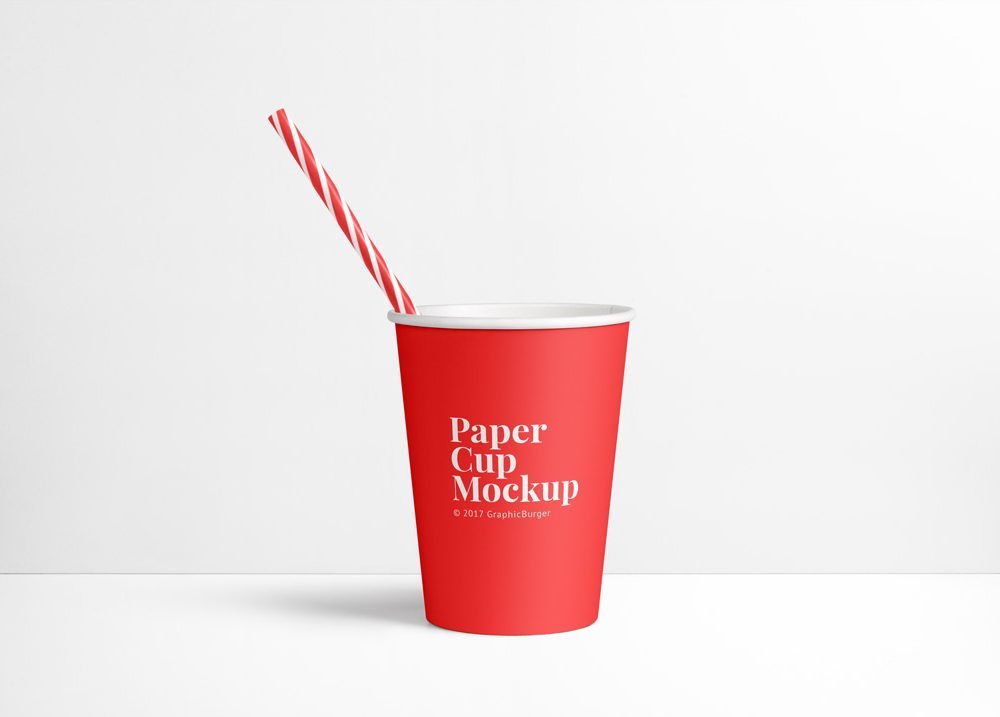
If you’re presenting a yogurt or dessert cup label, this paper cup mockup makes the idea feel real before anything is produced. Because it’s paper, the material shows through a little, which keeps the result believable.
Useful for coffee brands as much as for cafés. One thing worth knowing: a logo that works on a business card usually works on a cup. Long slogans rarely do.
It’s the quickest way to check whether a logo still works when it’s small and curved. Pair it with a coffee bag or menu mockup for a complete café presentation.
Good for
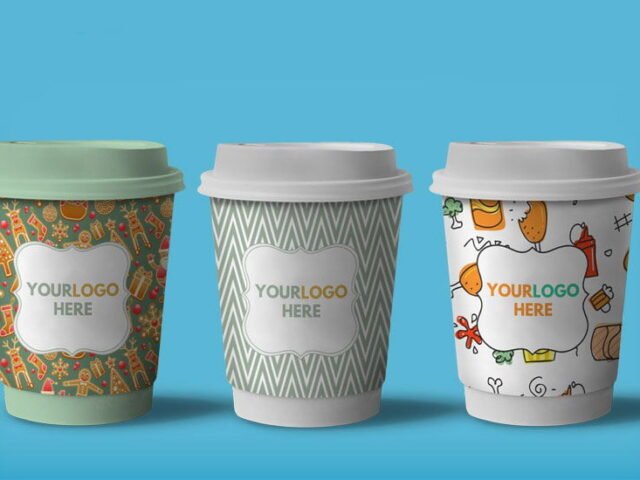
- A yogurt or dessert cup label
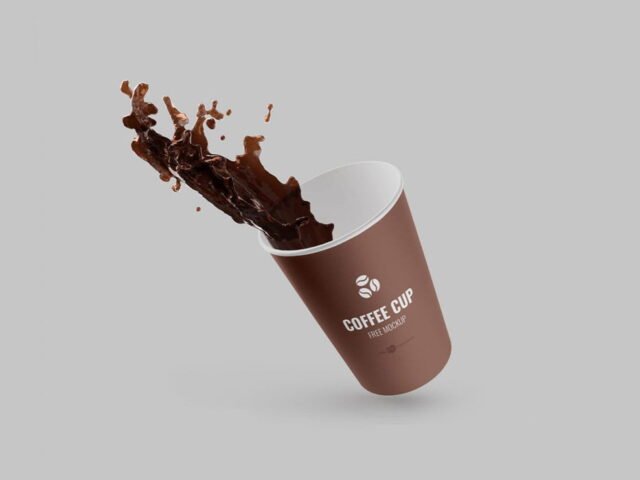
- A coffee cup logo
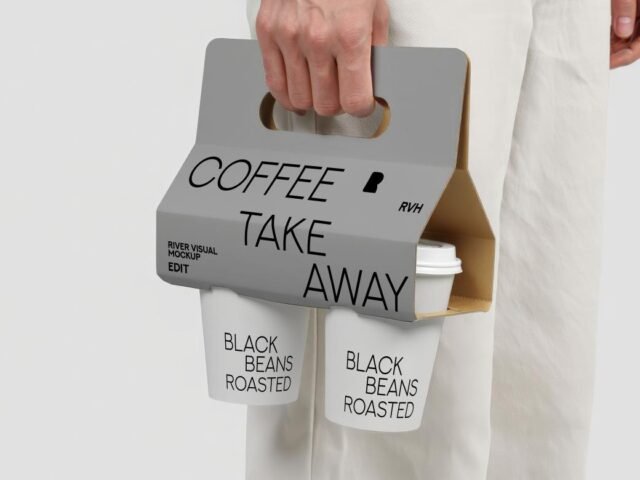
- A takeaway cup print
This is a free file from GraphicBurger. When you click download you’ll land on their page to grab it.
What’s inside the Paper Cup Mockup PSD
Everything below is on its own layer:
- Logo or pattern, placed through the smart object
- Cup, lid or sleeve colour
- Background colour
- Highlights on the curve
How to edit this Paper Cup Mockup in Photoshop
- Keep the design compact. A mark that fits a business card usually fits a cup.
- Open the file in Photoshop and double-click the smart object thumbnail in the Layers panel.
- Paste your design, resize it to fill the area, then save (Ctrl/Cmd + S) and close that tab.
- Change the cup, lid or sleeve colour.
- Export with File › Export › Export As: JPG for sharing, PNG for the web.
Worth remembering: cups are curved, so keep the logo compact and centred on the visible side.
Where the Paper Cup Mockup works best
- Show a yogurt or dessert cup label on your online shop or product page.
- Present a takeaway cup print in a client proposal or brand guide.
- Share a coffee cup logo on Instagram, Behance or Dribbble with a real-looking preview.
Good to know
- Made by GraphicBurger. The download size and format are listed on their page.
- Built for Adobe Photoshop. A recent CC version handles the smart objects best.
- The preview shows the angle, background and lighting you’ll get.
Scroll down for similar cup mockups from other designers.
Questions about this mockup
What licence does it come with?
It's free to download, but the licence belongs to GraphicBurger. Check their page: it states whether commercial use is allowed and if attribution is needed.
How do I add my design?
Open the file in Photoshop, double-click the smart object thumbnail, paste or place your artwork in the new tab, save it (Ctrl/Cmd + S) and close. The main file updates on its own.
Do I need Photoshop?
Yes. This is a PSD mockup built with smart objects, so you edit it in Adobe Photoshop. Any recent CC version works.
Will my logo follow the curve?
Curved-surface mockups use a warp or displacement so the print bends with the cup. Keep key text in the middle, where the curve distorts it least.
Why does the download open another website?
We list free files from designers around the web and link to the original page, so GraphicBurger gets the visit and you get the file exactly as they published it.