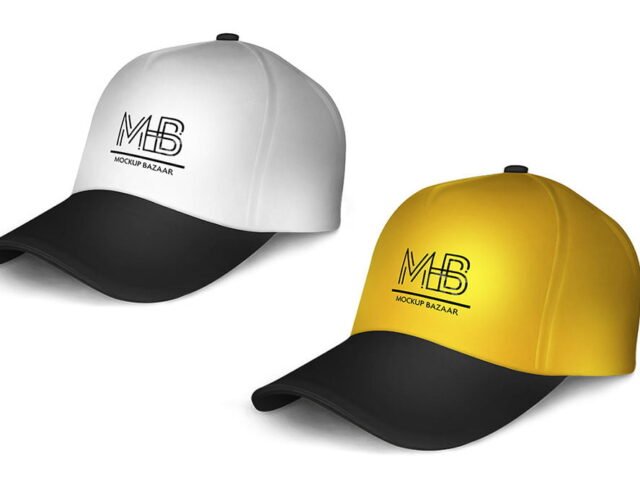
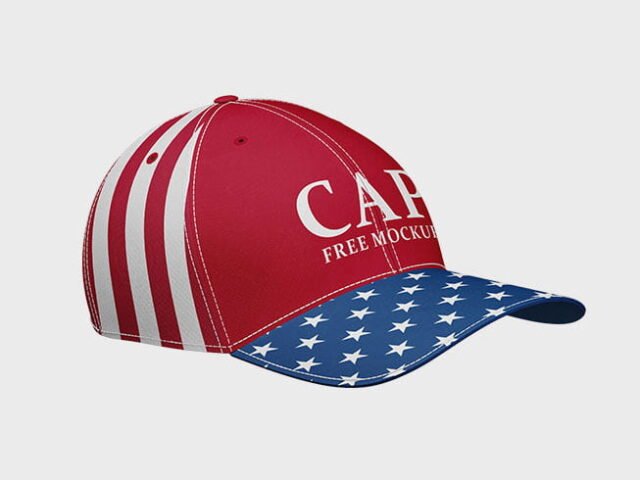
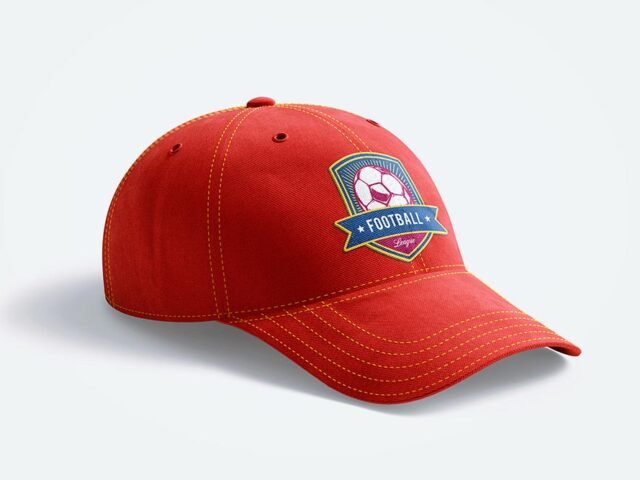
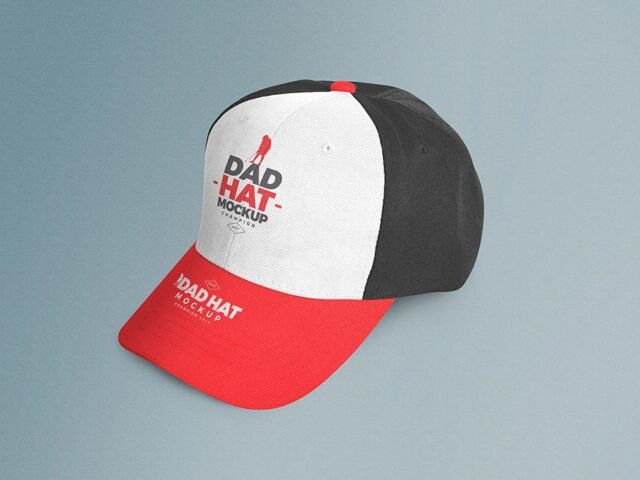
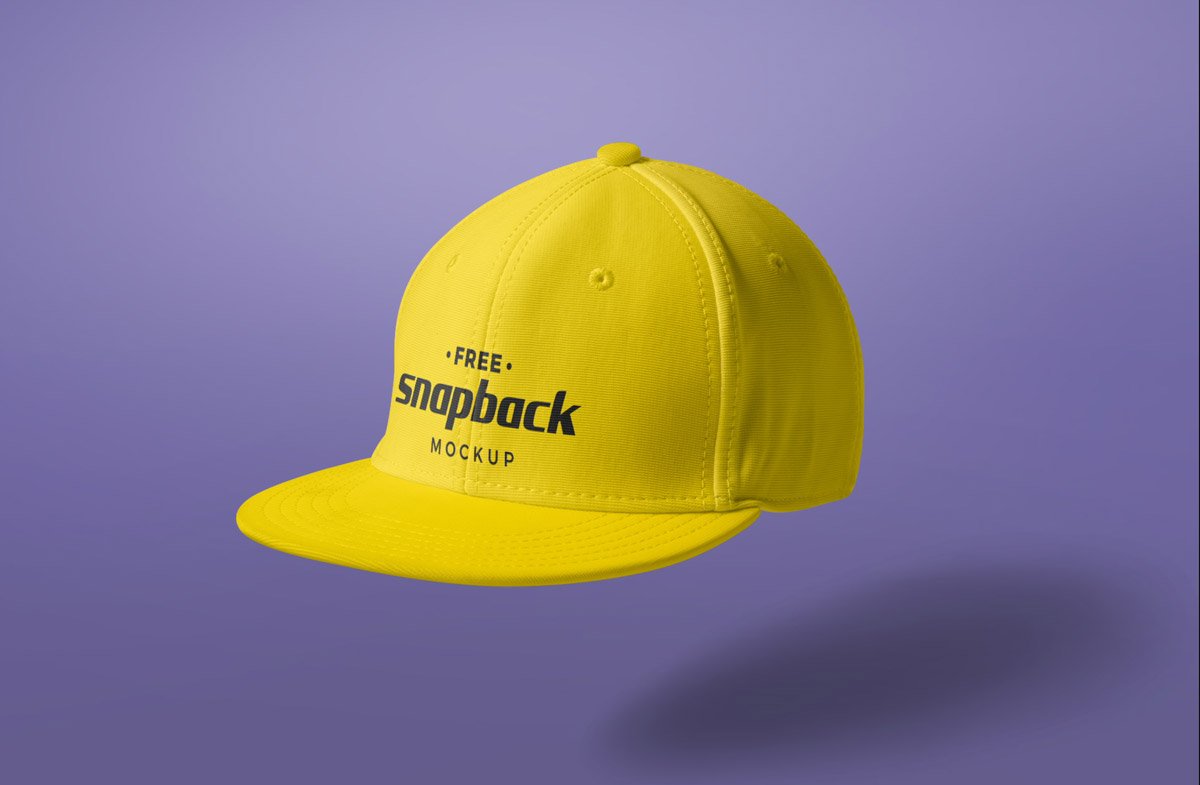
Snapback Cap Mockup PSD
What's inside
- Applications Photoshop
- File Types PSD
- License Free (see author's terms)
- Author Zippypixels
Presenting a side mark? Put it on this snapback cap mockup and the client sees the real thing, not a flat file.
It’s a handy file for sports teams and merch shops. Quick tip: caps show logos small and curved; a simplified version of the mark reads much better than the full logo.
Selling merch online without photos of every colour is hard; a good apparel mockup fills that gap until the samples arrive.
This is a free file from Zippypixels. When you click download you’ll land on their page to grab it.
What you can edit in this Snapback Cap Mockup
The PSD is layered, so you can change:
- Print design, placed through the smart object
- Folds and wrinkles that wrap your print
- Fabric colour
How to use the Snapback Cap Mockup
- Decide where the design sits on the item and size your art for that spot.
- Open the file in Photoshop and double-click the smart object thumbnail in the Layers panel.
- Place your design, hide the sample artwork, save, and go back to the main file.
- Try a light and a dark fabric to see which suits the print.
- Export with File › Export › Export As: JPG for sharing, PNG for the web.
Worth remembering: place the design as a flat PNG with a transparent background, then let the fabric displacement do the folds.
Where the Snapback Cap Mockup works best
- Use it as the cover image for an embroidered logo in your portfolio.
- Present a side mark in a client proposal or brand guide.
- Show a small patch design to a client before it goes to print or production.
Before you download
- Made by Zippypixels. The download size and format are listed on their page.
- Some free mockups ask for credit when you post them. A short line in your caption is enough.
- Check the licence on the author’s page. Personal and commercial terms differ from file to file.
- The preview shows the angle, background and lighting you’ll get.
Scroll down for similar cap mockups from other designers.
Questions about this mockup
Can I use this cap mockup for client work?
It's free to download, but the licence belongs to Zippypixels. Check their page: it states whether commercial use is allowed and if attribution is needed.
How do I put my artwork on the cap?
Find the smart object layer (it has a small icon on its thumbnail), double-click it, place your design, then save and close that tab.
Do I need Photoshop?
Yes. This is a PSD mockup built with smart objects, so you edit it in Adobe Photoshop. Any recent CC version works.
Does the print follow the fabric folds?
Better apparel mockups use a displacement map or warp so the print follows the wrinkles. Check the preview: if the folds show through the logo, it does.