Bright Paper Cup Mockup
What's inside
- Applications Photoshop
- File Types PSD
- License Free (see author's terms)
- Author Pixelbuddha
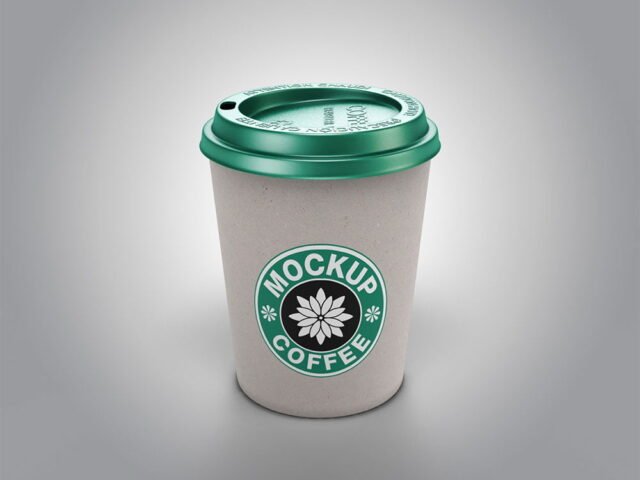
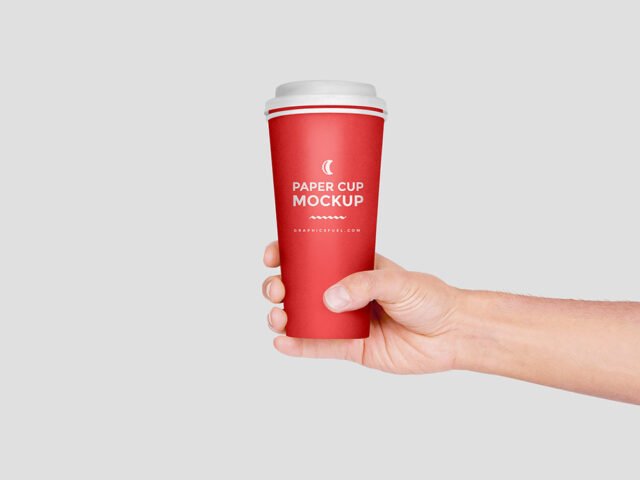
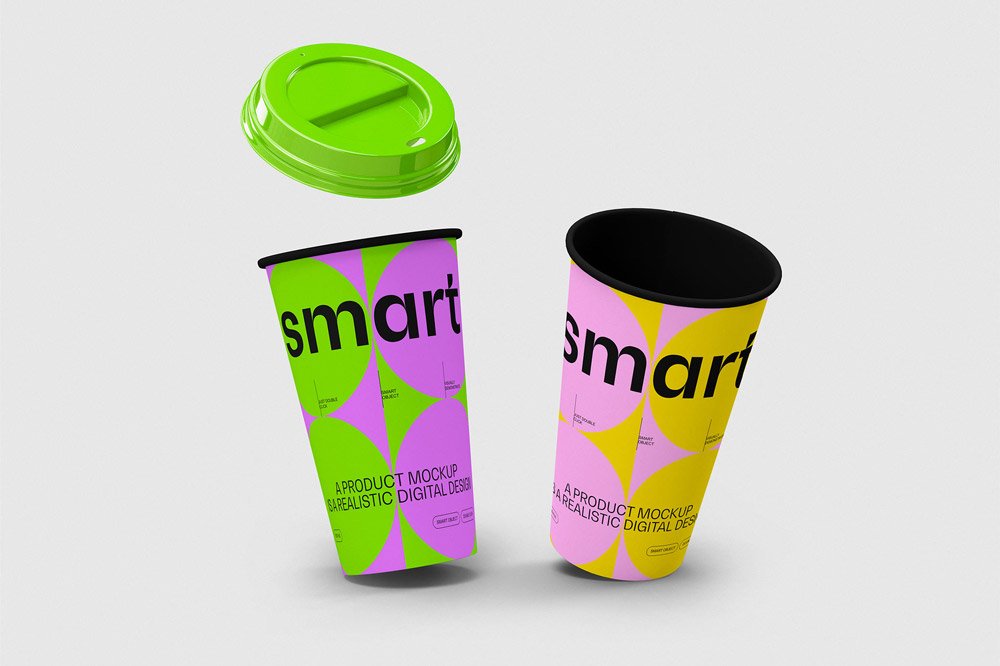
Here’s a bright paper cup mockup that works well for a yogurt or dessert cup label, a coffee cup logo and similar projects.
Useful for coffee brands as much as for cafés. Quick tip: cups are curved, so keep the logo compact and centred on the visible side.
Cafés and coffee brands use renders like this for menus, social posts and supplier pitches.
Credit goes to Pixelbuddha. We link to their download page rather than re-uploading the file, so check their terms there before commercial use.
Editable options in the Bright Paper Cup Mockup PSD
Main things you can change in Photoshop:
- Logo or pattern, placed through the smart object
- Cup, lid or sleeve colour
- Background colour
Editing the Bright Paper Cup Mockup, step by step
- Centre your design on the side that faces the viewer.
- In the Layers panel, find the layer with the small smart object icon and double-click it.
- Paste your design, resize it to fill the area, then save (Ctrl/Cmd + S) and close that tab.
- Swap the background colour.
- Export a full-size image for your portfolio and a smaller one for social media.
Worth remembering: a logo that works on a business card usually works on a cup. Long slogans rarely do.
Best uses for this Bright Paper Cup Mockup
- Show a coffee cup logo to a client before it goes to print or production.
- Share a yogurt or dessert cup label on Instagram, Behance or Dribbble with a real-looking preview.
- Make two or three colour versions of a takeaway cup print and let the client pick.
Good to know
- Made by Pixelbuddha. The download size and format are listed on their page.
- Some free mockups ask for credit when you post them. A short line in your caption is enough.
- Check the licence on the author’s page. Personal and commercial terms differ from file to file.
Browse more free cup mockups on Artistic Orbit, with new files added every day.
Questions about this mockup
Is it free for commercial use?
It's free to download, but the licence belongs to Pixelbuddha. Check their page: it states whether commercial use is allowed and if attribution is needed.
How do I add my design?
Open the file in Photoshop, double-click the smart object thumbnail, paste or place your artwork in the new tab, save it (Ctrl/Cmd + S) and close. The main file updates on its own.
Do I need Photoshop?
Yes. This is a PSD mockup built with smart objects, so you edit it in Adobe Photoshop. Any recent CC version works.
Will my logo follow the curve?
Curved-surface mockups use a warp or displacement so the print bends with the cup. Keep key text in the middle, where the curve distorts it least.