iPhone 6 Mockups

What's inside
- Applications Photoshop
- File Types PSD
- License Free (see author's terms)
- Author Dribbble
This iPhone 6 mockup is a quick way to show an app screen without a photo shoot.
Useful for app designers as much as for UI freelancers. Tip: for recent iPhones, keep important UI clear of the notch or Dynamic Island area.
Stakeholders who don’t read wireframes still understand a screen on a device straight away.
Good for
- An app screen
- An Instagram story design
- A website on mobile
Credit goes to a designer on Dribbble. We link to their download page rather than re-uploading the file, so check their terms there before commercial use.
iPhone 6 Mockups: editable parts
Open it in Photoshop and you can change:
- Screen design, placed through the smart object
- Screen glare and reflection layers
- Shadow under the device
How to use the iPhone 6 Mockups
- Export your screen design as a PNG at the exact size of the screen smart object.
- In the Layers panel, find the layer with the small smart object icon and double-click it.
- Place your design, hide the sample artwork, save, and go back to the main file.
- Hide the reflection layer for a flatter look.
- Save a JPG for clients and social media, and keep the PSD for later changes.
Worth remembering: make your screen design at the exact pixel size of the smart object, otherwise text on the screen turns blurry.
Best uses for this iPhone 6 Mockups
- Show a website on mobile to a client before it goes to print or production.
- Present an app screen in a client proposal or brand guide.
- Use it as the cover image for an Instagram story design in your portfolio.
Good to know
- Made by a designer on Dribbble. The download size and format are listed on their page.
- Some free mockups ask for credit when you post them. A short line in your caption is enough.
- Built for Adobe Photoshop. A recent CC version handles the smart objects best.
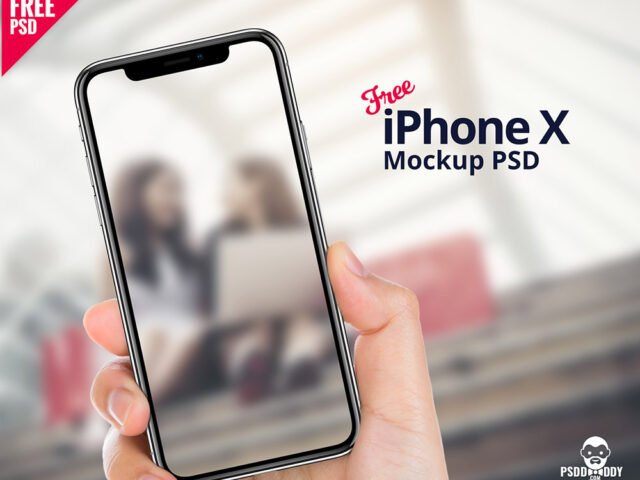
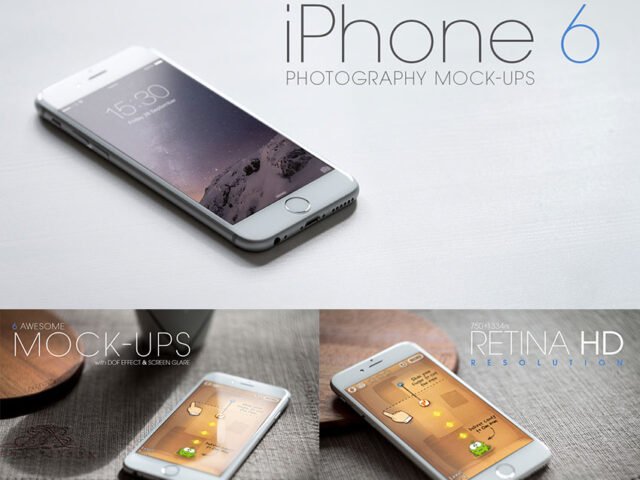
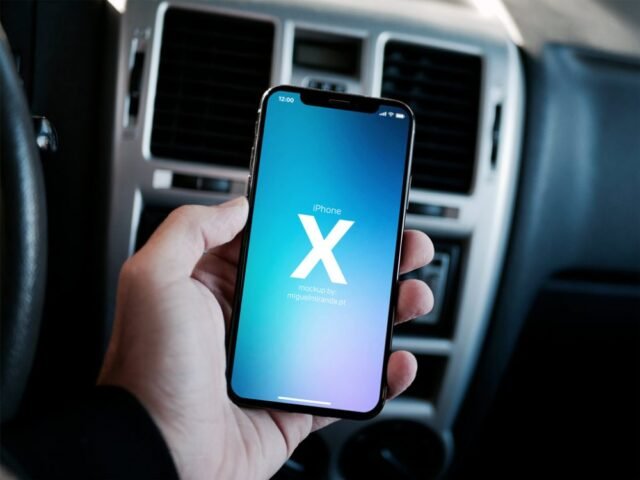
- The preview shows the angle, background and lighting you’ll get.
Need a different angle? The iphone mockups category has plenty more free PSD files.
Questions about this mockup
Can I use this iPhone mockup for client work?
It's free to download, but the licence belongs to a designer on Dribbble. Check their page: it states whether commercial use is allowed and if attribution is needed.
How do I put my artwork on the iPhone?
Find the smart object layer (it has a small icon on its thumbnail), double-click it, place your design, then save and close that tab.
Do I need Photoshop?
Yes. This is a PSD mockup built with smart objects, so you edit it in Adobe Photoshop. Any recent CC version works.
Can I remove the screen reflection?
Usually yes. Reflections and glare are normally a separate layer that you can hide or lower in opacity.