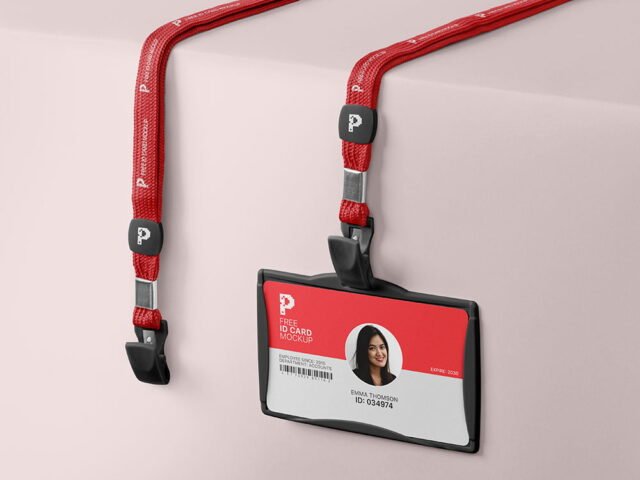
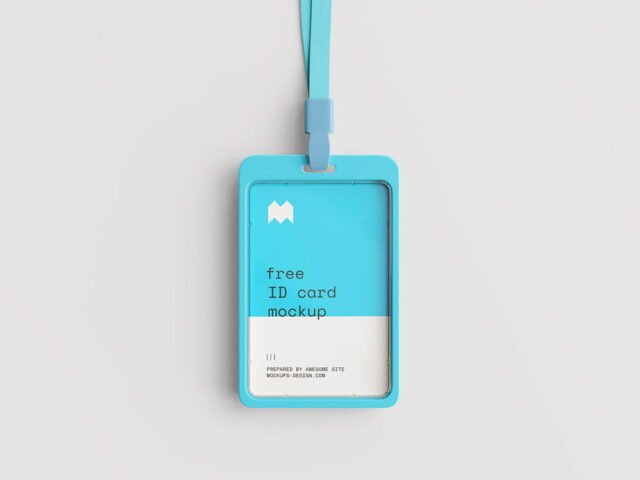
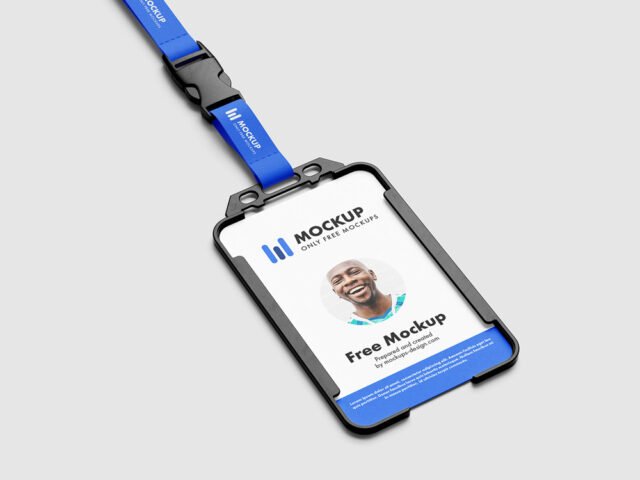
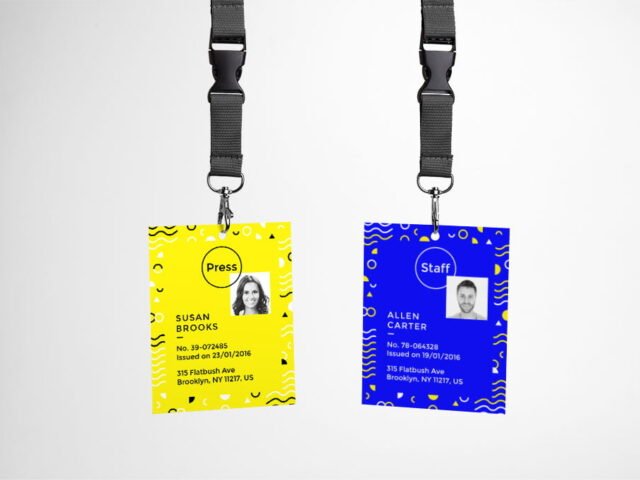
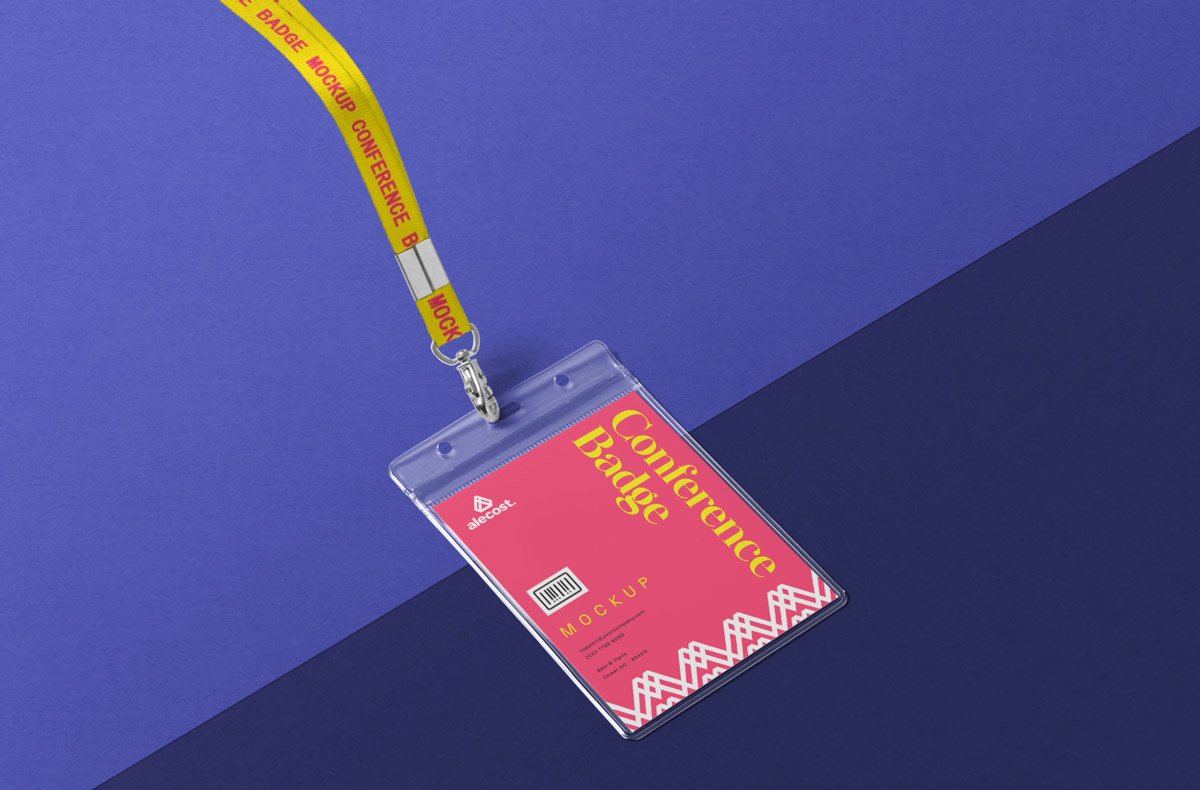
Conference Badge ID Card Mockup
What's inside
- Applications Photoshop
- File Types PSD
- License Free (see author's terms)
- Author Zippypixels
Need to show a membership card to a client? This conference badge ID card mockup does the job in a few minutes.
Corporate designers and fintech brands tend to get the most out of files like this. One thing worth knowing: use CMYK-friendly colours in the artwork itself, even though the mockup is RGB, so what the client sees is close to print.
Print jobs are expensive to redo, so a realistic preview before the order goes out is cheap insurance. If you’re building a full identity, pair it with an envelope or letterhead mockup for a matching set.
Works well for
- A membership card
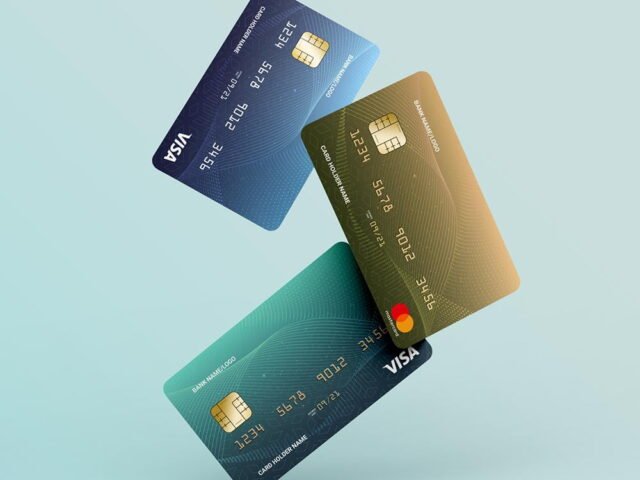
- A bank or gift card
- An ID badge
The file is made by Zippypixels. The download button takes you to their page, where you get the original file and the licence details.
Editable options in the Conference Badge ID Card Mockup PSD
Main things you can change in Photoshop:
- Your design, placed through the smart object
- Paper texture you can turn up or down
- Shadows and highlights on their own layers
How to use the Conference Badge ID Card Mockup
- Export your artwork as a high-resolution PNG or JPG, around 300 ppi at print size.
- Open the PSD in Photoshop and find the smart object layer, usually named “Your Design” or “Place Here”.
- Paste your design, resize it to fill the area, then save (Ctrl/Cmd + S) and close that tab.
- Save a JPG for clients and social media, and keep the PSD for later changes.
Keep text at least a few millimetres from the edge. The mockup shows the trim, and cramped margins read as a mistake.
Best uses for this Conference Badge ID Card Mockup
- Make two or three colour versions of a bank or gift card and let the client pick.
- Show a membership card on your online shop or product page.
- Present an ID badge in a client proposal or brand guide.
Before you download
- Made by Zippypixels. The download size and format are listed on their page.
- The preview shows the angle, background and lighting you’ll get.
- Some free mockups ask for credit when you post them. A short line in your caption is enough.
- Check the licence on the author’s page. Personal and commercial terms differ from file to file.
Scroll down for similar id card mockups from other designers.
Questions about this mockup
Is it free for commercial use?
That depends on the author's terms. The download page lists what is allowed; when in doubt, ask the author directly.
How do I add my design?
Open the file in Photoshop, double-click the smart object thumbnail, paste or place your artwork in the new tab, save it (Ctrl/Cmd + S) and close. The main file updates on its own.
Do I need Photoshop?
Yes. This is a PSD mockup built with smart objects, so you edit it in Adobe Photoshop. Any recent CC version works.
Will my artwork look printed or pasted on?
Most print mockups keep the paper texture and lighting on separate layers above your design, so it takes on the grain and shadows. If it still looks too clean, lower the opacity of your artwork a little.