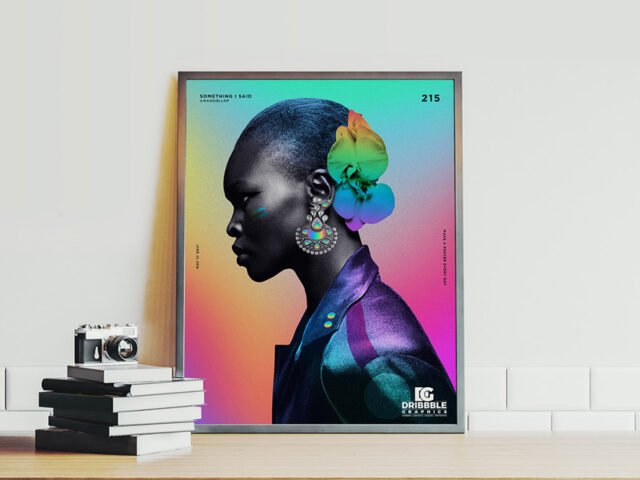
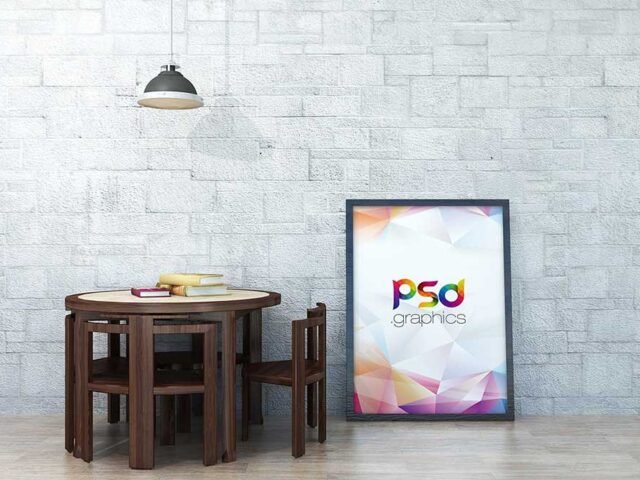
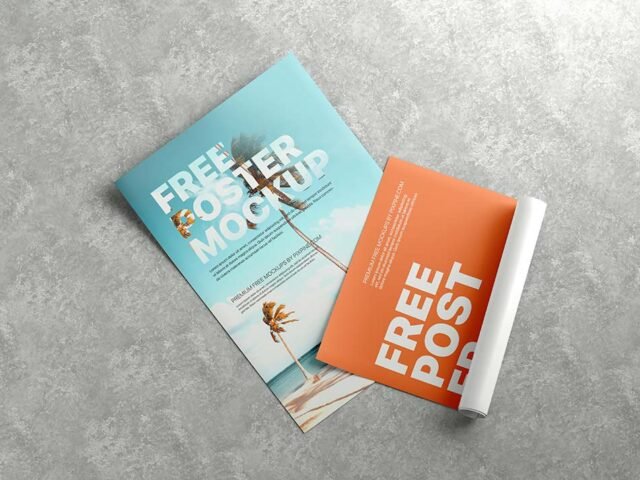
A5 Paper Mockup

What's inside
- Applications Photoshop
- File Types PSD
- License Free (see author's terms)
- Author Pixelbuddha
This A5 paper mockup is one of the simpler ways to present a campaign visual or a movie poster convincingly. The paper finish gives the preview a tactile look that flat artwork doesn’t have.
Good pick for graphic designers, illustrators or anyone putting together a portfolio. Quick tip: night or backlit scenes usually have a glow layer. Push it up for lightboxes, down for printed paper.
Showing a campaign in context helps clients see the scale; a design that feels loud on a laptop can look quiet on the street.
Good for
- A campaign visual
- A movie poster
- A gig poster
The file is made by Pixelbuddha. The download button takes you to their page, where you get the original file and the licence details.
Editable options in the A5 Paper Mockup PSD
Open it in Photoshop and you can change:
- Ad artwork, placed through the smart object
- Brightness to match the scene
- Glow layer for backlit scenes, where included
Add your design to the A5 Paper Mockup
- Export the ad artwork large so it stays sharp in the scene.
- In the Layers panel, find the layer with the small smart object icon and double-click it.
- Drop your artwork in, fit it to the canvas, save and close. The mockup updates by itself.
- Export a full-size image for your portfolio and a smaller one for social media.
One more thing: outdoor ads are read in a second or two. Big type and one image will look far better in this scene than a busy layout.
Best uses for this A5 Paper Mockup
- Present an art print in a client proposal or brand guide.
- Use it as the cover image for a movie poster in your portfolio.
- Show a gig poster to a client before it goes to print or production.
Quick notes on this mockup
- Made by Pixelbuddha. The download size and format are listed on their page.
- Check the smart object size before you design, so your artwork fits without stretching.
- Built for Adobe Photoshop. A recent CC version handles the smart objects best.
Need a different angle? The poster mockups category has plenty more free PSD files.
Questions about this mockup
Is it free for commercial use?
That depends on the author's terms. The download page lists what is allowed; when in doubt, ask the author directly.
How do I put my artwork on the poster?
Find the smart object layer (it has a small icon on its thumbnail), double-click it, place your design, then save and close that tab.
Which Photoshop version do I need?
A recent Photoshop CC version is best. Older versions can open the file but sometimes have trouble with smart objects and effects.
What ratio should my artwork be?
Open the smart object and check its canvas; design to that ratio. Most outdoor mockups use common print ratios, but it varies from file to file.