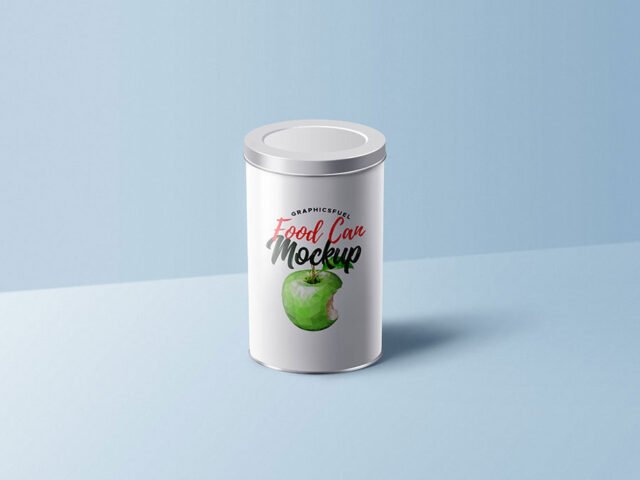
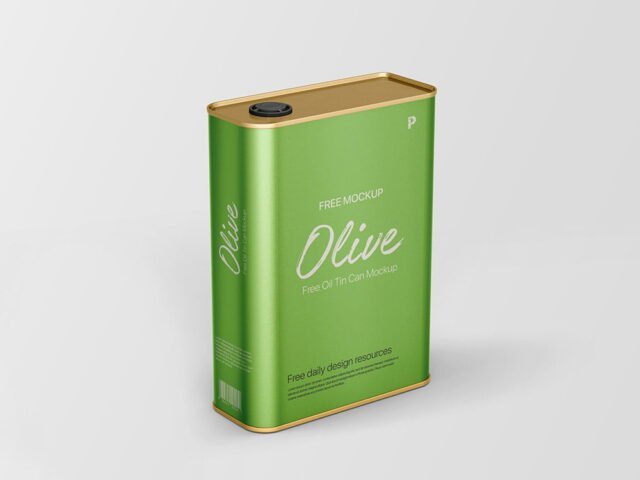
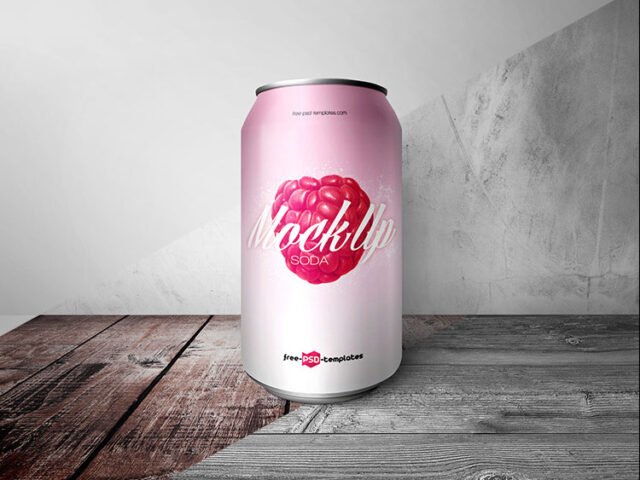
Beverage Tin Can Mockup
What's inside
- Applications Photoshop
- File Types PSD
- License Free (see author's terms)
- Author Dribbble Graphics
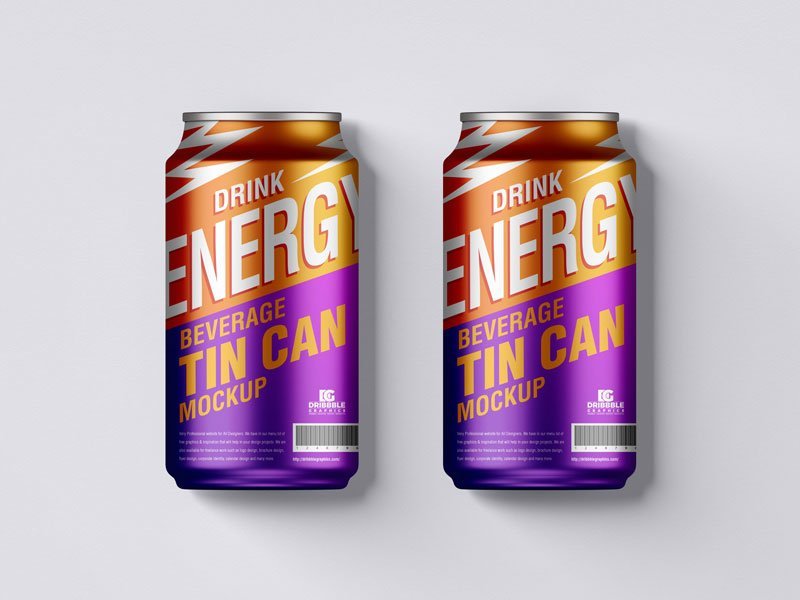
If you’re presenting a craft beer label, this beverage tin can mockup makes the idea feel real before anything is produced. The tin surface is the main character here, so designs with some contrast stand out best.
Useful for breweries as much as for packaging designers. Quick tip: metallic and glossy finishes look best with a little contrast in the label; very flat pastel labels can look printed on paper.
Labels behave differently once they wrap around a shape, and this is where you find out if yours still reads.
This is a free file from Dribbble Graphics. When you click download you’ll land on their page to grab it.
What you can edit in this Beverage Tin Can Mockup
Main things you can change in Photoshop:
- Label artwork, placed through the smart object
- Shadows
- Highlights and reflections
- Container colour
How to edit this Beverage Tin Can Mockup in Photoshop
- Design the label flat and keep the logo in the middle third, where the curve bends it least.
- In the Layers panel, find the layer with the small smart object icon and double-click it.
- Place your design, hide the sample artwork, save, and go back to the main file.
- Change the container colour.
- Export with File › Export › Export As: JPG for sharing, PNG for the web.
Labels on curved surfaces compress at the sides, so keep key text in the middle third.
Best uses for this Beverage Tin Can Mockup
- Show an energy drink wrap to a client before it goes to print or production.
- Present a craft beer label in a client proposal or brand guide.
- Show a soda design on your online shop or product page.
Quick notes on this mockup
- Made by Dribbble Graphics. The download size and format are listed on their page.
- Check the licence on the author’s page. Personal and commercial terms differ from file to file.
- Built for Adobe Photoshop. A recent CC version handles the smart objects best.
Browse more free can mockups on Artistic Orbit, with new files added every day.
Questions about this mockup
Is it free for commercial use?
That depends on the author's terms. The download page lists what is allowed; when in doubt, ask the author directly.
How do I put my artwork on the can?
Find the smart object layer (it has a small icon on its thumbnail), double-click it, place your design, then save and close that tab.
Do I need Photoshop?
Yes. This is a PSD mockup built with smart objects, so you edit it in Adobe Photoshop. Any recent CC version works.
Will the label bend with the shape?
Good curved-product mockups use a warp so the label wraps around. The preview shows it: if the edges of the label curve away, it does.
Why does the download open another website?
We list free files from designers around the web and link to the original page, so Dribbble Graphics gets the visit and you get the file exactly as they published it.