Paint Can Mockup PSD
What's inside
- Applications Photoshop
- File Types PSD
- License Free (see author's terms)
- Author Mockupful
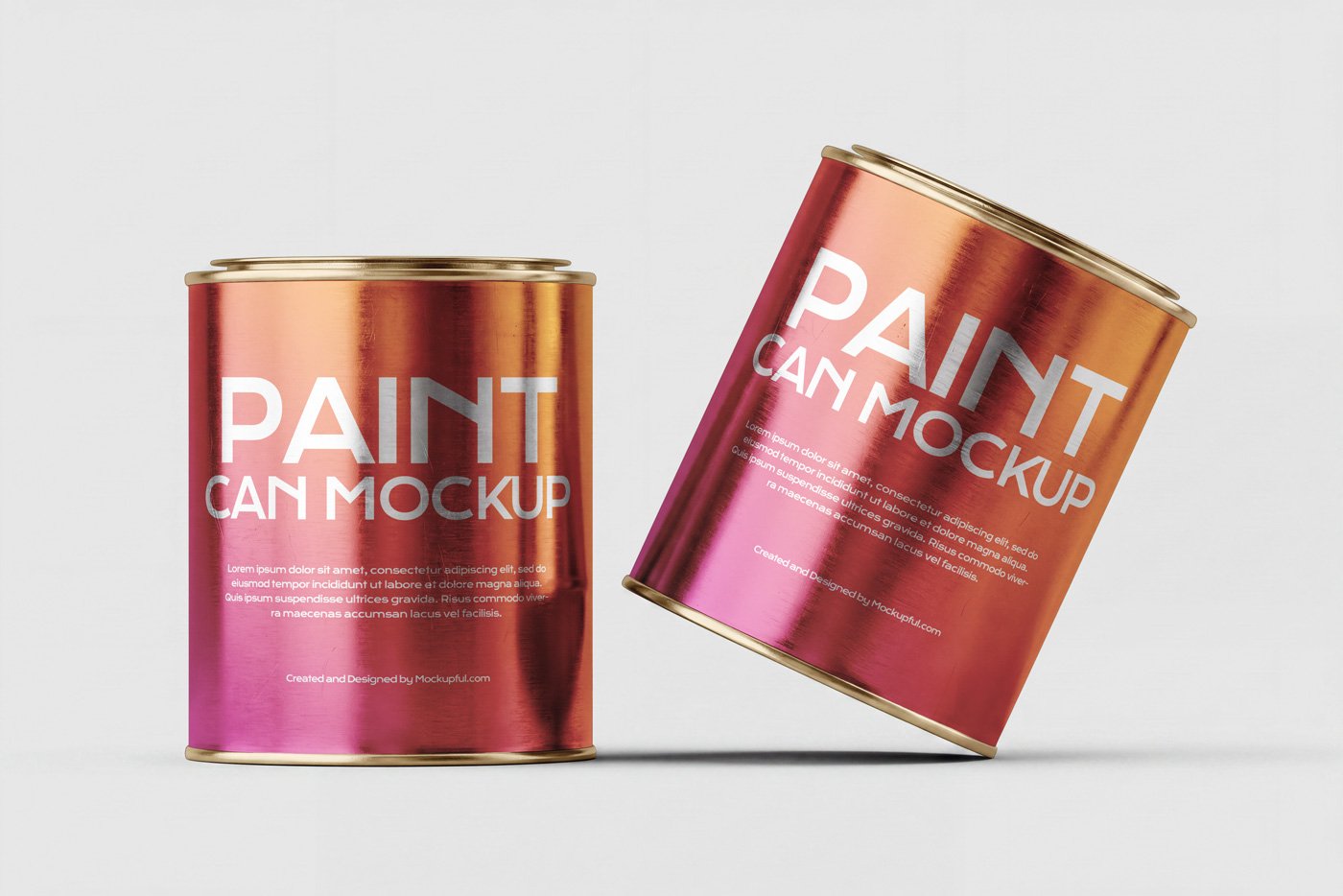
A paint can mockup, made for presenting a soda design. Drop in your artwork and the lighting and shadows stay as they are.
It’s a handy file for breweries and beverage startups. One thing worth knowing: metallic and glossy finishes look best with a little contrast in the label; very flat pastel labels can look printed on paper.
Labels behave differently once they wrap around a shape, and this is where you find out if yours still reads. A shelf of two or three variants in different colours makes a strong hero image.
This is a free file from Mockupful. When you click download you’ll land on their page to grab it.
What’s inside the Paint Can Mockup PSD
Everything below is on its own layer:
- Label artwork, placed through the smart object
- Container colour
- Shadows
- Background colour
How to use the Paint Can Mockup
- Export the label at the size of the smart object.
- Open the PSD in Photoshop and find the smart object layer, usually named “Your Design” or “Place Here”.
- Drop your artwork in, fit it to the canvas, save and close. The mockup updates by itself.
- Export a full-size image for your portfolio and a smaller one for social media.
Leave a little breathing room around the label edge so the highlight strip does not cut through your logo.
Best uses for this Paint Can Mockup
- Show a craft beer label to a client before it goes to print or production.
- Share a soda design on Instagram, Behance or Dribbble with a real-looking preview.
- Present an energy drink wrap in a client proposal or brand guide.
Good to know
- Made by Mockupful. The download size and format are listed on their page.
- The preview shows the angle, background and lighting you’ll get.
- Check the smart object size before you design, so your artwork fits without stretching.
- Some free mockups ask for credit when you post them. A short line in your caption is enough.
Scroll down for similar can mockups from other designers.
Questions about this mockup
What licence does it come with?
It's free to download, but the licence belongs to Mockupful. Check their page: it states whether commercial use is allowed and if attribution is needed.
How do I add my design?
Open the file in Photoshop, double-click the smart object thumbnail, paste or place your artwork in the new tab, save it (Ctrl/Cmd + S) and close. The main file updates on its own.
Which Photoshop version do I need?
A recent Photoshop CC version is best. Older versions can open the file but sometimes have trouble with smart objects and effects.
Can I change the liquid or container colour?
Most bottle, can and cup mockups keep the container colour on its own layer. Liquid colour, where visible, is usually adjustable too.
Why does the download open another website?
We list free files from designers around the web and link to the original page, so Mockupful gets the visit and you get the file exactly as they published it.