City Life Icons Collection
What's inside
- Applications Illustrator
- File Types Vector icons
- License Free (see author's terms)
- Author Pixelbuddha
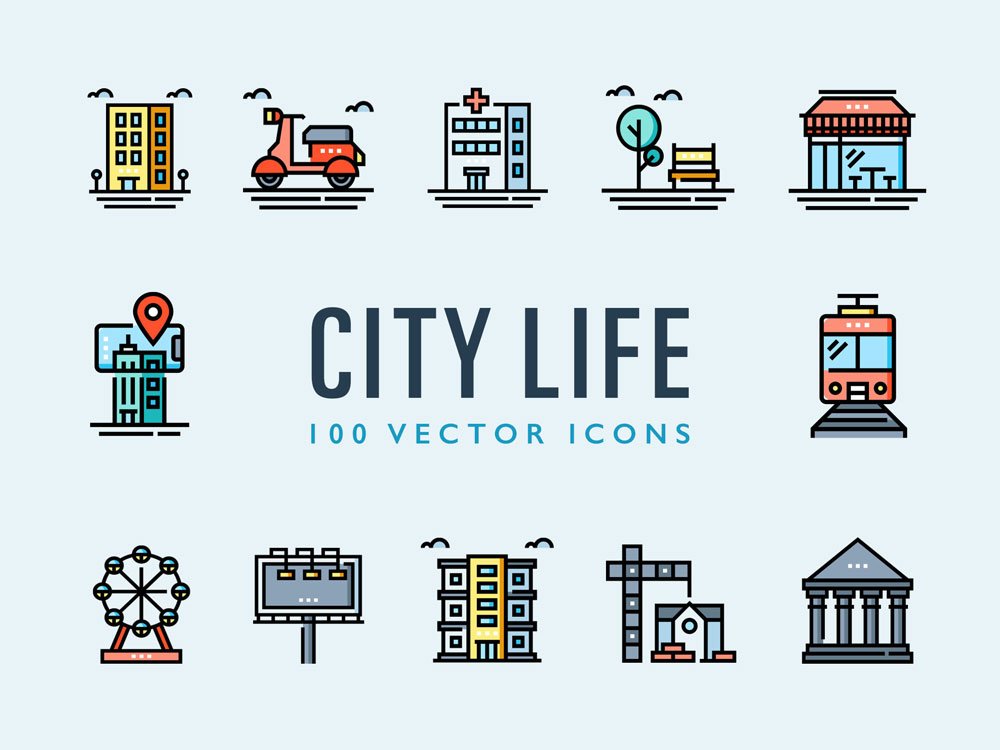
City Life Icons Collection is an icon set that suits apps, presentations and infographics. Having several angles in one download saves you hunting for a matching second shot.
Developers and presentation makers tend to get the most out of files like this. One thing worth knowing: try the pack on a real project before adding it to your library; it’s the quickest way to see if the style fits.
Free resources like this are a good way to try a style before committing to a paid pack.
The file is made by Pixelbuddha. The download button takes you to their page, where you get the original file and the licence details.
How to use the City Life Icons Collection
- Download the set from the author’s page and unzip it.
- Open the SVG or AI file in Illustrator, or place it in Photoshop.
- Change the colour and stroke to fit your design.
- Export the icons you need as SVG or PNG.
Worth remembering: read the author’s notes on the download page. Asset packs often include install steps or usage limits.
Before you download
- Made by Pixelbuddha. File size and format are listed on their page.
- Some free packs ask for credit when used publicly.
- Check the licence on the author’s page, especially for client work.
- The preview shows exactly what’s included.
More free icons are listed below, each linking to the original author.
Questions about this mockup
What licence does it come with?
That depends on the author's terms. The download page lists what is allowed; when in doubt, ask the author directly.
Can I change the icon colour and size?
Vector icons (AI, SVG, EPS) scale and recolour freely. PNG versions are fixed-size, so use the vector files when you can.
Why does the download open another website?
We list free files from designers around the web and link to the original page, so Pixelbuddha gets the visit and you get the file exactly as they published it.