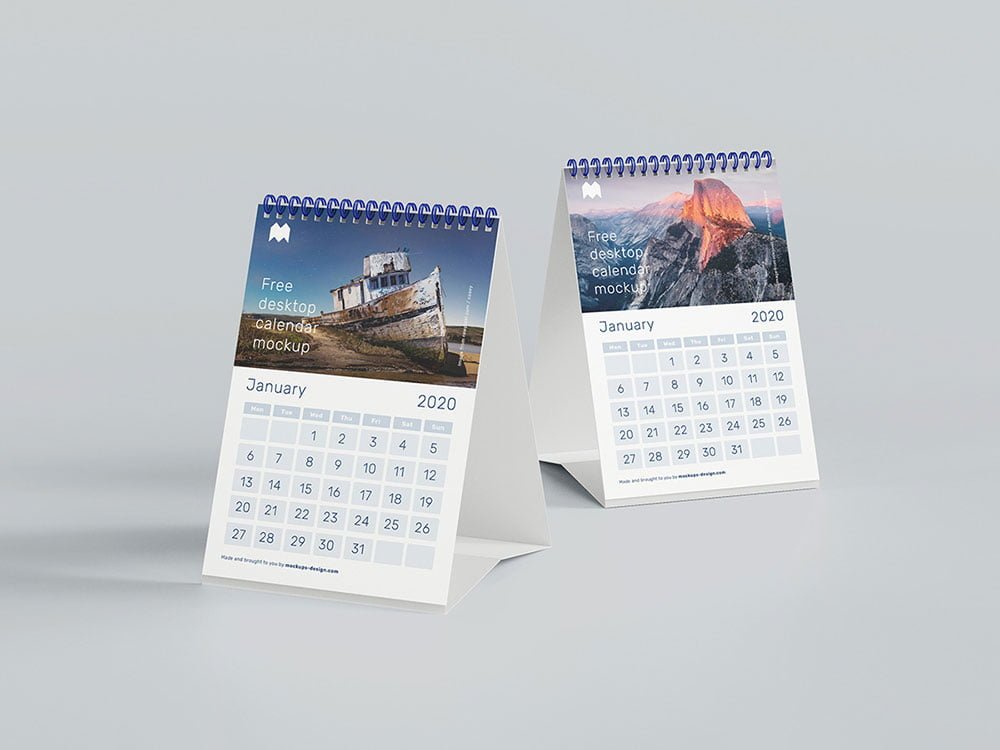
A5 Desk Calendar Mockup
What's inside
- Applications Photoshop
- File Types PSD
- License Free (see author's terms)
- Author Mockups Design
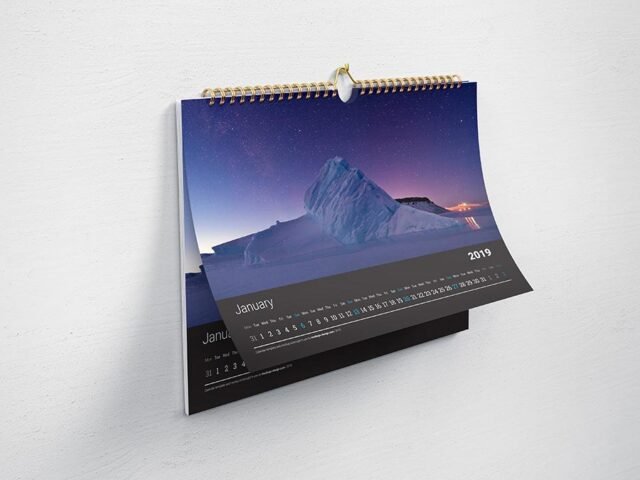
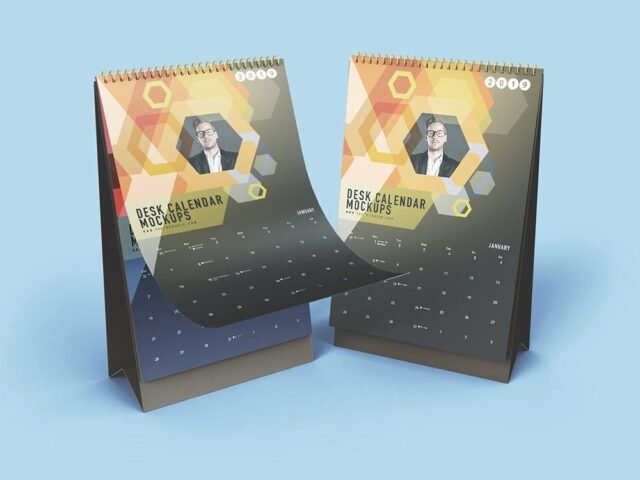
An A5 desk calendar mockup, made for presenting a yearly calendar. Drop in your artwork and the lighting and shadows stay as they are.
Photographers and corporate designers tend to get the most out of files like this. A small tip: use CMYK-friendly colours in the artwork itself, even though the mockup is RGB, so what the client sees is close to print.
Clients sign off faster when they can picture the finished piece, and a flat PDF rarely does that as well as a photo of the calendar.
Use it for
- A yearly calendar
- A corporate gift calendar
- A desk calendar
This is a free file from Mockups Design. When you click download you’ll land on their page to grab it.
A5 Desk Calendar Mockup: editable parts
The PSD is layered, so you can change:
- Your design, placed through the smart object
- Paper texture you can turn up or down
- Front and back artwork, where both sides are shown
Add your design to the A5 Desk Calendar Mockup
- Set up the design flat at the real print size and keep text inside a safe margin.
- In the Layers panel, find the layer with the small smart object icon and double-click it.
- Drop your artwork in, fit it to the canvas, save and close. The mockup updates by itself.
- Tweak the shadow and highlight layers to suit your colours.
- Save a JPG for clients and social media, and keep the PSD for later changes.
One more thing: export your artwork at the size the smart object asks for; scaling a small file up is the usual reason print mockups look soft.
Best uses for this A5 Desk Calendar Mockup
- Make two or three colour versions of a yearly calendar and let the client pick.
- Show a desk calendar on your online shop or product page.
- Show a corporate gift calendar to a client before it goes to print or production.
Good to know
- Made by Mockups Design. The download size and format are listed on their page.
- Built for Adobe Photoshop. A recent CC version handles the smart objects best.
- Check the licence on the author’s page. Personal and commercial terms differ from file to file.
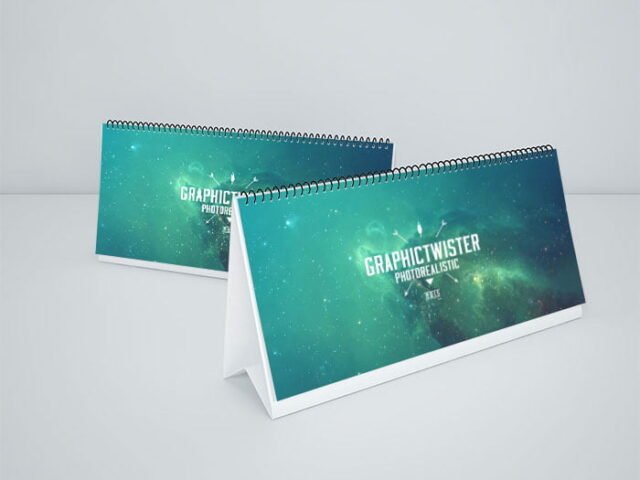
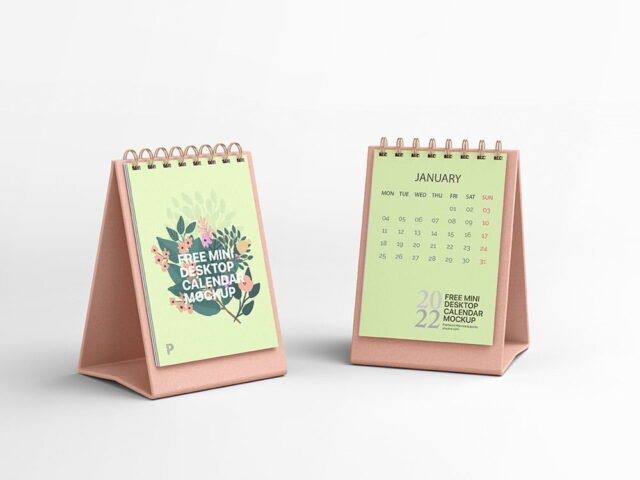
- The preview shows the angle, background and lighting you’ll get.
Scroll down for similar calendar mockups from other designers.
Questions about this mockup
Can I use this calendar mockup for client work?
Mockups Design sets the licence, and it can differ from file to file. Many free files allow personal and commercial use, but some are personal-only or ask for credit. Read the terms on the download page before a paid project.
How do I put my artwork on the calendar?
Find the smart object layer (it has a small icon on its thumbnail), double-click it, place your design, then save and close that tab.
Which Photoshop version do I need?
A recent Photoshop CC version is best. Older versions can open the file but sometimes have trouble with smart objects and effects.
Will my artwork look printed or pasted on?
Most print mockups keep the paper texture and lighting on separate layers above your design, so it takes on the grain and shadows. If it still looks too clean, lower the opacity of your artwork a little.
Why does the download open another website?
We list free files from designers around the web and link to the original page, so Mockups Design gets the visit and you get the file exactly as they published it.