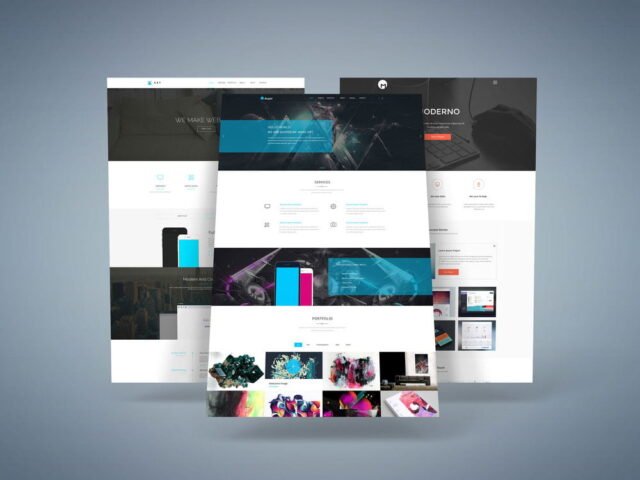
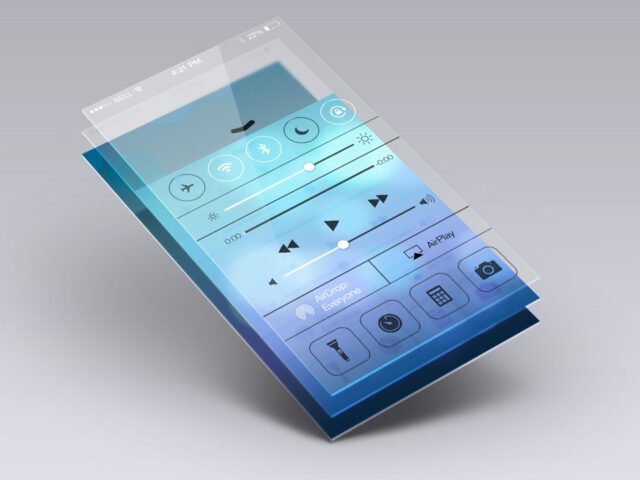
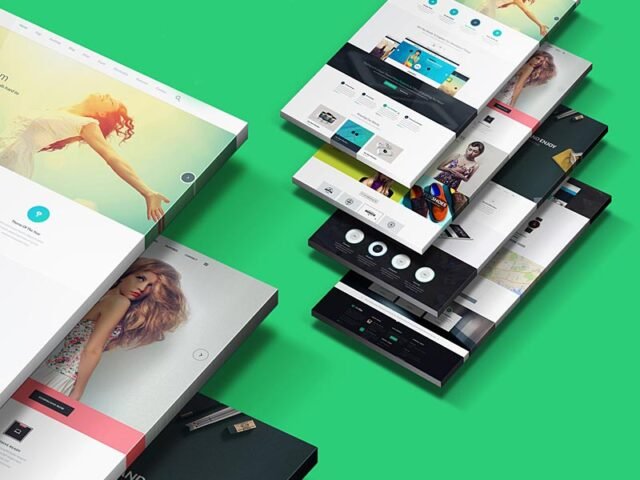
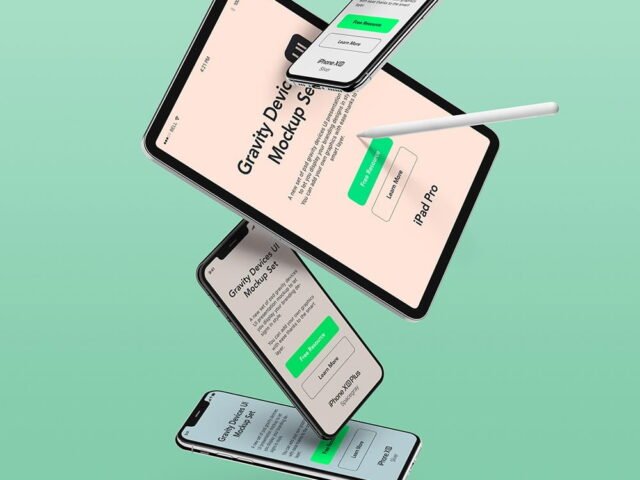
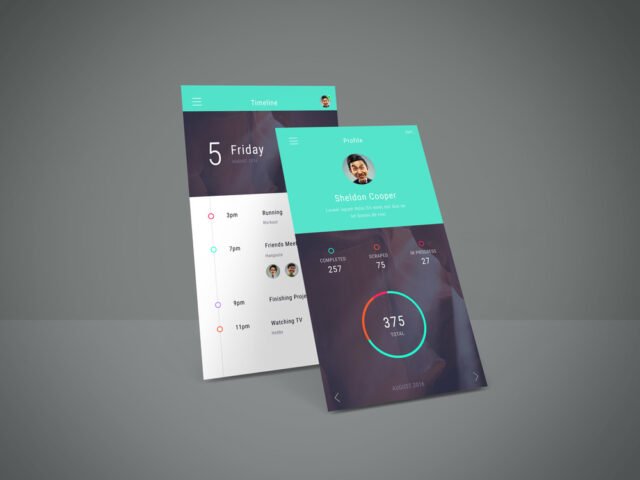
App Screens Perspective Mockup

What's inside
- Applications Photoshop
- File Types PSD
- License Free (see author's terms)
- Author GraphicBurger
Presenting a case study header? Put it on this app screens perspective mockup and the client sees the real thing, not a flat file.
Good pick for Dribbble posters, UI/UX designers or anyone putting together a portfolio. A small tip: screenshots with a white background can blend into the bezel; a thin shadow or darker UI reads better.
It’s also a quick way to make case study images look consistent: same device, same angle, different screens. Pair it with a second device from the same angle to show a responsive layout.
Credit goes to GraphicBurger. We link to their download page rather than re-uploading the file, so check their terms there before commercial use.
Editable options in the App Screens Perspective Mockup PSD
Open it in Photoshop and you can change:
- Screen design, placed through the smart object
- Device colour, where the file includes it
- Shadow under the device
How to use the App Screens Perspective Mockup
- Export your screen design as a PNG at the exact size of the screen smart object.
- In the Layers panel, find the layer with the small smart object icon and double-click it.
- Place your design, hide the sample artwork, save, and go back to the main file.
- Export a full-size image for your portfolio and a smaller one for social media.
Worth remembering: make your screen design at the exact pixel size of the smart object, otherwise text on the screen turns blurry.
Ways to use this App Screens Perspective Mockup
- Show a case study header to a client before it goes to print or production.
- Share several app screens on Instagram, Behance or Dribbble with a real-looking preview.
- Present a UI kit preview in a client proposal or brand guide.
Good to know
- Made by GraphicBurger. The download size and format are listed on their page.
- The preview shows the angle, background and lighting you’ll get.
- Check the smart object size before you design, so your artwork fits without stretching.
- Built for Adobe Photoshop. A recent CC version handles the smart objects best.
Browse more free app screen mockups on Artistic Orbit, with new files added every day.
Questions about this mockup
Is it free for commercial use?
It's free to download, but the licence belongs to GraphicBurger. Check their page: it states whether commercial use is allowed and if attribution is needed.
How do I add my design?
Open the file in Photoshop, double-click the smart object thumbnail, paste or place your artwork in the new tab, save it (Ctrl/Cmd + S) and close. The main file updates on its own.
Which Photoshop version do I need?
A recent Photoshop CC version is best. Older versions can open the file but sometimes have trouble with smart objects and effects.
What size should my screenshot be?
Open the screen smart object and check its canvas size in Image › Canvas Size. Paste your screenshot at that size so it stays sharp.